

 Français
Top Accounting Software for Sole Traders (Micro-Entrepreneurs) in 2025
Simplify your bookkeeping with our reliable and intuitive accounting software for sole traders.

Finding the right accounting software: a guide for sole traders
Running a sole trader (micro-entrepreneur) business means constantly juggling growth with accounting obligations. Invoices, VAT, tax returns: these time-consuming tasks can quickly become a real headache and keep you from focusing on what matters. Fortunately, solutions exist to simplify your financial management. Choosing the right accounting software is a key step in optimizing your time and resources.
This comparison guide will help you navigate the world of accounting software and identify the one that fits your needs perfectly. Whether you’re an e-commerce freelancer, an independent consultant, a multi-platform seller, a content creator, or a service provider, the solutions available on the French market offer a wide range of features. They let you automate your accounting processes, from creating quotes to producing detailed financial reports.
Several questions come to mind: how do you choose the software best suited to your business and your budget? Which criteria should you prioritize for efficient, stress-free accounting? Should you go for a simple, intuitive solution or a more complete tool with advanced features? For example, multi-currency management or bank synchronization are attractive options. This guide will help answer these questions.
We analyzed and compared 7 accounting tools for sole traders in 2025, taking into account the specifics of the French market. From the most accessible solution to the most comprehensive, including offers dedicated to independent professionals or e-commerce sellers, we give you a full overview. Strengths, weaknesses, pricing and technical support: we reviewed the key points to help you make the most informed choice. Get ready to simplify your accounting and save precious time!
1. Bizyness
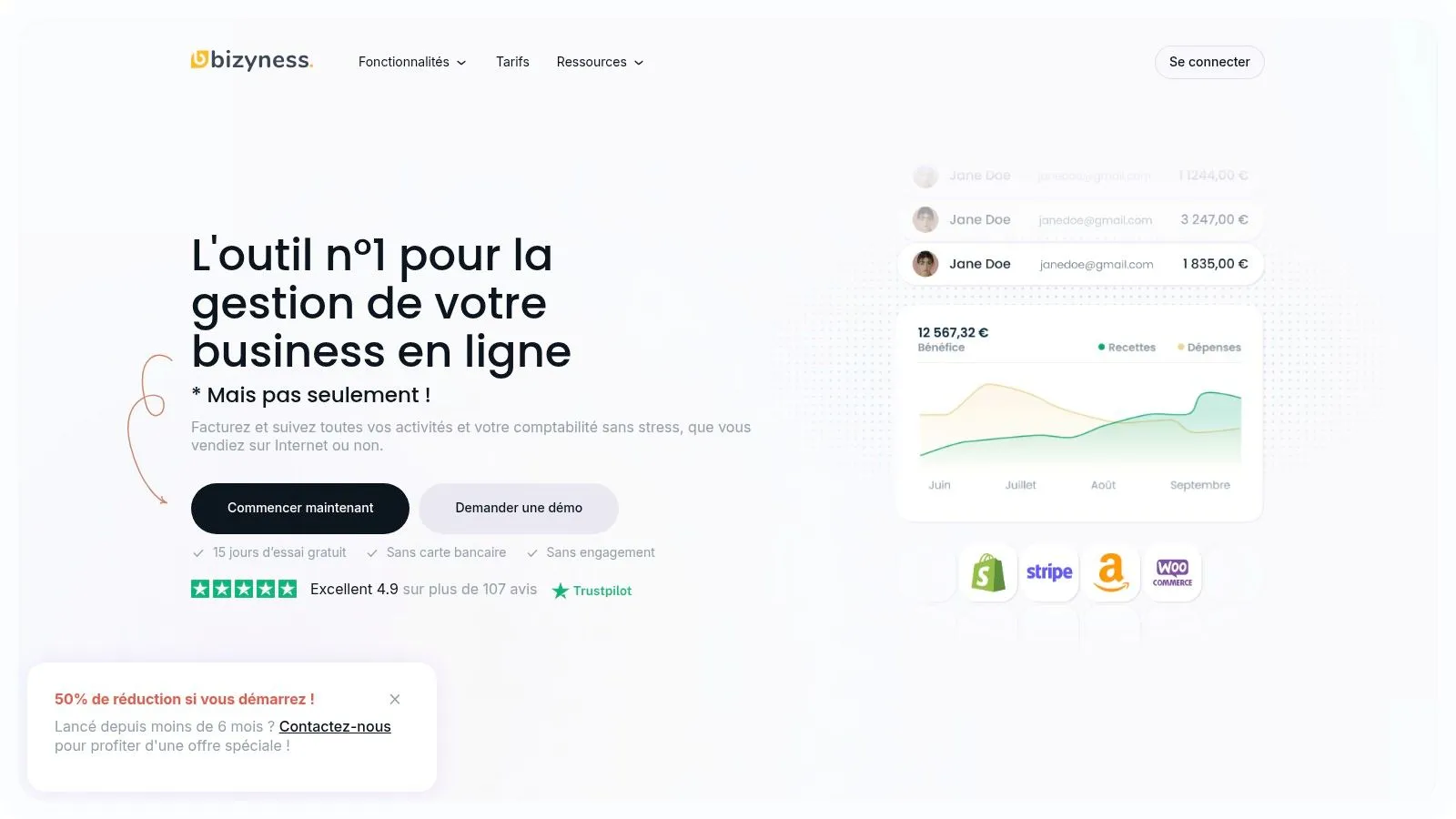
Bizyness positions itself as the ideal tool to simplify the accounting management of sole traders, freelancers and small French businesses. This software centralizes and automates a wide range of tasks, from invoicing to VAT management, including bank synchronization and the production of tax documents. Its intuitive interface is a major asset, making it accessible even to users without accounting expertise. This lets entrepreneurs focus on their core business.
For entrepreneurs looking to optimize their time and resources, Bizyness offers a complete, accessible solution. Its versatility and adaptability make it a relevant choice for a broad audience. Whether your business is online, for example via Shopify, or offline, Bizyness adapts. Several subscription plans are available, letting you choose the one that best fits your needs. The excellent rating of 4.9 out of more than 107 reviews reflects customer satisfaction.
Features and benefits for French sole traders
Bizyness offers a range of features designed to make life easier for sole traders:
-
Automation: Invoicing, VAT, tax filings, and bank transaction tracking are automated, reducing the time spent on these tasks and the risk of errors.
-
Intuitive interface: Navigation is smooth and the design polished, making it easy to get started even without in-depth accounting knowledge.
-
Integrations: Easily connect Bizyness to your tools and bank accounts for automatic data synchronization.
-
Pricing flexibility: From free plans to more comprehensive subscriptions (Pro, Business and Elite), Bizyness offers a plan suited to every stage of a business’s life.
Additional features
Beyond the core features, Bizyness also offers:
-
Multi-currency and multi-language support: An asset for businesses with international activity.
-
Robust API: To securely transfer your data efficiently.
-
Quality customer support: Responsive assistance is available to answer your questions.
Pricing and setup
Bizyness offers a free plan ideal for getting started, as well as paid plans (Pro, Business, Elite) with more advanced features. Check their website for more pricing details. Setup is quick and simple thanks to an intuitive interface and online resources.
Pros and cons
Strengths:
- Automated accounting tasks
- Friendly interface and smooth integrations
- Free plan and flexible paid plans
- Excellent customer support
Weaknesses:
- Limited features in the free version
- Some advanced features reserved for paid plans
Conclusion
Bizyness is a high-performing accounting solution for sole traders and freelancers in France. Its free offer, ease of use and many features make it a valuable tool for managing your accounting and focusing on growing your business.
Website: https://www.bizyness.fr
2. Indy
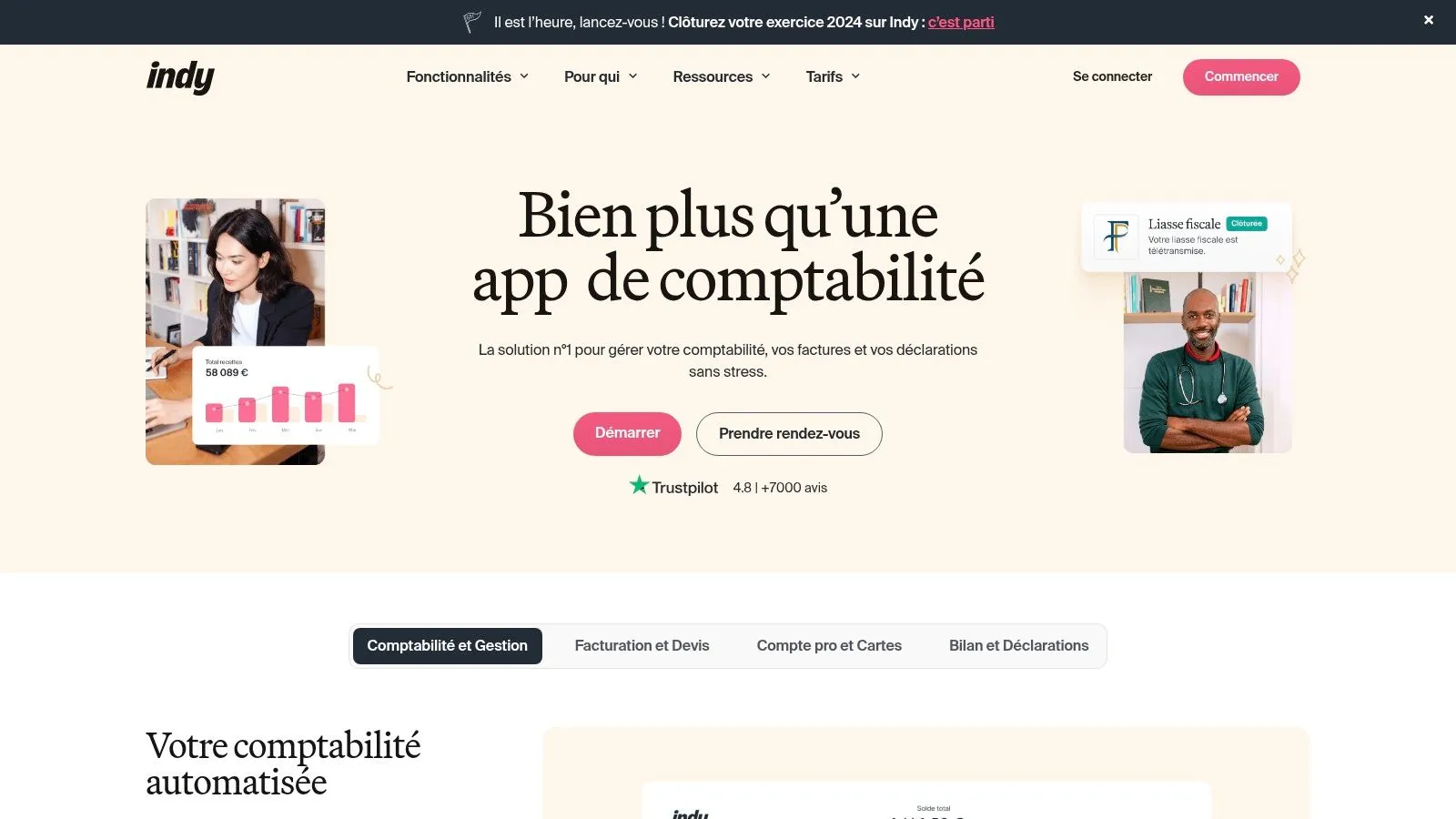
Indy positions itself as a particularly interesting all-in-one solution for French sole traders and freelancers. Indy’s main goal is to simplify administrative management, a considerable asset for independents who are often overwhelmed by these tasks. Its intuitive interface, comprehensive features and attractive pricing earn it a well-deserved place in this selection.
Who is it for? Indy is ideal for sole traders in e-commerce, service providers, content creators, and more broadly, any independent looking to automate their accounting and invoicing without breaking the bank. Whether you sell online, in person, or across multiple platforms, Indy centralizes all your data for simplified management.
Key features and practical applications
Here are the key features offered by Indy:
-
Automated invoicing with customizable templates: Create professional invoices quickly and easily, personalizing them to your brand. Save time and polish your image with clients.
-
Expense tracking with automatic categorization: Import your bank statements and let Indy classify your expenses automatically. A precious time saver for analyzing your business.
-
Financial reports and dashboards: Visualize your business’s financial health with clear, precise reports. Track your revenue, expenses and profitability in real time.
-
Integrated client and project management: Centralize your client information and manage your projects efficiently. An asset for optimizing your organization and client follow-up.
-
Mobile app available: Access your data and manage your business wherever you are.
Pros
Indy offers several advantages:
-
Intuitive interface suited to non-accountants: No need to be an accounting expert to use Indy. The interface is simple and accessible, even for beginners.
-
All-in-one solution (invoicing, accounting, client management): Indy brings together all the essential tools for running a micro-business. No more juggling between different pieces of software.
-
Affordable pricing with a free trial: With plans starting at €5.99/month, Indy offers competitive pricing and lets you try the solution for free before subscribing.
Cons
Despite its strengths, Indy has a few drawbacks:
-
Less advanced accounting features than specialized solutions: For very specific accounting needs, Indy may prove limited. It’s important to precisely assess your needs before choosing this solution.
-
May lack certain French tax specifics: Although suited to the sole trader (micro-entrepreneur) scheme, certain French tax particularities may not be fully covered. Check compatibility with your business.
-
Customer support can sometimes be limited: Customer support can occasionally be hard to reach or lack responsiveness.
Pricing and technical setup
Indy offers several subscription plans starting at €5.99/month. The app is accessible online and via a mobile app, with no software installation required.
Implementation tips
A few tips to get started with Indy:
- Take advantage of the free trial period to explore the features and get familiar with the interface.
- Import your client and product data to save time from the start.
- Set up expense categories for precise tracking of your business.
In conclusion, Indy is a relevant solution for French sole traders and freelancers looking for a simple, affordable and comprehensive tool to manage their business. Its features cover most administrative needs, saving considerable time to focus on growing your business. It is, however, important to consider the potential limitations regarding French tax specifics and more complex accounting features.
3. Zervant
Zervant positions itself as an online invoicing and accounting solution ideal for sole traders and small businesses in France. Its popularity comes from its ease of use, its intuitive interface and its features designed to make administrative management easier for independents. Whether you’re an e-commerce seller, a consultant, a coach or a content creator, Zervant can help you automate certain time-consuming tasks.
Imagine: you’ve just finished a job for a client. With Zervant, creating an invoice compliant with French law takes only a few moments. The software automatically handles numbering and adds the mandatory legal notices, saving you from mistakes that could cost you dearly. You can then send the invoice directly by email and track its payment. In case of delay, Zervant even generates automatic reminders, saving you precious time.
Key features for sole traders
- Creation of quotes and invoices compliant with French law: An essential asset to guarantee the compliance of your documents.
- Payment tracking and automatic reminders: Optimize your collections and limit unpaid invoices.
- Client and product/service management: Centralize your client and product data for simplified management.
- Basic financial reports: Get an overview of your business and track the growth of your revenue.
- Export of accounting data: Make it easier to collaborate with your accountant.
Pricing and versions
Zervant offers a free version with limited features, perfect for discovering the software. For more advanced features, such as automatic reminders or access to more detailed reports, paid subscriptions are available starting at €8/month. This flexibility lets sole traders choose the plan that matches their needs and budget.
Pros
- Free version available: Ideal for testing the software and using it for simple needs.
- Simple and intuitive interface: Easy to get started with, even without management experience.
- Compliance with French law: Ensures the validity of your accounting documents.
- Data export for collaboration with an accountant: Simplifies exchanges with your accountant.
Cons
- Limited accounting features in the free version: Certain features, such as automatic reminders, are reserved for paid versions.
- No full mobile app: Mobile access is possible via the browser, but a dedicated app with all the features would be a plus.
- Limited bank integrations: Integration with certain banks could be improved.
Implementation tips
Getting started with Zervant is quick and intuitive. Start by creating your account and importing your client and product/service lists. Then, familiarize yourself with the features and customize your quote and invoice templates to your brand.
Comparison with similar tools
Zervant is an interesting alternative to solutions like Facture.net or Freebe, notably thanks to its ease of use and clean interface.
Website
Zervant is a practical tool for French sole traders looking for a simple, effective solution to manage their invoicing and accounting. The free version, its intuitive interface and essential features make it a relevant choice for entrepreneurs who want to focus on their core business and simplify their administrative tasks.
4. Georges
Georges positions itself as a valuable assistant for French sole traders and freelancers, particularly those in the e-commerce sector. Its main strength? An automated approach to accounting. If simplifying your URSSAF filings, efficiently managing your invoices and precisely tracking your business expenses are priorities, Georges deserves your full attention.
This 100% French accounting software uses artificial intelligence (AI) to automatically categorize your bank transactions. A considerable time saver that frees you from the tedious task of manually sorting your bank statements. AI also plays a role in automatically recognizing receipts, optimizing the management of your expenses.
Georges offers plans tailored to different schemes (micro-entrepreneur, independent professionals, etc.) starting at €10/month. This price, higher than some basic solutions, is justified by the advanced features and level of automation offered.
Key features for sole traders
-
Bank synchronization and automatic transaction categorization: Connect your bank account and let Georges analyze and classify your transactions. An undeniable advantage for multi-platform sellers or those with strong online activity.
-
Automatic calculation of social contributions and taxes: Georges calculates the amount of your contributions and taxes, sparing you errors and potential adjustments.
-
Preparation of tax filings: The software prepares your filings, simplifying this often complex legal obligation.
-
Integrated invoicing module: Create and send professional invoices directly from the interface. An indispensable tool for service providers and content creators.
-
AI for automatic receipt recognition: Photograph your receipts, Georges analyzes and archives them automatically for simplified, efficient management.
Advantages of Georges
-
Modern, intuitive interface: Georges is easy to use, even for accounting beginners.
-
Advanced automation powered by AI: Save time and minimize the risk of errors.
-
Adaptation to French tax specifics: An essential point for the compliance of your business.
-
Responsive customer support based in France: Enjoy personalized assistance in French.
Drawbacks of Georges
-
Higher price than some alternatives (starting at €10/month): Analyze your needs and budget before committing.
-
Requires an adjustment period to configure automation: Set up the software carefully for optimal use.
-
Advanced features reserved for higher-tier plans: Sole traders with complex needs may need to subscribe to a more expensive plan.
Implementation tips
-
Precisely configure the automatic categorization rules to optimize the AI’s efficiency.
-
Check out the tutorials and documentation available on the Georges website.
-
Contact customer support for any questions or difficulties.
Conclusion
Georges is a high-performing, innovative accounting software, ideal for French sole traders and freelancers. It offers an automated, intuitive solution for accounting management. Its price, potentially higher than other solutions, is offset by the features and time savings it provides. Visit the Georges website for more information and a free trial.
5. QuickBooks Self-Employed
QuickBooks Self-Employed is an online accounting solution designed for sole traders and freelancers in France. Its main goal is to simplify financial management. How? By automating certain tasks and offering an intuitive interface, accessible even without accounting expertise. If you’re an e-commerce seller, a consultant, a coach, or another type of service provider, and you’re looking for a tool to lighten your administrative load, QuickBooks Self-Employed could interest you.
This software offers several key features for French sole traders:
-
Automatic expense separation: QuickBooks Self-Employed stands out for its ability to categorize business and personal expenses. By connecting your bank account, the software automatically identifies transactions related to your business. A considerable time saver for your tax filings and budget management.
-
Integrated mileage tracking: A major asset for professionals who are often on the road. Mileage tracking, thanks to its built-in GPS, simplifies the calculation of deductible travel expenses. Forget the logbook!
-
Receipt capture and organization: Photograph your receipts with the mobile app and QuickBooks automatically matches them to transactions. A powerful digital filing system for clear, precise expense tracking.
-
Quarterly tax estimation: Anticipate your tax charges thanks to automatic quarterly tax estimates. An essential feature for managing your cash flow and avoiding surprises.
-
Comprehensive financial dashboard: View the state of your finances at a glance thanks to an intuitive dashboard. Track your revenue, expenses and net profit for efficient management of your business.
Advantages of QuickBooks Self-Employed
Here are a few advantages of using this software:
-
High-performing mobile app: Manage your accounting anywhere thanks to the intuitive, comprehensive mobile app.
-
Simplified bank integration: Easily connect your bank accounts for automatic transaction synchronization.
-
User-friendly interface: Getting started is quick and simple, even without accounting experience.
Drawbacks of QuickBooks Self-Employed
Despite its strengths, QuickBooks Self-Employed has a few drawbacks:
-
Adaptation to the French market: Certain French tax specifics could be better integrated compared to solutions designed specifically for France.
-
Limited invoicing: The invoicing module, relatively basic, may not suit businesses with complex needs.
-
Cost of add-on modules: The base offer is attractive (starting at €7.20/month with a free trial period), but some advanced features are paid.
Comparison with other tools
Software like Indy or Tiime are interesting alternatives, notably for better adaptation to French tax requirements. However, QuickBooks Self-Employed stands out for its intuitive interface and high-performing mobile app, assets for beginner entrepreneurs or those looking for simplicity.
Implementation tips
For optimal use:
-
Take advantage of the free trial period to test the tool and get familiar with the interface.
-
Connect your bank accounts from the start to automate transaction tracking.
-
Use the mobile app to manage your accounting wherever you are.
Conclusion
QuickBooks Self-Employed is a practical, accessible online accounting solution for sole traders and freelancers in France. Its intuitive interface, high-performing mobile app and expense and mileage tracking features simplify financial management and optimize tax deductions. Don’t forget to consider the limitations of the invoicing module and the adaptation to the specifics of the French market before deciding.
QuickBooks Self-Employed website
6. Shine
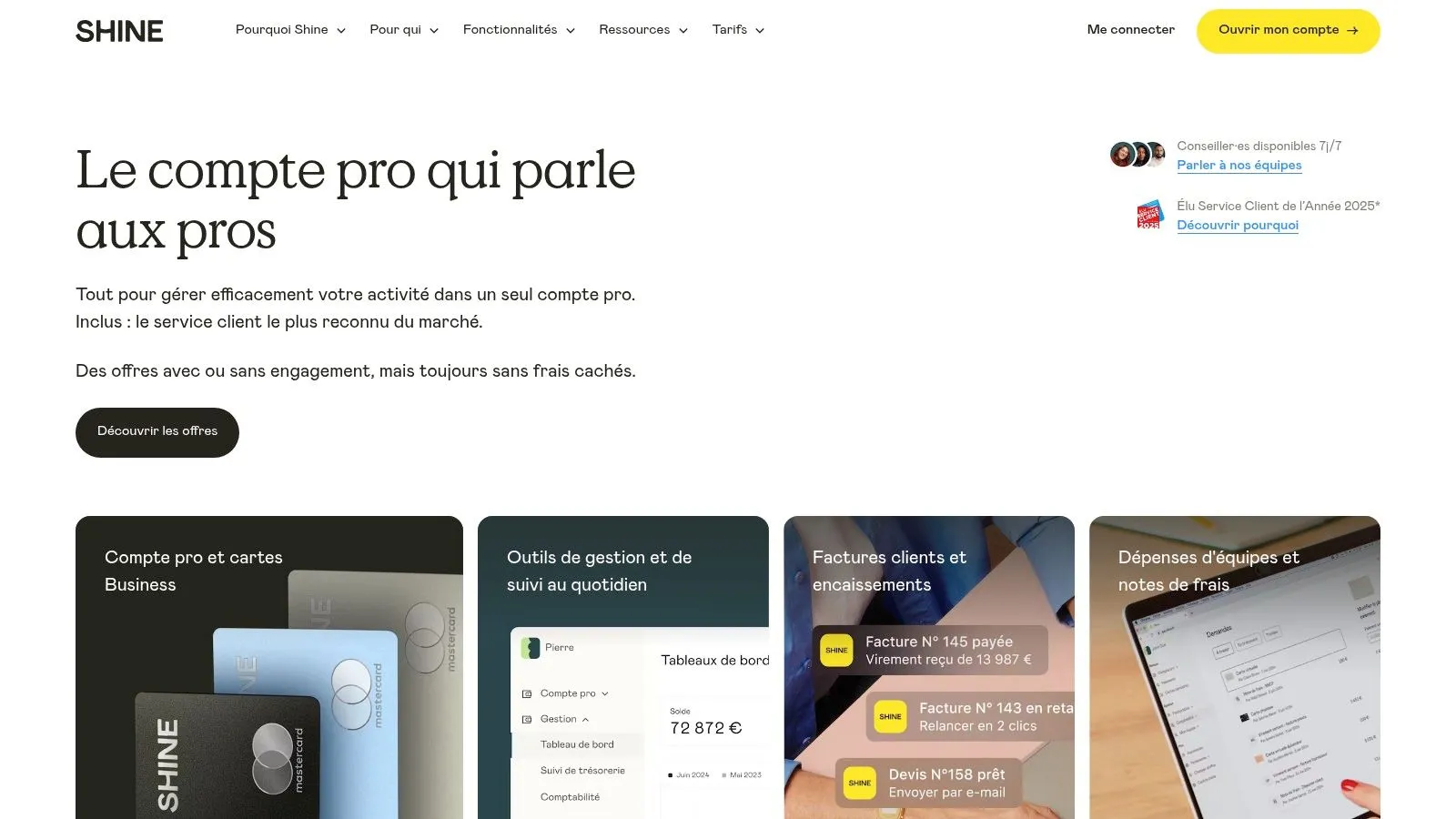
Shine stands out from other accounting software for sole traders by offering an all-in-one solution. It integrates both a business account and management tools. This approach is particularly advantageous for entrepreneurs just starting out, freelancers and e-commerce sellers. These often look to simplify their administrative and financial management. With Shine, no more juggling between your bank and your accounting software: everything is centralized.
Shine earns its place in this selection thanks to its simplified, accessible approach to accounting. The free offer, though limited in features, allows for a first hands-on experience with the platform. It’s perfectly suited to sole traders with a modest business. For entrepreneurs with greater needs, paid plans are available starting at €7.90/month, a rate that remains competitive.
Key features for sole traders
Here are the main features Shine offers to sole traders:
- Business account with a French IBAN: An essential element for separating your personal and business finances. This account also makes it easier to manage your cash flow and boosts your credibility.
- Creation and sending of compliant quotes and invoices: Save precious time and ensure your documents are compliant thanks to pre-filled templates that meet French legal requirements. An undeniable asset for sellers online and offline.
- Expense report management with photos: Simplify the management of your receipts by photographing them directly through the app. Shine then automatically integrates them into your accounting.
- Automatic tracking of client payments: Monitor your incoming payments and easily follow up with late-paying clients. An essential feature for optimizing your cash flow and saving time.
- Integrated URSSAF calculation and filing: Shine automatically calculates the amount of your social contributions and lets you file them directly online, considerably simplifying your administrative steps.
Pros and cons of Shine
Pros:
- All-in-one solution (banking and accounting)
- Free plan available
- Designed for French sole traders
- Ergonomic mobile app
Cons:
- Requires switching business bank
- Fewer accounting features than software like QuickBooks or Xero
- Limited customer support with the free plan
Setup and comparison
Opening a Shine account is simple and quick. Registration is done online and requires providing a few supporting documents. The mobile app lets you manage your account easily, wherever you are. If you switch banks, plan for a transition period to transfer your operations and inform your clients of your new bank details.
Unlike solutions such as QuickBooks or Xero, which focus solely on accounting, Shine offers an integrated package with a bank account. This simplified approach is perfectly suited to sole traders looking for a centralized, easy-to-use solution. If your accounting needs are more complex, however, a specialized solution may be more suitable.
In conclusion, Shine is a relevant solution for French sole traders and freelancers looking for simplicity and efficiency. Its all-in-one solution makes managing accounting and business finances easier. For more information and to open an account, you can visit the Shine website.
7. Pennylane
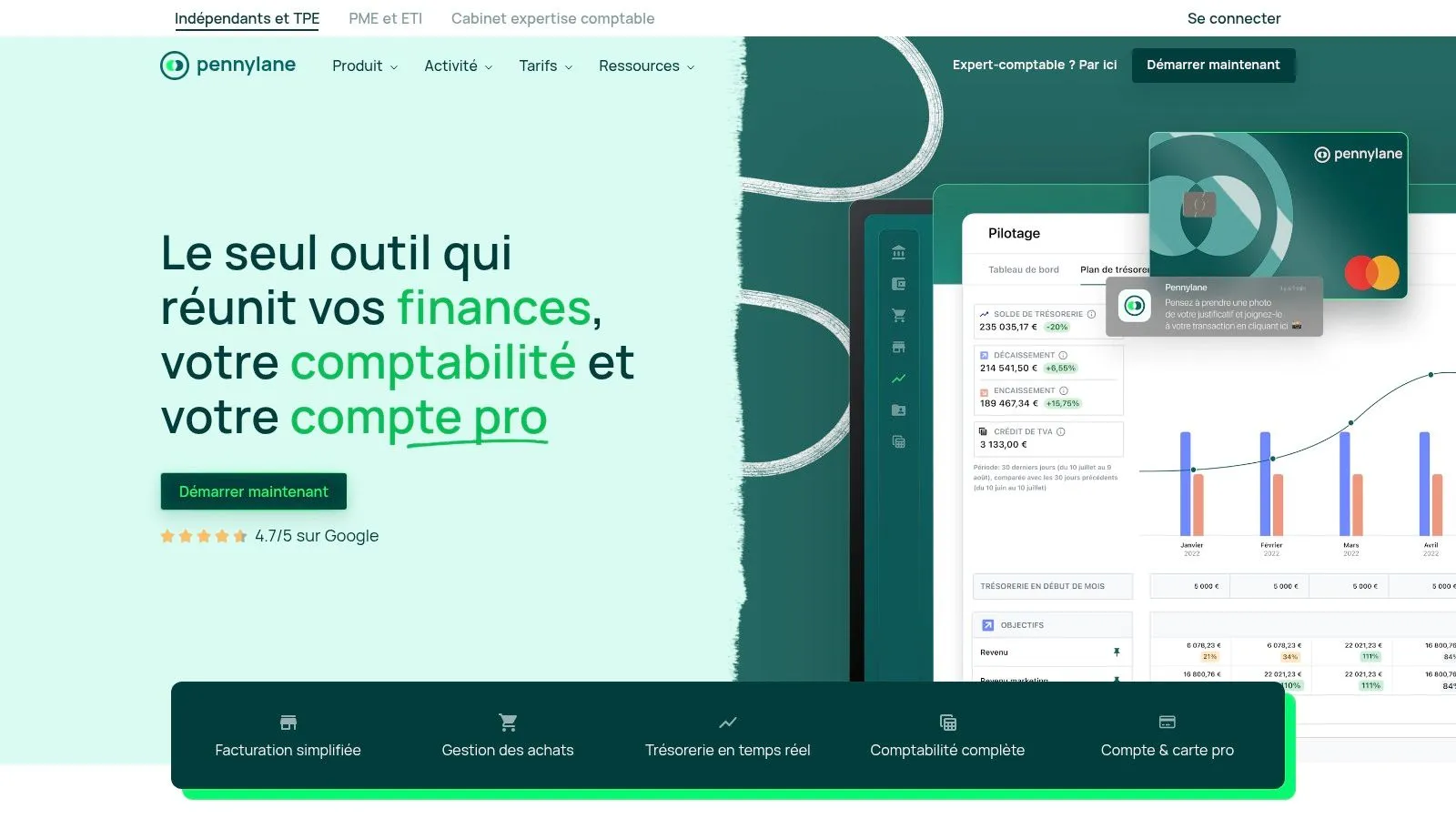
Pennylane stands out from other accounting software for sole traders thanks to its collaborative approach and comprehensive features. This platform is ideal for those looking for optimized financial management and simplified exchanges with their accountant. Whether you’re a sole trader in e-commerce, a consultant, a freelancer or a seller of digital products, Pennylane can help you simplify your accounting and save precious time.
Among the available software, Pennylane positions itself as a high-performing solution for the accounting management of sole traders. Its main goal is to make entrepreneurs’ daily lives easier by automating as many accounting tasks as possible.
Key features for sole traders
Here are a few of the key features offered by Pennylane:
-
Bank synchronization and automatic categorization: No more manually entering your bank transactions. Pennylane connects directly to your account and automatically categorizes your transactions.
-
Automated invoicing and payment tracking: Create and send professional invoices quickly, then easily track your clients’ payments. An indispensable asset for freelancers and e-commerce sellers.
-
Financial dashboard with key indicators: Track your revenue, expenses and profitability in real time thanks to an intuitive dashboard. This lets you make informed decisions based on precise data.
-
Simplified collaboration with accountants: Pennylane makes it easy to share data with your accountant, simplifying the preparation of your tax filings.
-
Digital expense reports and receipts: Manage your expense reports and receipts entirely digitally, with no paper.
Pros and cons
Pros:
- An intuitive, easy-to-use interface.
- Advanced accounting features.
- Excellent collaboration with accountants.
- Full compliance with French law.
Cons:
- Pricing starting at €29/month, higher than some competing solutions.
- Potentially complex features for sole traders with very simple businesses.
- Possibly overkill for small structures.
Pricing and implementation tips
Pennylane’s pricing starts at €29/month. Check the Pennylane website for more details on the plans.
Implementation tips:
- Carefully configure the bank synchronization.
- Check out the tutorials and online documentation.
- Contact customer support if needed.
Comparison with similar tools
Compared to competitors like Shine or QuickBooks, Pennylane positions itself on a higher-end segment. If you’re looking for a simple, economical solution, other options may be more suitable. If you prioritize performance, automation and collaboration with an accountant, Pennylane is an excellent choice.
Auto-Entrepreneur Accounting Software: 7-Point Comparison
| Product | Key Features ✨ | Quality / Experience ★ | Target Audience 👥 | Pricing 💰 |
|---|---|---|---|---|
| 🏆 Bizyness | Invoicing, VAT, bank sync, e-commerce integrations | 4.9★, intuitive interface, responsive support | SMBs & sole traders (beginners & pros) | Free → Modular packages |
| Indy | Automated invoicing, expense tracking, project management, mobile app | Intuitive interface, all-in-one solution, free trial | Sole traders & freelancers | From €5.99/month |
| Zervant | Quote/invoice creation, automatic reminders, data export | Simple interface, compliant with regulations | Sole traders & small businesses | Free version / From €8/month |
| Georges | Bank sync, AI, tax filings, integrated invoicing | Modern interface, advanced automation | Sole traders & independents | From €10/month |
| QuickBooks Self-Employed | Personal/business expense separation, mileage tracking, receipt capture, dashboard | High-performing mobile app, intuitive interface | Freelancers & sole traders | From €7.20/month |
| Shine | Business account, invoicing, payment tracking, integrated URSSAF filing | All-in-one solution, polished mobile app | Sole traders & freelancers | Free → Plans from €7.90/month |
| Pennylane | Bank sync, complete invoicing, collaborative dashboard | Modern interface, advanced features | Entrepreneurs, collaboration with accountants | From €29/month |
Simplify your accounting today
Choosing the right accounting software for sole traders is crucial to the success of your business. The market is vast, with solutions like Bizyness, Indy, Zervant, Georges, QuickBooks Self-Employed, Shine and Pennylane. It’s therefore essential to compare carefully before deciding. Here are a few criteria to consider:
-
Features: First and foremost, identify the features essential to your business. Invoicing, expense management, VAT filings… Make sure the software you choose offers them. Some tools, like Pennylane, target more complex businesses, while others, like Indy or QuickBooks Self-Employed, are perfect for freelancers.
-
Implementation and onboarding: Favor intuitive, easy-to-use software, especially if you’re just starting out. Don’t hesitate to take advantage of free trials to test the platforms and get familiar with their interface.
-
Budget: Prices vary considerably. Free solutions, like Bizyness’s base offer, exist for basic needs. If you need more advanced features, plan for a monthly or annual budget.
-
Integration and compatibility: An important point is compatibility with your other tools: online store, bank… Integrations simplify the management of your business by centralizing your data. If you sell on multiple platforms, make sure the software handles this complexity.
-
Customer support: Responsive, effective customer support is a valuable asset in case of problems.
By considering these elements and testing the trial versions, you’ll make an informed decision to optimize your financial management. Whether you’re an e-commerce seller, a consultant, a content creator or a service provider, automating your accounting will save you time. You’ll then be able to focus on growing your business. Don’t forget that multi-currency and multi-language solutions exist for international entrepreneurs.
Bizyness: a solution for French sole traders
For sole traders and small businesses in France, we recommend Bizyness. Simple, intuitive and high-performing, this solution supports you from creating compliant invoices to generating precise financial reports, including automated bank synchronization. Bizyness simplifies your life so you can focus on what matters: growing your business. Take advantage of the free offer to discover how Bizyness can transform your accounting management. Discover Bizyness
