

 Français
Top Free Accounting Software for Sole Traders
Streamline your finances with our guide to auto entrepreneur comptabilité logiciel gratuit. Discover free software options for efficient business management!

Free accounting software for sole traders: simplify your finance management
Juggling client management, product development and marketing leaves little time for admin tasks, accounting included. As a sole trader (auto-entrepreneur) in France, managing your finances effectively is crucial — not just for peace of mind, but to stay compliant with French regulations. Spending hours on invoices, expense tracking and financial reports can quickly become overwhelming. Fortunately, a range of free accounting software can automate these tedious processes and simplify your financial management, letting you focus on growing your business.
Choosing the right software can be tricky with so many options available. Key factors to consider include ease of use, features such as invoicing and expense tracking, compliance with French regulations for sole traders, integration with your bank accounts, and the availability of multilingual and multi-currency support if you operate internationally. An effective tool should be intuitive, secure, and provide accurate financial reports to help you make informed decisions. Some solutions offer free basic plans while others may have limitations on features or the number of invoices you can create.
7 free tools for sole traders in 2025
This article explores seven leading free accounting software options designed for sole traders in 2025. We’ll dig into their strengths and weaknesses, highlighting key features, pricing considerations and technical aspects to help you select the ideal tool to streamline your finances — whether you’re an online retailer, a digital product creator, a service provider, or running a growing multi-platform business.
By the end of this article, you’ll be well equipped to choose the software that best fits your needs and budget.
1. Bizyness
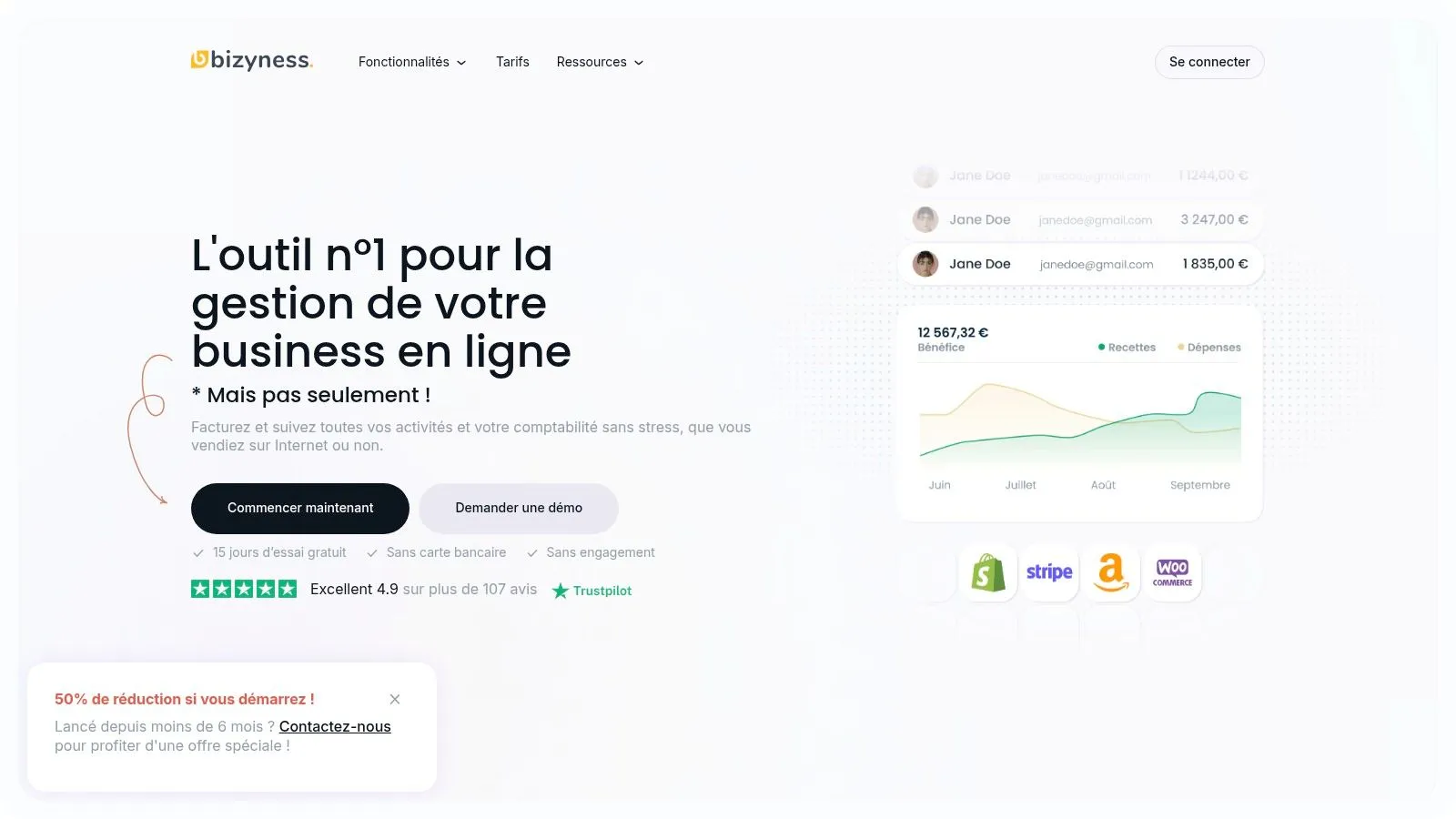
Bizyness stands out as an essential management tool for small businesses, sole traders and freelancers in France. This software simplifies accounting by automating tasks such as invoicing, VAT management and transaction tracking. Its intuitive interface makes it easy to create compliant tax documents, sync bank data and generate important reports, whether you’re a first-time or seasoned entrepreneur. Its place on this list is earned through its versatility, accessibility and effectiveness at simplifying day-to-day bookkeeping.
Who is Bizyness built for?
Bizyness target audience
Bizyness serves a diverse range of users:
- Sole traders and freelancers in e-commerce.
- Small businesses wanting to automate their accounting.
- Independent workers selling online and offline.
- Entrepreneurs, whether beginners or experienced, looking to reduce their administrative burden.
- Users who need multi-currency and multi-language management.
- Creators and sellers of digital products (online courses, e-books, software).
- Service providers (consultants, coaches, agencies).
Features and benefits
Bizyness offers a set of features to simplify accounting management:
-
Automated invoicing, VAT and bank syncing: Save time and minimize manual errors by automating these time-consuming tasks.
-
Intuitive user interface: Quick and simple to get started with, even for people with no accounting experience.
-
Integration with online stores: Connect Bizyness to your e-commerce platform for centralized management of your sales and accounting.
-
Clear and accurate financial reports: Analyze your business’s performance with detailed, customizable reports.
-
Responsive, personalized customer support: Get fast, effective help whenever you need it.
-
Multi-currency and multi-language management: A solution suited to businesses operating internationally.
Pricing and plans
Bizyness offers a free plan to get started, as well as paid options starting at €9 excl. VAT/month for access to more advanced features. For more information on the different plans, visit the Bizyness website.
Pros and cons
Pros:
- Automates essential accounting tasks.
- Intuitive interface, easy to get up to speed with.
- Integration with e-commerce platforms.
- Responsive customer support.
- Adaptable, affordable pricing.
Cons:
- May lack some advanced features needed by large enterprises.
- Entry-level plans offer limited support and features.
Usage tips
- Use the free trial period to test Bizyness and get familiar with the interface.
- Connect your bank accounts and e-commerce platforms for automatic data syncing.
- Explore the customization options to tailor Bizyness to your specific needs.
Conclusion
Bizyness is a relevant solution for sole traders, freelancers and small businesses wanting to simplify their accounting and focus on growing their business. Its user-friendly interface, automation features and accessible pricing make it a valuable tool for optimizing financial management and saving time. Visit the Bizyness website to learn more.
2. ZenFactu
ZenFactu is a free invoicing and accounting solution designed for French sole traders. It offers a simplified interface for managing quotes, invoices, expenses and essential accounting tasks. Its compliance with French tax standards and its ability to generate the documents needed for tax filings make it a valuable tool for simplifying admin.
This software is particularly well suited to sole traders who are just starting out or have moderate activity, notably in e-commerce. Whether you sell online, offline, provide services, or create digital products, ZenFactu offers an accessible solution to launch your business. Sole traders looking for a simple, free tool to manage their invoicing and accounting obligations will find what they need here.
Main features
- Unlimited quote and invoice creation: Manage your commercial documents without restriction.
- Expense tracking and categorization: Organize your business expenses by category for better analysis.
- Automatic calculation of social contributions: Simplify the calculation and tracking of your contributions.
- VAT management (for sole traders who opted for VAT): If you’re subject to VAT, ZenFactu handles this aspect.
- Pre-filled documents for tax filing: Make preparing your tax returns easier.
Advantages of ZenFactu
- Completely free: No hidden fees — a considerable advantage for keeping your budget under control.
- Built for the sole trader regime: The interface and features respect the specifics of the French regime.
- Simplicity: Quick to get started with, even without accounting expertise.
- Regular updates: Ongoing compliance with French tax legislation.
Drawbacks of ZenFactu
- Limited features: Compared to paid solutions, some advanced features (inventory management, cost accounting) are missing.
- Basic accounting reports: The reports offered are simple and may not suit businesses with more complex analysis needs.
- Limited customer support: Customer support may be less responsive than that of paid solutions.
- No mobile app: Accounting is managed only via a computer.
Comparison with other solutions
Compared to paid software like QuickBooks or Sage, ZenFactu offers fewer features. Its free price and simplicity make it attractive for sole traders with basic needs. For a more comprehensive free solution, Facture.net is an alternative worth considering.
Setup tips
Getting started with ZenFactu is intuitive. Set up your information correctly and familiarize yourself with the features for optimal use.
Why choose ZenFactu?
Its free pricing, simplicity and compliance with French regulations make ZenFactu an ideal tool for sole traders who want to easily manage their accounting obligations.
Website: https://www.zenfactu.fr
3. Tiime
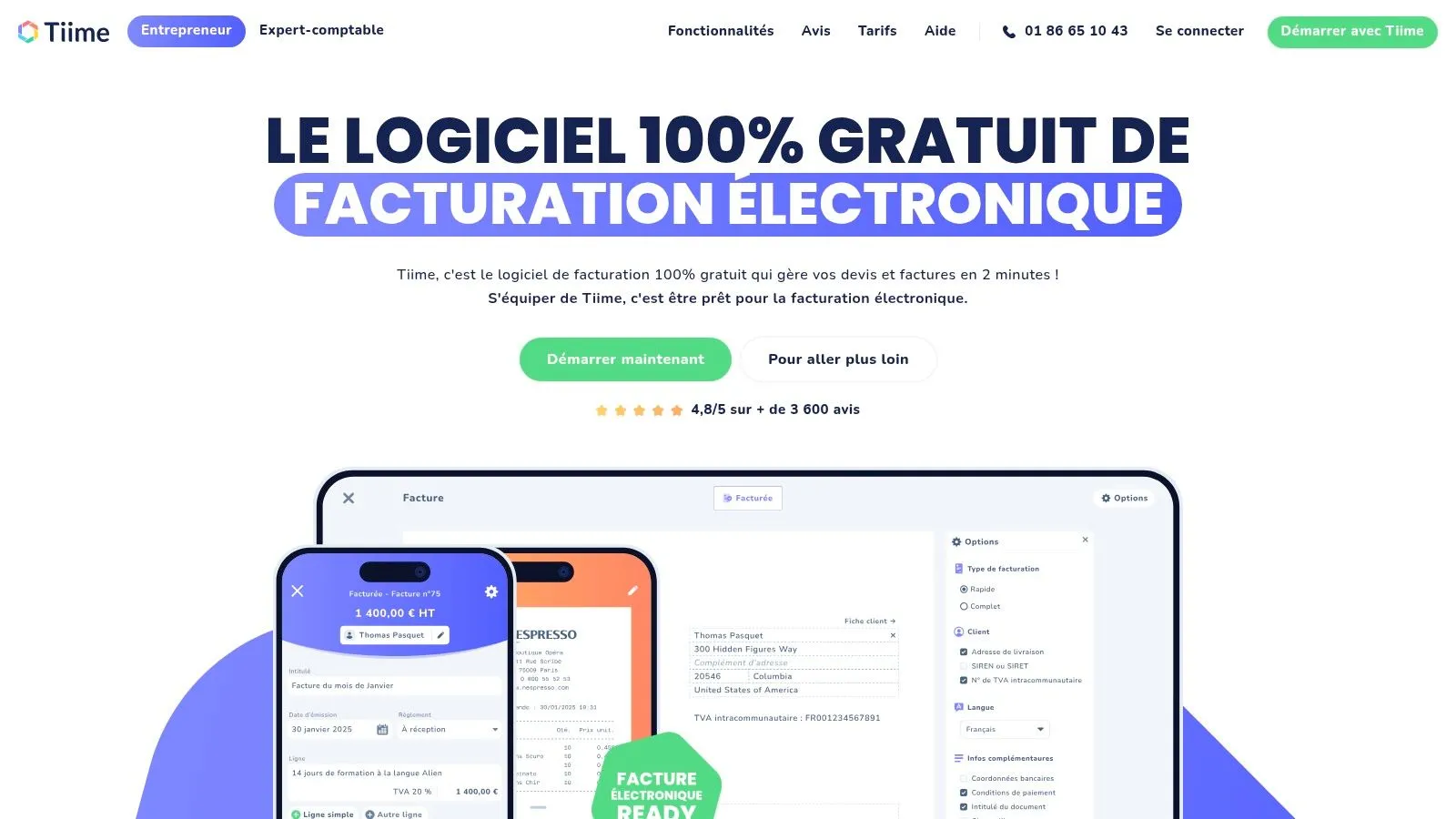
Tiime stands out for its free plan designed for French sole traders. This solution is ideal for handling the basics of your accounting without spending a cent to get started. Whether you’re an online seller, consultant, coach or content creator, Tiime can help you simplify your administrative management.
Tiime offers a free accounting solution covering the essentials for sole traders. The platform lets you manage invoicing, expense tracking and tax return preparation. While the basic plan is free, Tiime also offers premium services, such as tax filing assistance and professional banking services, available through paid subscriptions.
Key features
-
Invoice and quote management: Create, send and track your invoices and quotes with ease. An asset for online sellers, offline sellers and service providers.
-
Expense tracking with receipt scanning: Photograph your receipts and let Tiime automatically integrate them into your accounting. A valuable time-saver for all entrepreneurs.
-
Automatic tax calculation: Tiime automatically calculates VAT and other applicable taxes, simplifying the preparation of your tax returns. Particularly handy for online sellers subject to different tax regulations.
-
Performance dashboard: Track your business’s financial health with clear, precise charts and indicators. An essential tool for making informed decisions.
-
Client and product catalog management: Organize your client and product information for more efficient business management. An advantage for growing businesses and multi-platform sellers.
Advantages
-
Free basic accounting features: Ideal for entrepreneurs just starting out or those wanting to cut their accounting costs.
-
Modern, intuitive interface: Easy to use, even for people unfamiliar with accounting.
-
Mobile app available: Manage your accounting wherever you are. Handy for independent and nomadic entrepreneurs.
-
Integration with banking services: Makes bank reconciliation and cash-flow tracking easier.
Drawbacks
-
Advanced features are paid: If your needs evolve, a paid subscription may become necessary.
-
Occasional syncing issues: Though rare, syncing problems can occur.
-
Learning curve for beginners: A minimal understanding of accounting terms is recommended.
-
Limited customization options: Customization flexibility is lower compared to more comprehensive solutions.
Website: https://www.tiime.fr
Implementation tips
-
Explore the interface and tutorials to get familiar with the platform.
-
Connect your bank accounts to automate reconciliation and transaction tracking.
-
Set up your product catalog and client list from the start for optimal management.
Tiime is a relevant solution for sole traders and freelancers looking for a free, easy-to-use accounting tool. Even though some advanced features are paid, the free version offers a solid set of tools for handling the essential aspects of your accounting. If you’re comfortable with an online solution and looking for a simple, effective tool, Tiime is a sound choice.
4. Freebe
Freebe naturally earns its place in this selection of tools. It offers a completely free accounting solution, specially designed for French micro-entrepreneurs and freelancers. It’s an ideal option for those launching their business or looking for a simple, effective solution to manage their finances at no cost.
Freebe offers simplified tools for invoicing, expense tracking and financial reporting. The platform is accessible even with limited accounting knowledge, while ensuring compliance with French legislation. Whether you’re an online seller, consultant, coach, or digital product seller, Freebe can help lighten your administrative load.
Key features of Freebe
Here are the main features offered by Freebe:
- Customizable invoice templates: Adapt your invoices to your brand image.
- Expense management with receipt uploads: Simplify expense tracking and keep your receipts digitally.
- Automatic tax calculation: Save time and avoid errors.
- Client database: Centralize your client information.
- Time tracking for services: Bill your worked hours precisely.
Advantages of Freebe
Freebe offers several advantages for sole traders:
- Free: A major asset for keeping your budget under control.
- Intuitive interface: Easy to pick up and pleasant to use.
- Online access and data backup: Your data is secure and accessible from anywhere.
- Help resources and tutorials: Support for optimal use.
Drawbacks of Freebe
Despite its strengths, Freebe has a few drawbacks:
- Limited integrations: Manual entry may be needed if you use other software.
- No offline access: An internet connection is required.
- Basic reporting: May not suit businesses needing more complex reports.
- No automatic bank sync (free version): Bank reconciliation is manual.
Setup and tips
Signing up with Freebe is quick. After registering, customize your settings, import your client data and start invoicing. Check out the site’s tutorials and documentation for optimal onboarding.
Comparison with similar tools
Compared to other free software, Freebe stands out for its modern design and ease of use. More comprehensive, often paid, solutions do exist. Freebe is an excellent compromise for sole traders looking for a free, effective tool.
Price
Free for sole traders.
Website
In conclusion, Freebe is a relevant choice for French sole traders and freelancers looking for a free, simple and effective accounting solution. Handling the essentials of your accounting without investing in costly software is a valuable advantage for budget-conscious entrepreneurs.
5. InvoiceOcean
InvoiceOcean (formerly VosFactures) stands out for its free plan for French sole traders. This online invoicing software offers the tools needed to create professional invoices, manage payments, and track the basics of accounting. If your invoicing volume stays low, InvoiceOcean is a potentially interesting starter solution.
For French sole traders, invoicing is an essential admin task. InvoiceOcean simplifies this process through an intuitive interface and practical features. Invoice creation is quick and compliant with French standards.
Key features of InvoiceOcean
Here’s an overview of the main features offered by InvoiceOcean:
- Multilingual invoice creation: A considerable asset for sole traders working internationally.
- Client database management: Centralize your client information for optimized tracking.
- Product and service catalog: Save time by recording your offerings in a dedicated catalog.
- Payment tracking and reminders: Easily follow up with late-paying clients and stay on top of your collections.
- Basic financial reports: View your business’s performance with clear, concise reports.
Advantages and drawbacks of InvoiceOcean
Like any software, InvoiceOcean has advantages and drawbacks to weigh.
Advantages:
- Free for low volumes: The free plan allows up to 3 invoices per month.
- Ease of use: The intuitive interface is ideal for beginners.
- Legal compliance: The software complies with French invoicing regulations.
- Multilingual: Available in several languages to facilitate international exchanges.
Drawbacks:
- Invoice limit: The free version is limited to 3 invoices per month. A subscription is required beyond that.
- Advanced features are paid: Some more comprehensive options require a subscription.
- Lacks specifics for French sole traders: Other solutions on the market offer more targeted features for this regime.
- Limited customer support in the free version: Support is restricted for users on the free plan.
Who is InvoiceOcean for?
InvoiceOcean is an option worth considering for sole traders and freelancers in e-commerce, or service providers generating fewer than 3 invoices per month. Its ease of use and free (limited) pricing make it an accessible tool to get started. Multilingual invoicing is a plus for international activities. However, if you’re expecting rapid growth or need features more specific to the sole trader regime, other software such as Freebe or Facture.net may be more suitable.
Setup and pricing
Registration is quick and is done directly on the InvoiceOcean website. The intuitive interface makes onboarding easy. The free version is limited to 3 invoices per month, and paid subscriptions are available for greater needs. Check the website for more pricing details.
Comparison with other solutions
Compared to tools like Freebe or Facture.net, InvoiceOcean stands out with multilingual invoicing. On the other hand, Freebe and Facture.net offer features more specific to French sole traders, particularly for managing revenue declarations.
6. Manager
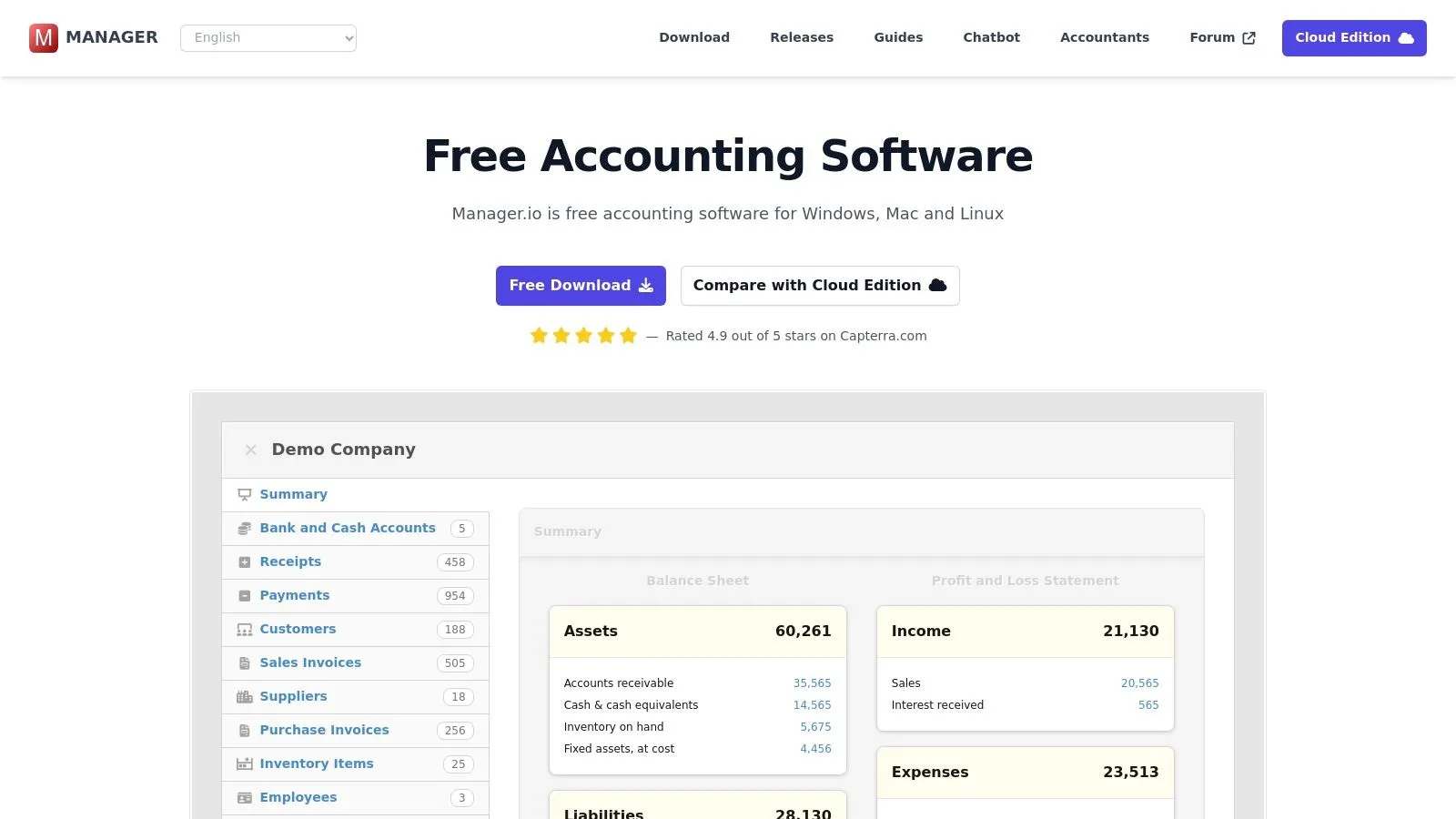
Manager stands out for its free desktop version and comprehensive accounting features. It’s a particularly attractive option for sole traders who already have some accounting knowledge and want full control over their data, with no subscription fees. If the English-language interface isn’t a problem for you (it’s not available in French) and you’re looking for a powerful, free piece of software, Manager is a solution worth seriously considering.
Manager is an open-source, free accounting software, perfect for sole traders who prefer a desktop solution over a cloud one. Unlike online software, you download and install Manager on your computer, which gives you full control over your data. While it’s not specifically designed for the French market, its flexibility allows you to configure it to local standards. You can, for example, set up your chart of accounts and VAT rates in line with French legislation.
Main features
- Full double-entry bookkeeping
- Customizable invoice and quote creation
- Expense tracking and classification
- Bank reconciliation
- Generation of financial reports and tax returns
- Multi-currency and multi-language management (an asset for international online sellers)
Advantages of Manager
- Fully free desktop version
- No restriction on the number of transactions or clients
- One-time download, no subscription
- Powerful, comprehensive accounting features
- Effective multi-currency management for businesses selling internationally
Drawbacks of Manager
- Not specifically adapted to the French tax system (requires manual configuration)
- Steeper learning curve than dedicated solutions
- Only the desktop version is free (the cloud version is paid)
- English-language interface
- Less intuitive for accounting beginners
Usage tips
- Take the time to configure the software in line with French regulations. Tutorials and extensive documentation are available on the Manager website.
- If you’re not comfortable with double-entry bookkeeping, allow yourself some time to adjust.
- Don’t hesitate to reach out to the Manager user community for help and advice.
Price: Free for the desktop version. The cloud version, “Manager Cloud,” is paid.
Website: https://www.manager.io
In conclusion, Manager is a robust, free solution for sole traders looking for comprehensive accounting software and willing to invest time in setting it up. If you’re comfortable with English and want full control over your data, Manager is an excellent alternative to the paid solutions on the market. If, on the other hand, you’re new to accounting or prefer a simpler solution specifically designed for the French market, it might be worth exploring other options in this list.
7. Wave
Wave stands out as a completely free accounting solution, a considerable asset for sole traders looking to manage their finances. This online software offers invoicing, expense tracking and general accounting features, with no subscription fees. While Wave isn’t specifically designed for the French market, its flexibility and customization options allow it to be adapted to the needs of French businesses. Its main appeal lies in its affordability, particularly interesting for beginner entrepreneurs or those on a tight budget.
Features and benefits
Wave offers a set of practical features for day-to-day bookkeeping:
- Unlimited scanning of invoices and receipts.
- Double-entry bookkeeping system.
- Customizable dashboards and financial reports.
- Client and supplier management.
- Support for multiple businesses under a single account.
Among its advantages:
- Free accounting software.
- Unlimited invoicing and accounting.
- Professional invoice templates.
- Friendly, modern user interface.
Drawbacks and limitations
Despite being free, Wave has a few drawbacks to consider:
- Fees apply for payment processing features.
- Not being specifically designed for the French tax system, manual adjustments are needed, particularly for VAT.
- Customer support is limited.
- No direct integration with French tax authorities is planned.
Use cases and tips
Wave is particularly well suited to sole traders, e-commerce freelancers, small businesses and digital content creators looking for a simple, free solution. Multi-business management is a plus for entrepreneurs running several ventures. On the other hand, for businesses with a large volume of transactions or needing features specific to the French tax regime, more comprehensive solutions better integrated with the French market, such as QuickBooks or Xero, may be more appropriate.
To use Wave effectively in France, it’s advisable to manually configure VAT rates and keep a separate register for tax filings. The lack of integration with French tax services means manual data entry for your returns. Check the online tutorials and documentation to make the most of the platform.
Price and access
Wave is accessible for free via a web browser. No software installation is required.
Website: https://www.waveapps.com
In conclusion, Wave is an interesting solution for sole traders looking for free, easy-to-use accounting software. Its free pricing offsets its limitations, particularly regarding adaptation to the French tax system. It’s important to assess your accounting needs before opting for this solution.
7 Free Auto-Entrepreneur Accounting Tools Comparison
| Option | Main Features | User Experience (★) | Unique Strengths (✨) | Price & Audience (💰👥) |
|---|---|---|---|---|
| 🏆 Bizyness | Invoicing automation, VAT, tax reports, online store integration | Intuitive interface & responsive support (★★★★★) | Modular offer, simplified end-to-end management | Free then from €9 excl. VAT/month; Independent workers |
| ZenFactu | Unlimited invoice/quote creation, expense tracking, tax management | Simple & up to date interface (★★★★☆) | 100% free, dedicated to sole traders | Entirely free; Sole traders |
| Tiime | Invoicing, expense reports, dynamic dashboard | Modern & mobile app (★★★★☆) | Premium options, bank integration | Free core with paid options; Sole traders |
| Freebe | Customizable templates, expense management, cloud backup | Clear interface & tutorials available (★★★★☆) | Fully free, accessible to accounting novices | Free; Micro-entrepreneurs |
| InvoiceOcean | Multilingual invoicing, payment tracking, basic financial reports | Simple & intuitive (★★★☆☆) | Free plan limited to 3 invoices/month | Free plan (3 invoices/month); Sole traders |
| Manager | Double-entry bookkeeping, customizable invoicing, bank reconciliation | Feature-rich but less intuitive (★★★☆☆) | Open-source, no recurring subscription | Free (desktop version); Small businesses or limited budgets |
| Wave | Unlimited invoicing, dashboard, client/supplier management, double-entry bookkeeping | Modern, user-friendly design (★★★☆☆) | Free, with fees on payment processing | Free (payments subject to fees); Sole traders |
Choosing the right free accounting software for your needs
Selecting free accounting software suited to your sole proprietorship is an important step. Several options are available to you, such as Bizyness, ZenFactu, Tiime, Freebe, InvoiceOcean, Manager and Wave. To make the best choice, several factors should be taken into account.
Ease of use is an essential criterion, particularly for accounting novices. An intuitive, easy-to-grasp interface will save you time and help you avoid errors. The features offered should also match your needs: invoicing, expense management, VAT tracking, report generation, etc. Responsive, effective customer support is essential in case of a problem or question. Finally, think about possible integrations with your other tools, such as your bank or your e-commerce solution.
Implementing new software can sometimes seem complex. Fortunately, most free solutions offer tutorials and user guides. Start by importing your existing data, if possible, then get familiar with the main features. Customer support is there to help you through this step.
Budget is of course a central element. While these software options are free in their basic version, some advanced features may be paid. Assess your needs to determine whether the free version is enough or whether a premium subscription would be more advantageous in the long run. Also consider the resources required: a computer, a stable internet connection, and possibly a smartphone to access a mobile app.
The software’s compatibility with your current systems is paramount. Make sure it works correctly with your operating system and your other applications. Integration with your bank, your e-commerce platform or your project management tools can make your life easier and save you precious time.
In summary: key points for choosing your software
Here are the essential elements to consider when choosing the ideal free accounting software for your sole proprietorship:
- Your specific needs: invoicing, expense management, VAT tracking, report generation…
- Ease of use: favor an intuitive interface.
- Customer support: responsive support is invaluable when you run into difficulties.
- Integrations: compatibility with your existing tools (bank, e-commerce…).
- Budget and resources: even when free, some software offers paid options.
Simplify your bookkeeping and focus on growing your business! Bizyness is an ideal solution for sole traders and small businesses in France. Its intuitive interface, powerful features and free plan let you automate your invoices, manage your VAT and track your financial transactions with complete simplicity.
