

 Français
Top 7 Free Invoicing Software in 2025
Discover the 7 best free invoicing software tools in 2025. Simplify your invoicing and manage your accounting efficiently with these free tools.
Finding the right free invoicing software
Creating and sending invoices, managing payments and tracking expenses are crucial administrative tasks for sole traders, freelancers and small businesses. However, these operations can quickly become time-consuming. Fortunately, digital solutions exist to simplify this process: free invoicing software. But how do you find your way through the multitude of options available in 2025?
This practical guide offers a selection of the best free software, tailored to the specific needs of entrepreneurs, whether you sell online or offline, services or digital products. Finding the right tool is essential for sound, efficient financial management, whether you are an online seller, consultant, content creator or multi-platform vendor.
Essential features and advanced options
Creating custom quotes and invoices, tracking payments, managing clients and generating reports are basic features of these software tools. Some even offer more advanced options such as multi-currency management, multi-language support or integration with other platforms like Zapier. The choice will depend on your specific needs: invoicing volume, type of activity, desired features and technical proficiency.
We will also cover the potential limitations of free versions and the paid options available to support your company’s growth. A software tool that suits you today may become insufficient tomorrow.
Seven solutions for simplified invoicing
In this article, discover seven powerful, free solutions to simplify your invoicing and save time. Forget spreadsheets and manual processes, and adopt automated, optimized accounting management. Here’s an overview of the benefits:
- Time savings: automate repetitive tasks.
- Better organization: centralize your client and invoice data.
- Simplified payment tracking: easily follow up with late-paying clients.
- Legal compliance: generate invoices that comply with regulations.
- Clear view of your activity: analyze your performance through reports.
Get ready to optimize your administrative management and focus on what matters most: growing your business.
1. Bizyness
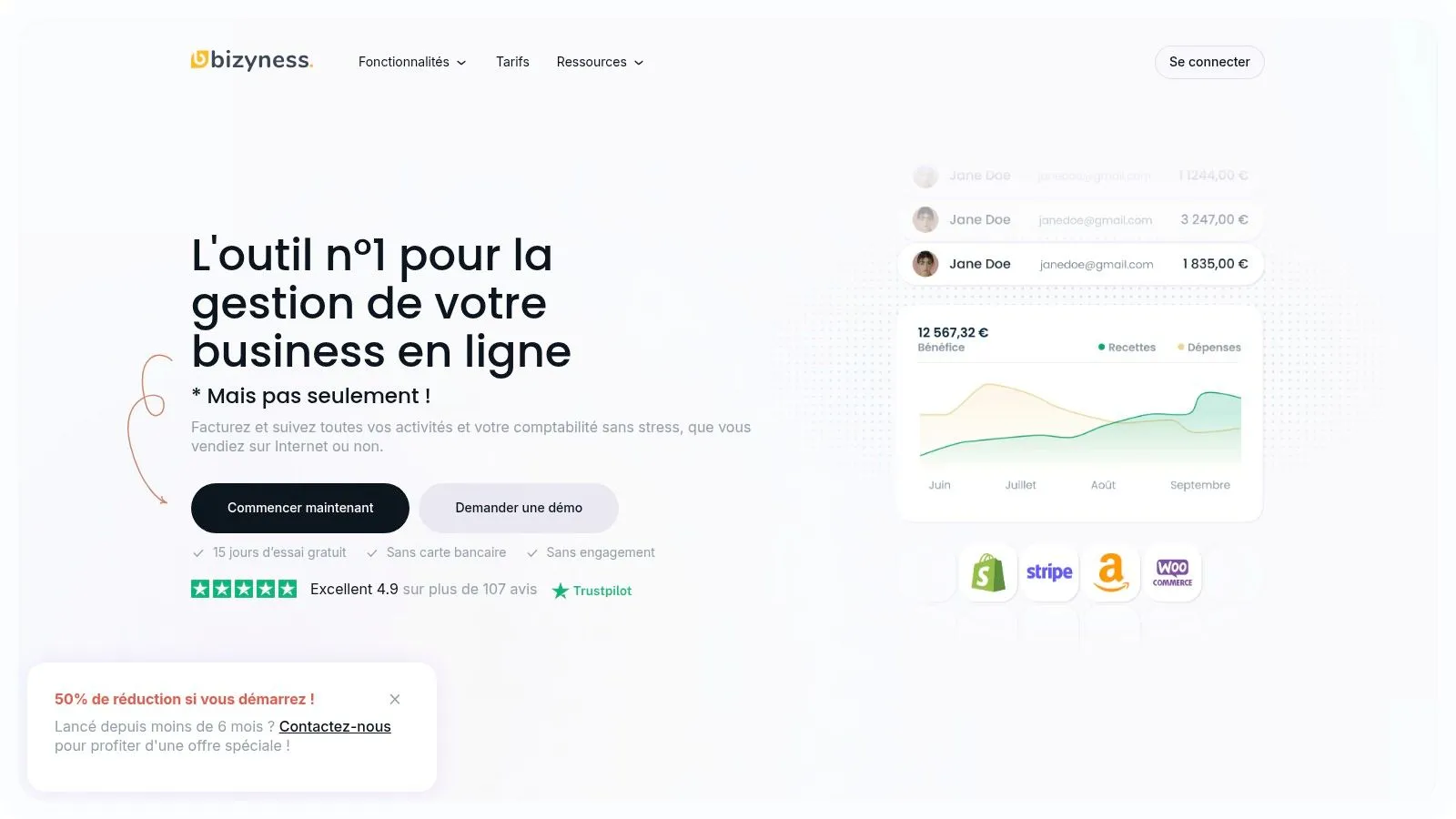
Bizyness stands out as an essential tool for French sole traders, freelancers and small businesses. Its goal? To simplify accounting and administrative management. Its place in this ranking is explained by its versatility, intuitive interface and automation features. All of this is backed by an excellent reputation among users (4.9/5 from over 107 reviews). Whether you sell on multiple platforms, work as an independent consultant, or create digital content, Bizyness offers a solution suited to your needs.
Bizyness offers a wide range of practical applications to make your daily life easier:
- Professional, compliant invoice creation: Generate invoices in a few clicks, with VAT and legal notices automatically included.
- Payment tracking and automatic reminders: Optimize your cash flow with payment collection management and automated reminders.
- Bank synchronization: Simplify accounting reconciliation by automatically importing your bank transactions.
- Tax report generation: Prepare your VAT returns and other tax reports without difficulty.
- E-commerce integration: Automate the invoicing of your sales by connecting Bizyness to your online stores (Shopify, PrestaShop).
- Expense management: Track and categorize your business expenses for better profitability analysis.
Pricing and features
Bizyness offers a free plan, ideal for getting started and becoming familiar with the tool. For more advanced features, paid plans are available (Pro starting at €9/month, Business and Elite). These include priority customer support, multi-user management and deeper integrations. A 15-day free trial lets you test the premium plans. The tool is accessible from any web browser, so technical requirements are minimal.
Pros and cons
Pros:
- Significant time savings thanks to automation of accounting and administrative tasks.
- Intuitive interface and modern design, easy to learn.
- Flexible pricing with a free plan and premium options.
- Integrations with various e-commerce platforms and bank synchronization.
- Excellent customer feedback and responsive customer service (for paid plans).
Cons:
- Limited customer support on the free plan.
- Some advanced features (priority support, multi-user) are reserved for paid subscriptions.
Implementation tips
- Take advantage of the 15-day free trial to test the premium features.
- Check out the online tutorials and documentation for a quick start.
- Connect your bank accounts and e-commerce platforms for maximum automation.
- Don’t hesitate to contact customer support for any question or personalized assistance.
Comparison with other tools
Bizyness stands out for its ease of use and its focus on the French market, unlike international solutions that can sometimes be more complex. Its free plan is also more comprehensive than that offered by many competitors.
Website: https://www.bizyness.fr
Bizyness is an excellent choice for entrepreneurs wanting to free themselves from administrative constraints and focus on growing their business. Flexibility, accessibility and performance make it a valuable ally for efficient, stress-free accounting management.
2. Wave
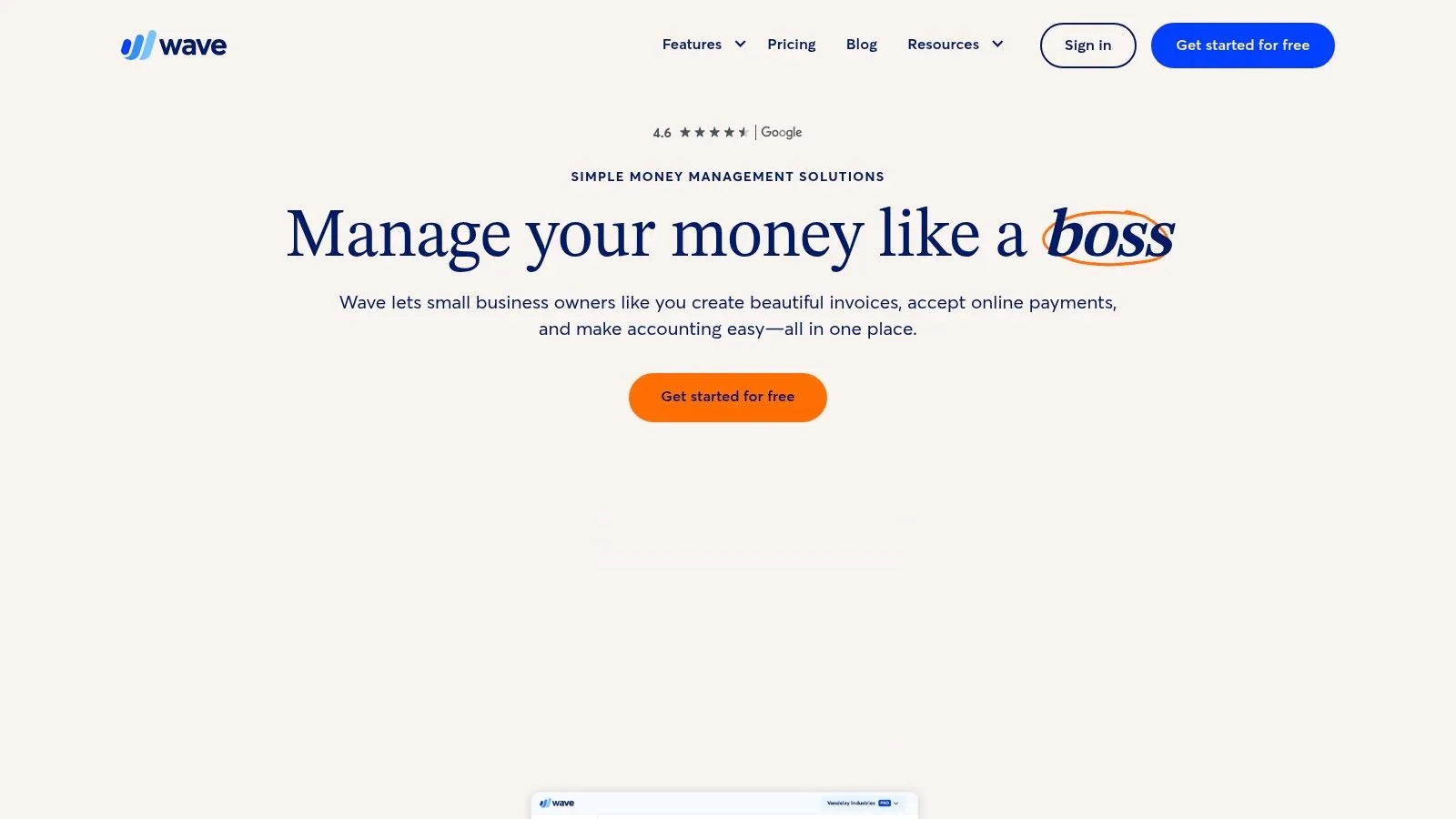
Wave is a free, comprehensive invoicing and accounting solution, particularly well-suited to sole traders, freelancers and small businesses. Its inclusion in this list is justified by the genuine free access to its core invoicing and accounting features, an undeniable advantage for budget-conscious entrepreneurs.
Wave offers an intuitive, easy-to-learn user interface, accessible from any device thanks to its cloud accessibility. Whether you are an online seller managing e-commerce sales, a consultant offering offline services, or a digital content creator, Wave adapts to your business.
Main features
Here’s an overview of Wave’s key features:
-
Unlimited invoicing with customizable templates: Create professional invoices that reflect your brand and manage an unlimited number of invoices at no extra cost. A significant advantage for growing businesses.
-
Receipt scanning and expense tracking: Simplify expense management by scanning your receipts directly into the app. A valuable time-saver for freelancers and small structures.
-
Double-entry accounting system: Ensure rigorous accounting that complies with accounting standards.
-
Dashboards and financial reports: Monitor your company’s financial health with clear, concise reports. An indispensable tool for informed decision-making.
-
Multi-currency support: Invoice your international clients in their own currency, simplifying transactions and accounting management for businesses operating internationally.
Pros and cons
Like any tool, Wave has its pros and cons.
Pros:
- Free invoicing and accounting: No hidden fees, a significant saving for small businesses.
- Cloud accessibility: Manage your finances wherever you are, from any connected device.
- Customizable, professional invoice templates: Strengthen your brand image with your clients.
- Integration with payment processing systems: Make collecting on your invoices easier.
Cons:
- Limited support for the free version: Priority support is reserved for paying subscribers.
- Paid advanced features: Features such as payroll management are only accessible via a paid subscription.
- Occasional slowdowns: Service performance can be affected during periods of high demand.
Pricing, setup and comparison
Price: Free for invoicing and accounting. Fees apply for payment processing and payroll services.
Setup and implementation: Sign-up is quick and simple. The intuitive interface makes it easy to get started and customize settings.
Comparison with similar tools: Wave is an excellent free option. Other tools such as Invoice Ninja or Zoho Invoice also offer free versions with similar features. The final choice will depend on each business’s specific needs.
Conclusion
In summary, Wave is a relevant solution for sole traders, freelancers and small businesses looking for a free, powerful and easy-to-use invoicing and accounting software. Despite a few limitations, its many strengths make it an attractive option for managing finances efficiently with no upfront investment.
Website: https://www.waveapps.com/
3. Facture.net
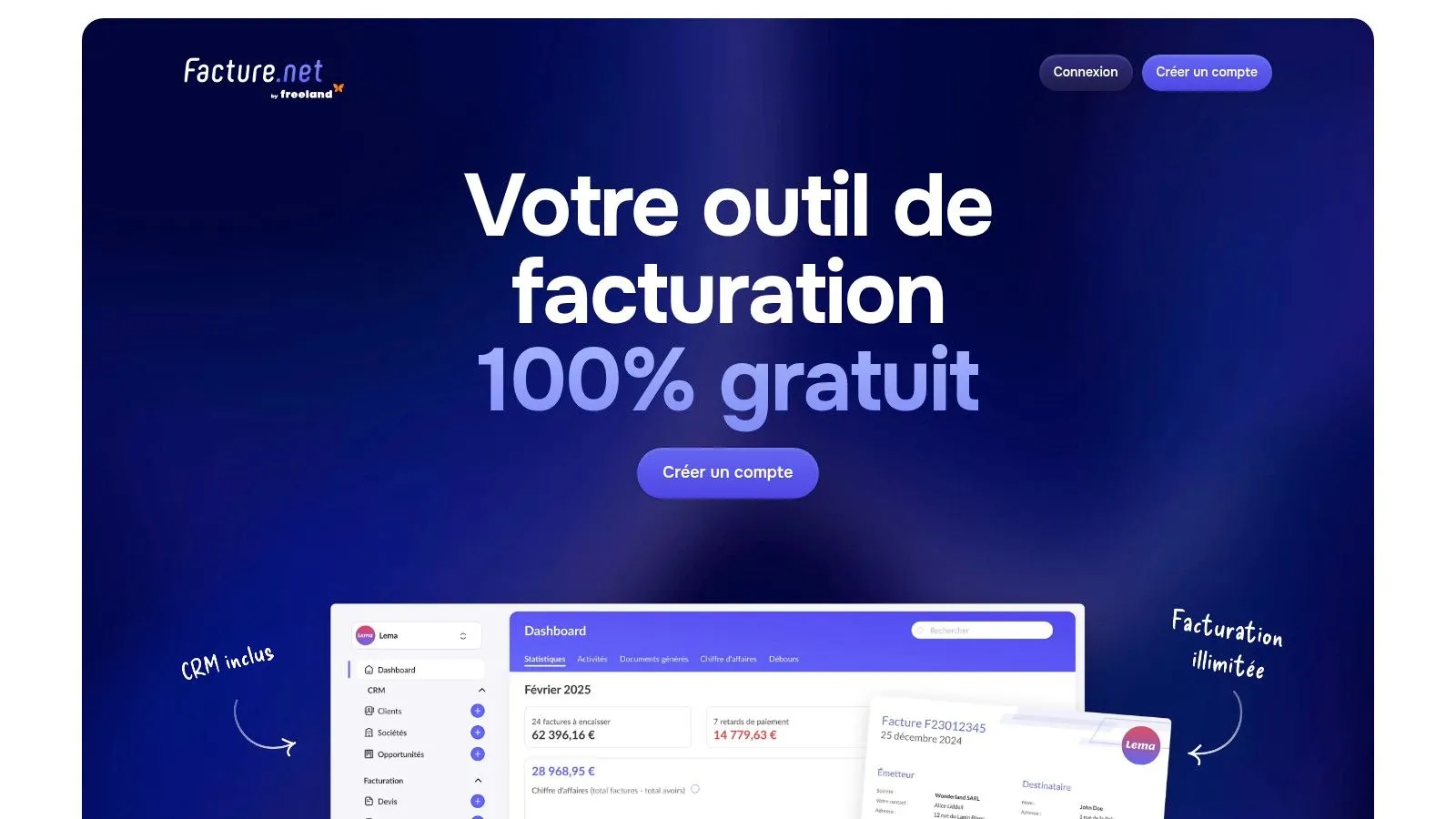
Facture.net positions itself as a free invoicing solution designed for the French market. This tool is particularly aimed at sole traders, freelancers and small businesses looking for simple, effective invoice management at no extra cost. Whether you are an online seller, consultant, coach or digital product vendor, Facture.net can help you simplify your administrative tasks.
Facture.net allows you to create an unlimited number of invoices and quotes. It also offers client database management, automatic calculation of VAT and other taxes, and PDF document export. A clear dashboard makes it easy to view the state of your finances. The intuitive interface is a considerable advantage for beginning entrepreneurs, allowing for a quick, smooth learning curve.
Main features
- Unlimited invoice and quote creation
- Client database management
- Automatic VAT and tax calculation
- PDF export
- Financial dashboard
Advantages of Facture.net
- Compliance with French regulations: Facture.net meets French tax requirements, an essential point for avoiding errors and administrative complications.
- Intuitive user interface: The platform is easy to use, even without prior experience with invoicing software.
- Free with no limitations: The free version does not restrict the number of clients or invoices, a significant advantage for small structures.
- Regular updates: Regular updates ensure the application stays compliant with the latest regulations.
Disadvantages of Facture.net
- Limited customization (free version): For advanced customization of invoice appearance, a paid subscription is required.
- Paid advanced features: Stock management and detailed financial reports are only accessible via a premium subscription.
- No mobile app: Facture.net is accessible exclusively via a web browser, which can be a drawback for users on the go.
Pricing and implementation tips
Facture.net offers a full free version. Paid plans with extended features are available for businesses with more complex needs. Check their website for more information on pricing.
Creating an account is quick and simple. After signing up, you can immediately create your invoices and import your client database. Explore the different options in the free version to optimize your invoicing management.
Comparison with similar solutions
Compared to other free invoicing software, Facture.net stands out for its compliance with French standards and its simplified interface. It is a relevant solution for French entrepreneurs looking for a free, high-performing tool.
In conclusion, Facture.net represents a free, high-performing and accessible invoicing solution, perfectly suited to sole traders, freelancers and small businesses in France. Its compliance with French legislation and its intuitive interface make it a valuable ally for simplifying administration and focusing on core business activities.
4. Invoice Ninja
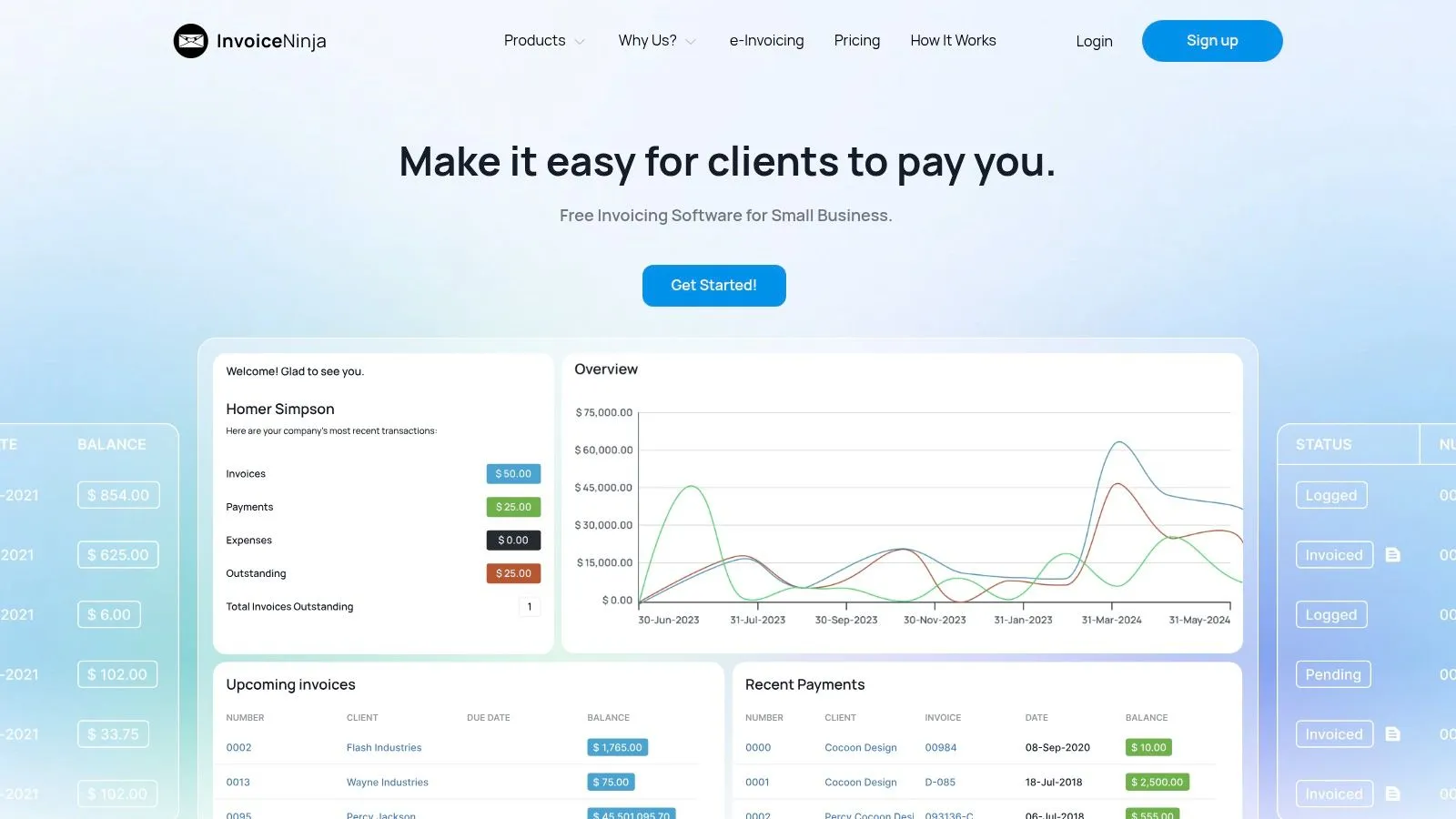
Invoice Ninja is an open-source invoicing solution particularly well-suited to sole traders, freelancers and small businesses. The platform offers a free self-hosted option as well as cloud services, allowing it to meet various needs and technical skill levels. Its inclusion in this list is justified by its flexibility, its many features even in the free version, and the full data control offered by the self-hosted option.
Key features:
- Self-hosted option: An advantage for fully controlling your data. Particularly relevant for businesses concerned about the privacy and security of their information.
- Client portal: Simplify the payment process by allowing your clients to view and pay their invoices online.
- Time tracking and project management: A valuable feature for invoicing hourly services and tracking project progress.
- Invoice template customization: Showcase your brand on your invoices for a professional, personalized look.
- API access: Integrate Invoice Ninja with other platforms for automated, centralized management of your operations.
- Multi-language and multi-currency support: Essential for businesses operating internationally.
Pros:
- Open-source code and active community: Benefit from responsive community support and regular updates.
- Full data control with self-hosting: Ensure the security and confidentiality of your sensitive information.
- Comprehensive features, even in the free version: Unlimited invoicing and clients with the self-hosted option.
- Multi-language and multi-currency support: A solution suited to international businesses.
Cons:
- Technical skills required for self-hosting: Installation and maintenance require system administration knowledge.
- Limited free cloud version: The number of clients and invoices is restricted. A paid subscription is required for heavy use.
- User interface could be improved: Some time may be needed to get comfortable with the interface.
Pricing:
- Self-hosted: Free, excluding hosting costs.
- Cloud: Limited free version, then paid subscriptions for extended features and limits. More information on the Invoice Ninja website.
Implementation tips:
- Self-hosted: If you lack system administration skills, it is advisable to call on a professional for installation and configuration.
- Cloud: Test the features with the free version before subscribing to a paid plan.
Comparison with other tools:
Unlike solutions such as Facture.net or FreeAgent, Invoice Ninja offers greater control through its self-hosted option. If ease of use is your priority, other platforms might be better suited. On the other hand, Invoice Ninja is a competitive alternative for those who prioritize flexibility, data control and advanced features with no significant upfront investment.
Website: https://www.invoiceninja.com/
In conclusion, Invoice Ninja is a powerful, flexible tool that meets the invoicing needs of a varied audience, from sole traders to growing small businesses. The open-source, self-hosted option is a major asset for data privacy. Despite an interface that requires some adjustment and technical skills for self-hosting, the many features offered, even for free, make Invoice Ninja a solution worth considering.
5. Zoho Invoice
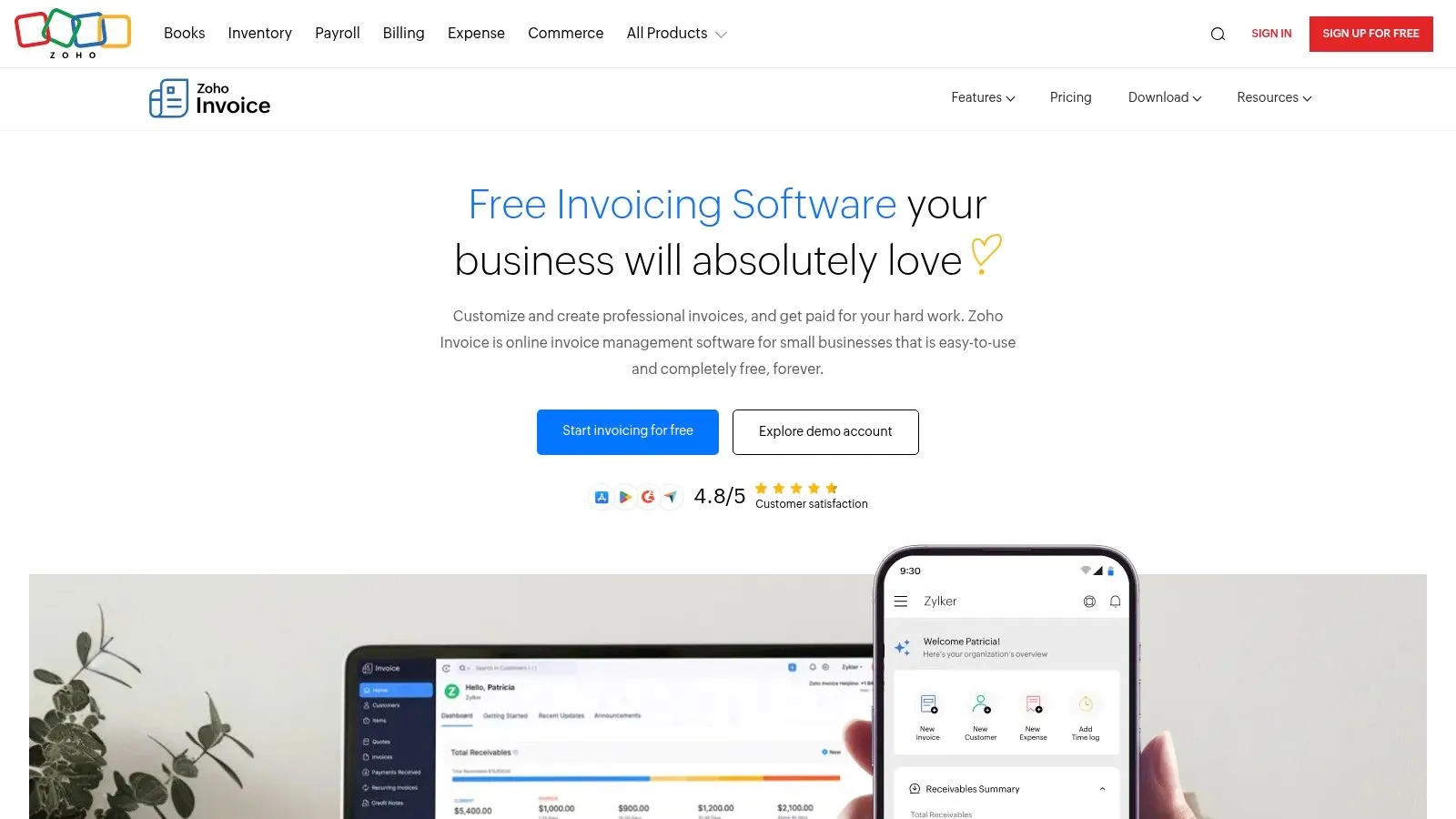
Zoho Invoice stands out for its generous free plan and comprehensive features. It is a solution particularly well-suited to sole traders, freelancers and small businesses. If you manage a small client portfolio and are looking for a high-performing solution with no upfront investment, Zoho Invoice is an option worth considering.
Integrated into the Zoho ecosystem, this software lets you manage up to 5 clients for free. It offers essential features such as creating professional invoices, expense tracking and time management. For example, a sole trader selling digital products to a few regular clients can manage all of their invoicing, expenses and working hours for free and intuitively.
Key features
-
Customizable invoice templates: Adapt your invoices to your brand identity.
-
Time tracking and client portal: Improve collaboration and transparency with your clients.
-
Multi-currency and multi-language support: An asset for businesses working internationally, particularly online sellers or consultants with a foreign clientele.
-
Payment gateway integrations: Simplify payments for your clients.
-
Automated payment reminders: Optimize your collections and reduce late payments.
Advantages of Zoho Invoice
-
Integration with the Zoho ecosystem: A considerable advantage for users of other Zoho tools (CRM, accounting, etc.). This allows for centralized management and significant time savings.
-
Mobile apps for iOS and Android: Manage your invoicing anywhere, anytime.
-
Intuitive user interface: The software is easy to learn, even for beginners.
-
Regular updates: Zoho Invoice is constantly evolving.
Disadvantages of Zoho Invoice
-
Free plan limited to 5 clients: A barrier for growing businesses.
-
Paid advanced features: Advanced workflow automation and access to detailed reports require a subscription.
-
Potential cost when upgrading: It’s important to evaluate long-term costs in case of rapid expansion.
Implementation tips
-
Customize your invoice templates to reflect your brand image.
-
Explore integrations with your existing tools, particularly payment gateways.
-
Use the client portal to simplify communication and invoice tracking.
Comparison and alternatives
If you exceed the 5-client limit, alternatives such as Facture.net or FreeAgent can be considered. However, their free versions often offer more limited features.
Price and website
Zoho Invoice is free for up to 5 clients. Paid plans are available for larger needs. Check the website for more pricing details: https://www.zoho.com/invoice/
In conclusion, Zoho Invoice is a powerful, free invoicing tool, ideal for sole traders, freelancers and small businesses with a limited number of clients. Its integration with the Zoho ecosystem, intuitive interface and many features make it an attractive solution for simplifying administrative management and focusing on growing your business.
6. VFP
VFP (Votre Facture Pro) is a free invoicing solution designed for French sole traders, freelancers and micro-businesses. Its ease of use and compliance with French standards make it an attractive tool, especially for entrepreneurs who are just starting out or who want to simplify their administrative management. Whether you sell online or not, whether you are a consultant, coach, digital content creator or multi-platform seller, VFP can support you with your invoicing.
VFP lets you create invoices, quotes and credit notes that comply with regulations, manage your client and product list, and get statistical reports. It’s an ideal solution if you’re looking for a simple, free tool without compromising on legal compliance. For example, a sole trader selling products online can easily issue invoices, while a service provider can create customized quotes.
Main features
- Unlimited creation of invoices, quotes and credit notes
- Compliance with French regulations
- Client and product management
- Statistical reports and dashboards
- Sending documents by email and in PDF format
Advantages of VFP
- Completely free: No hidden fees, no premium subscription or paid options. A considerable advantage for businesses looking to control their expenses.
- Compliance with French legislation: VFP is regularly updated to comply with the latest regulations, helping you avoid errors and complications.
- Ease of use: The interface is easy to learn, even without specific knowledge. Perfect for beginning entrepreneurs.
- Regular updates: Ensure ongoing compliance with legal changes.
Disadvantages of VFP
- Limited customization: Invoice templates are simple and offer few graphic customization options. A weak point for businesses wanting a strong visual identity.
- Simple design: The interface is less modern than that of paid solutions.
- No cloud synchronization: Use is limited to a single device, which can be inconvenient if you work on multiple computers.
Price: Free
Technical requirements: Not specified, accessible via a web browser.
Comparison with other tools
If you need more advanced features, such as cloud synchronization, multi-currency management or more advanced customization, paid solutions such as Facture.net or Zervant may be better suited. However, for simple, free invoicing management in line with French law, VFP remains an excellent solution.
Getting started with VFP
Using VFP is very simple. Just create an account and enter your client and product information. The intuitive interface will guide you through creating your first invoices.
Website link: https://www.votrefacturepro.fr/
VFP is a valuable tool for sole traders, freelancers and small businesses. It offers a completely free invoicing solution that complies with French legislation, with no feature restrictions. A simple, effective solution for managing your invoicing without breaking the bank.
7. AND CO (now Fiverr Workspace)
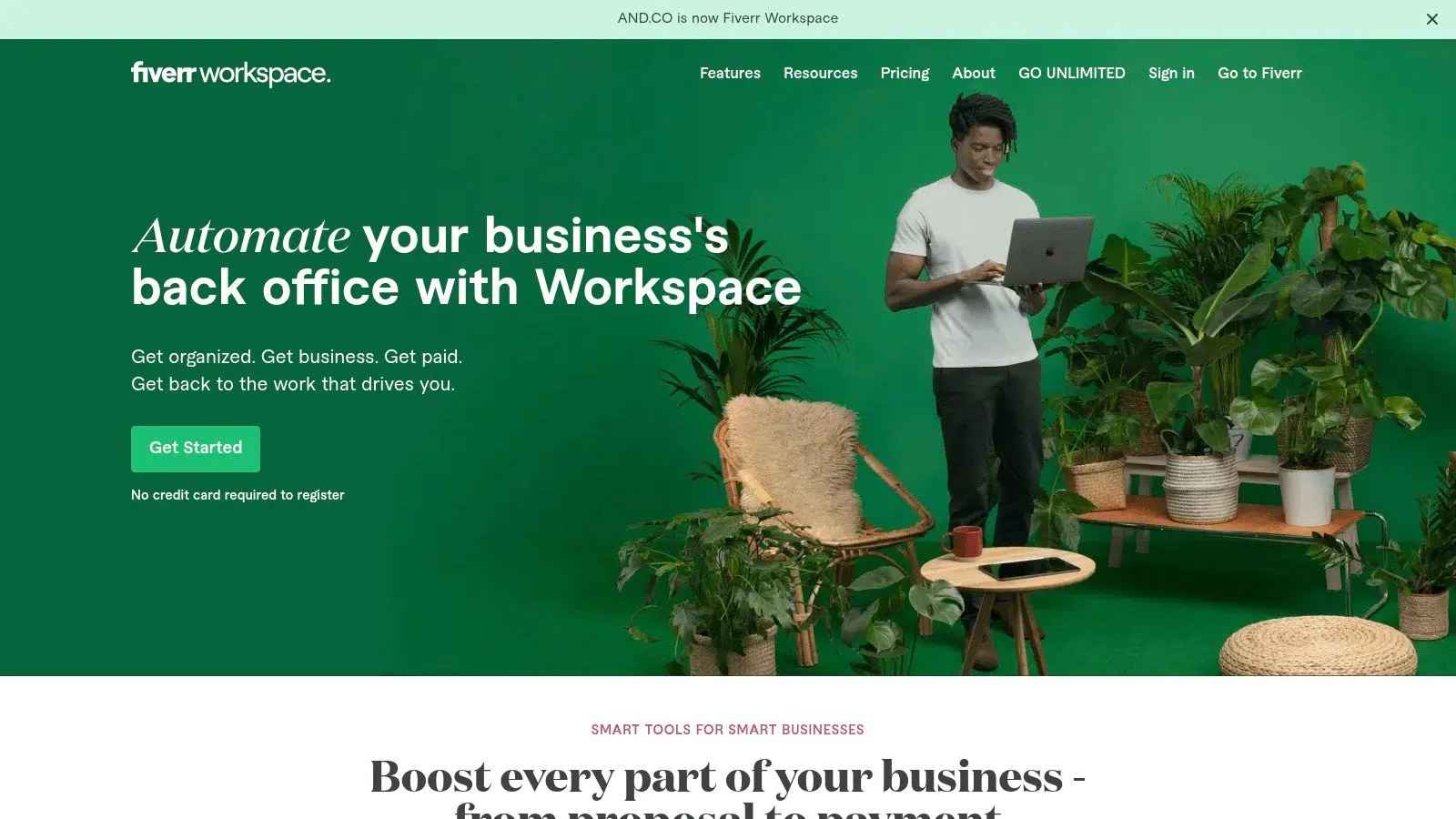
AND CO, now known as Fiverr Workspace, stands out for its free plan designed for freelancers and sole traders. This tool simplifies administrative management, allowing independent workers to focus on their core business. Whether you are a consultant, coach, digital content creator or online seller, Fiverr Workspace offers a set of essential tools for managing your business.
The free version of Fiverr Workspace offers key features, such as creating and managing professional invoices, creating contracts with electronic signature, time tracking and expense management for an unlimited number of clients. It’s an ideal solution for independent professionals wanting to automate their administrative tasks without investing in expensive software.
Main features
-
Professional invoice generation and management: Create custom invoices in your brand and track their status (sent, paid, overdue).
-
Contract creation with electronic signatures: Simplify the signing process with your clients through integrated electronic signatures.
-
Time tracking and project management: Precisely track time spent on each project and manage your tasks efficiently.
-
Expense tracking with receipt scanning: Record your expenses easily by simply scanning your receipts.
-
Income and expense reports: Get an overview of your finances with clear, concise reports.
Pros
-
Designed for freelancers: The interface and features are specifically designed to meet the needs of independent workers.
-
Intuitive, modern interface: Easy to learn, even for those new to invoicing software.
-
Integrated contracts and proposals: Centralize the management of your administrative documents on a single platform.
-
Mobile app available: Manage your invoicing and expenses wherever you are.
Cons
-
Paid advanced customization options: For more advanced features, such as multi-currency management, a paid subscription is required.
-
Basic accounting solution: Fiverr Workspace focuses on invoicing and expense management. It doesn’t replace full accounting software and is suited to the simple accounting needs of sole traders and freelancers.
-
Occasional synchronization issues: Although rare, some users have reported data synchronization issues between the desktop and mobile versions.
Usage tips
-
Use the pre-filled invoice and contract templates for valuable time savings.
-
Customize your invoices with your logo and contact details.
-
Use the mobile app to track your expenses in real time.
-
Explore integrations with other tools you already use, such as your bank account.
Website link: https://workspace.fiverr.com/
Fiverr Workspace is a relevant free solution for sole traders, e-commerce freelancers and small businesses looking to automate their administrative management. It is particularly well-suited to users with simple accounting needs who are looking for an effective solution to manage their invoices, contracts and expenses. To get started, Fiverr Workspace is an excellent free option. However, it’s important to consider its limitations regarding advanced features and full accounting if your business is more complex.
Side-by-Side Comparison: 7 Free Invoicing Tools
| Product | Key features ✨ | Experience / Quality ★ | Target audience 👥 | Price 💰 |
|---|---|---|---|---|
| 🏆 Bizyness | Accounting automation, e-commerce integrations | Intuitive interface, 4.9 rating | Freelancers and SMBs | Free / Pro from €9/month |
| Wave | Unlimited invoicing, expense tracking, reporting | User-friendly interface, cloud solution | Freelancers and SMBs | Free (paid add-ons) |
| Facture.net | Unlimited invoices & quotes, French tax compliance | Simple and intuitive | French-speaking freelancers and SMBs | Free (paid options) |
| Invoice Ninja | Self-hosted option, client portal, time tracking | Open-source, full control | Tech-savvy freelancers and SMBs | Free (limited cloud) |
| ZohoInvoice | Customizable templates, multi-currency/multi-language | Excellent interface, mobile app | SMBs and freelancers | Free up to 5 clients, scalable |
| VFP | Compliant invoicing, client management and statistical reports | Simple interface, regular updates | Micro-entrepreneurs and freelancers | Entirely free |
| AND CO (Fiverr Workspace) | Invoicing, contracts with e-signatures, time tracking | Modern, mobile interface | Freelancers and solopreneurs | Free (paid advanced features) |
Choosing the best free invoicing software for you
Choosing free invoicing software is an important decision for any business, whether small or large. For sole traders and small structures, simplicity and being free are often paramount. Larger businesses, on the other hand, may need more advanced features. How do you find your way among all the available options?
Here are a few key points to consider to make the best choice:
-
Features: From simple invoice creation to payment tracking, free software offers a range of features. Some even include expense management, inventory and report creation. Identify which ones are essential for your business. For example, if you sell online, integration with your e-commerce platform is a major asset. For an international clientele, multi-currency and multi-language support are indispensable.
-
Ease of use: An intuitive, easy-to-use interface, even for beginners, will save you valuable time. Software that’s too complex can quickly become counterproductive.
-
Integrations and compatibility: Make sure the software you choose is compatible with your other tools, such as your accounting software (Sage, for example), your CRM or your online store. Good integration will greatly simplify your administrative management.
-
Budget and resources: Even if the software is free, costs can arise from premium options, customer support or additional integrations. Also factor in the time needed for setup and training on the tool.
-
Scalability: Anticipate your company’s growth. The software should be able to evolve with your future needs to support you over the long term.
Based on the information in this article about Bizyness, Wave, Facture.net, Invoice Ninja, Zoho Invoice, VFP and AND CO/Fiverr Workspace, you’ll be able to identify the software that best matches your situation and helps you simplify your invoicing.
Choosing software: a strategic investment
Choosing free invoicing software is making a strategic investment. Take the time to analyze your needs, test different solutions and choose the one best suited to your business. This choice will have a direct impact on the efficiency of your management and your productivity.
Looking for a simple, effective and high-performing tool? Bizyness is an all-in-one solution designed for sole traders and small businesses in France. With its free plan, automate your invoices, manage your VAT and simplify your financial transactions. Focus on what matters most: growing your business!
