

 Français
 Best free accounting software for sole traders 2025
Discover the top free accounting software for sole traders (micro-entrepreneurs) to easily manage your business in 2025. Compare and pick the best one!

As a sole trader (auto-entrepreneur), juggling business growth with administrative obligations can quickly become a headache. Accounting, though simplified for this status, still demands rigor and organization. Fortunately, there is a wide range of tools to lighten the load without adding to your costs. Free accounting software for sole traders is the ideal solution to automate invoicing, track your revenue, and prepare your tax filings with peace of mind.
But with so many options available, how do you choose the one that truly fits your needs? Whether you’re a freelancer, an e-commerce seller, or a service provider, finding the right tool is essential to optimize your time. Since invoice management is a recurring task, it’s worth noting that dedicated invoice automation software also exists and can effectively complement your accounting solution.
This detailed guide was designed to save you time. It presents and compares the 12 best free solutions on the market. For each tool, we analyze its key features, its concrete benefits for your day-to-day as an independent worker, and its limitations, with screenshots and direct links. The goal is simple: help you make an informed choice so you can focus on what you do best, your business.
1. Bizyness: The all-in-one solution for automated management
Bizyness stands out as a benchmark reference for sole traders looking for both power and simplicity. More than just free accounting software for sole traders, it positions itself as a true management assistant. Its strength lies in its extensive automation, specifically designed to ease the administrative burden for independent workers in France. From creating compliant quotes and invoices to bank synchronization, everything is built to minimize manual, repetitive tasks.
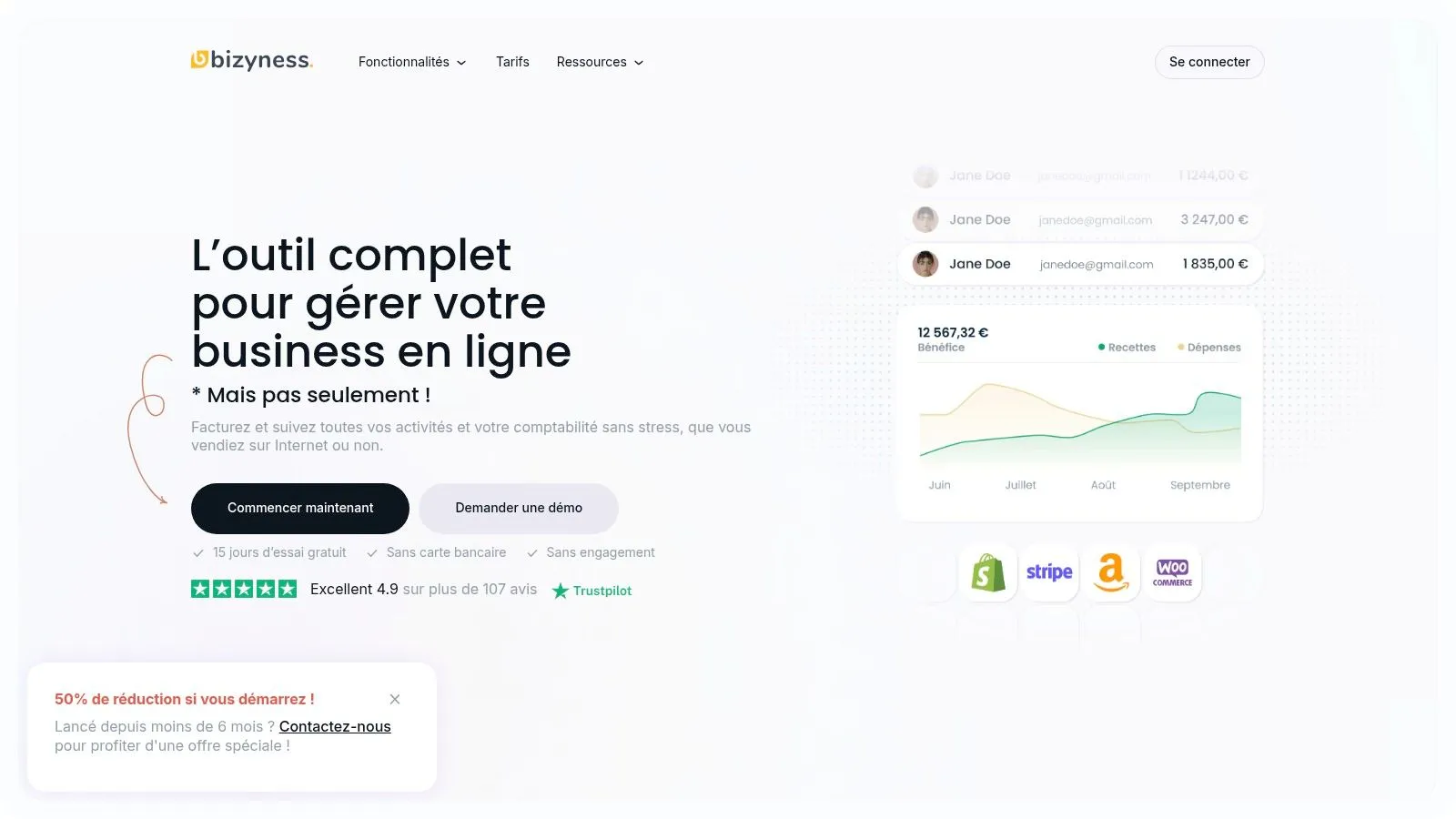
The platform stands out for its modular, accessible approach. The free plan, available with no credit card required, is already very complete for getting started and handling essential obligations. For growing businesses, paid plans unlock advanced features, such as deep integrations with e-commerce platforms (Shopify, WooCommerce, etc.), multi-currency management, or detailed financial reports. This flexibility allows the tool to evolve alongside your business.
The interface, rated excellent by its users (4.9/5), is a major asset. Intuitive and modern, it makes accounting accessible even to beginners, while still offering the depth experienced users need. Automated URSSAF and VAT filings are particularly appreciated, ensuring compliance and peace of mind.
| Pros | Cons |
|---|---|
| Full automation for invoices, VAT, and transactions | Advanced features (multi-user) reserved for paid plans |
| Intuitive interface suited to beginners and experts alike | Limited integrations for niche tools |
| Complete free plan with no commitment or credit card | |
| Responsive, personalized customer support | |
| Strong integrations for e-commerce and multi-currency management |
In short, Bizyness is the top choice for sole traders who want not just a compliance tool, but a genuine platform to drive and optimize their financial management.
Ideal for: Sole traders and freelancers (e-commerce, services, content creators) who want to automate their accounting to focus on growth.
2. Indy
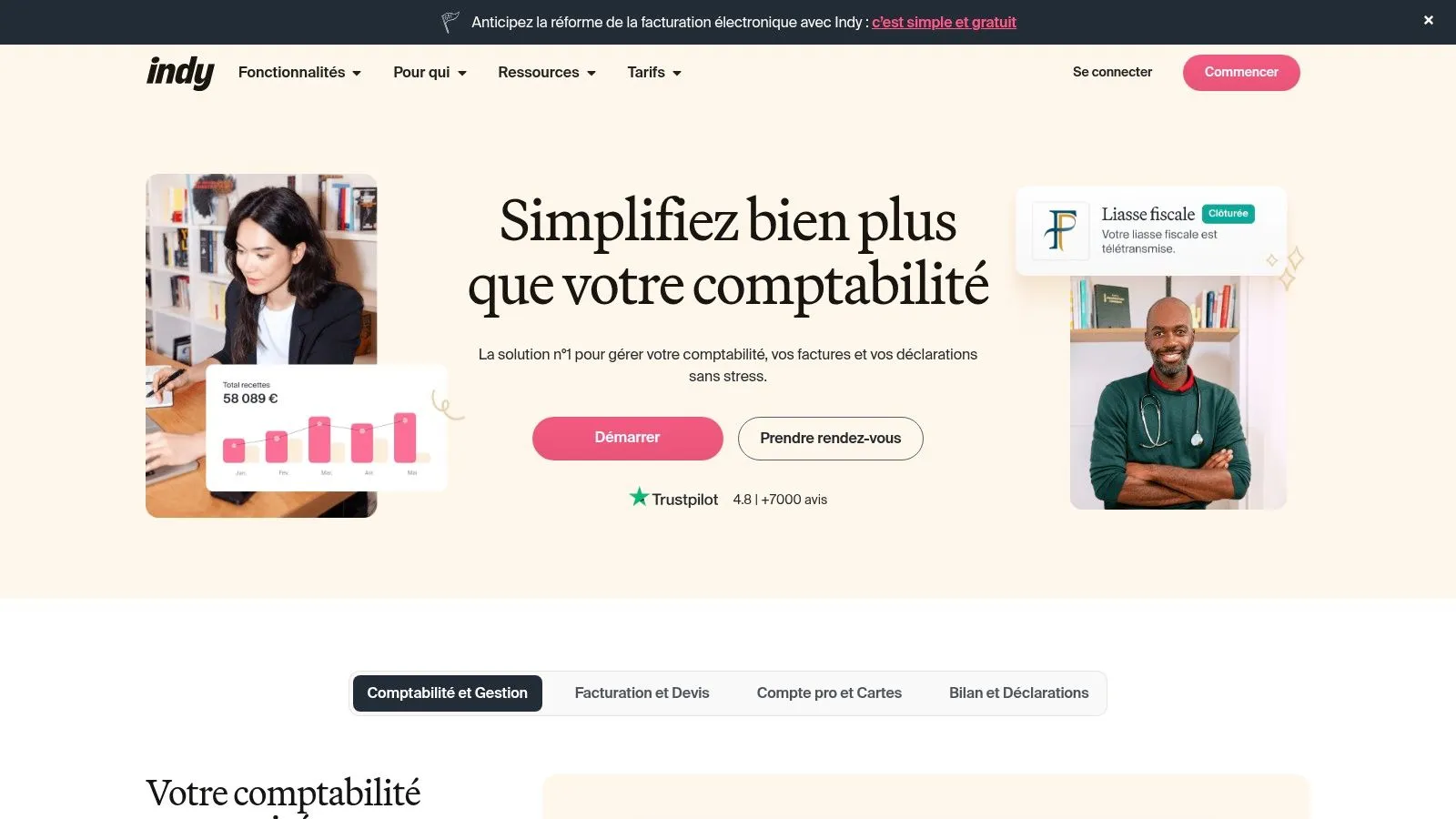
Indy has quickly established itself as a go-to for independent workers, including sole traders, thanks to its modern, automated approach to accounting. This free accounting software for sole traders stands out for its ability to securely sync bank accounts, which automates transaction categorization and greatly simplifies tracking cash flow. It is designed to lighten the administrative load, letting entrepreneurs focus on their core business.
Feature analysis and use cases
Indy’s free version is particularly comprehensive, offering the creation of custom quotes and invoices as well as real-time monitoring of your business. For a sole trader selling digital products, for example, bank synchronization means you can instantly see every payment received and match it to an invoice, with no manual entry. The interface is very intuitive, making navigation pleasant even for accounting novices.
Practical tip: Use the automatic categorization feature to set up specific rules for your recurring expenses (rent, subscriptions, etc.). This will save you valuable time each month.
For those who want to go further, Indy offers paid plans that include management of tax and social filings. You can check out a detailed review of accounting software for sole traders to compare its offerings. Customer support, based in France and very responsive, is a real strength.
Pros and cons
| Pros | Cons |
|---|---|
| Very intuitive interface, easy to get started with | Some advanced features are paid |
| Free version rich in essential features | May take some time to get used to for beginners |
| Extensive automation of accounting tasks | Less suited to more complex business structures |
| Responsive support based in France | No multi-currency management in the free version |
Website: Indy
3. Henrri
Henrri presents itself as a powerful invoicing solution, developed by the Rivalis group and designed specifically for sole traders and small businesses. What sets it apart as free accounting software for sole traders is its business model: it is entirely free for life for its core features. It focuses on the essentials, invoicing, offering a robust tool to create quotes and invoices compliant with French law, without unnecessary frills.
Feature analysis and use cases
Henrri’s strength lies in its simplicity and accessibility. A sole trader tradesperson, for example, can generate a professional quote in a few clicks from their smartphone on a job site, then convert it into an invoice once the work is complete. Customizing documents with a logo reinforces brand image. Exporting accounting data makes it easy to share information with an accountant if needed.
Practical tip: Turn on the unpaid invoice tracking feature to automate reminder emails. This lets you maintain healthy cash flow without having to manually manage every late payment.
While the free version is very complete for invoicing, Henrri offers optional paid modules for more specific needs, such as online payment or activity forecasting. The interface, clear and intuitive, is designed for quick onboarding, even without any technical skills.
Pros and cons
| Pros | Cons |
|---|---|
| Entirely free for life for invoicing | Features limited to invoicing |
| Very simple, easy-to-use interface | No bank synchronization |
| Compliant with anti-VAT-fraud legislation | No advanced accounting management (balance sheet, etc.) |
| Accounting export for easy collaboration | Add-on modules are paid |
Website: Henrri
4. myAE
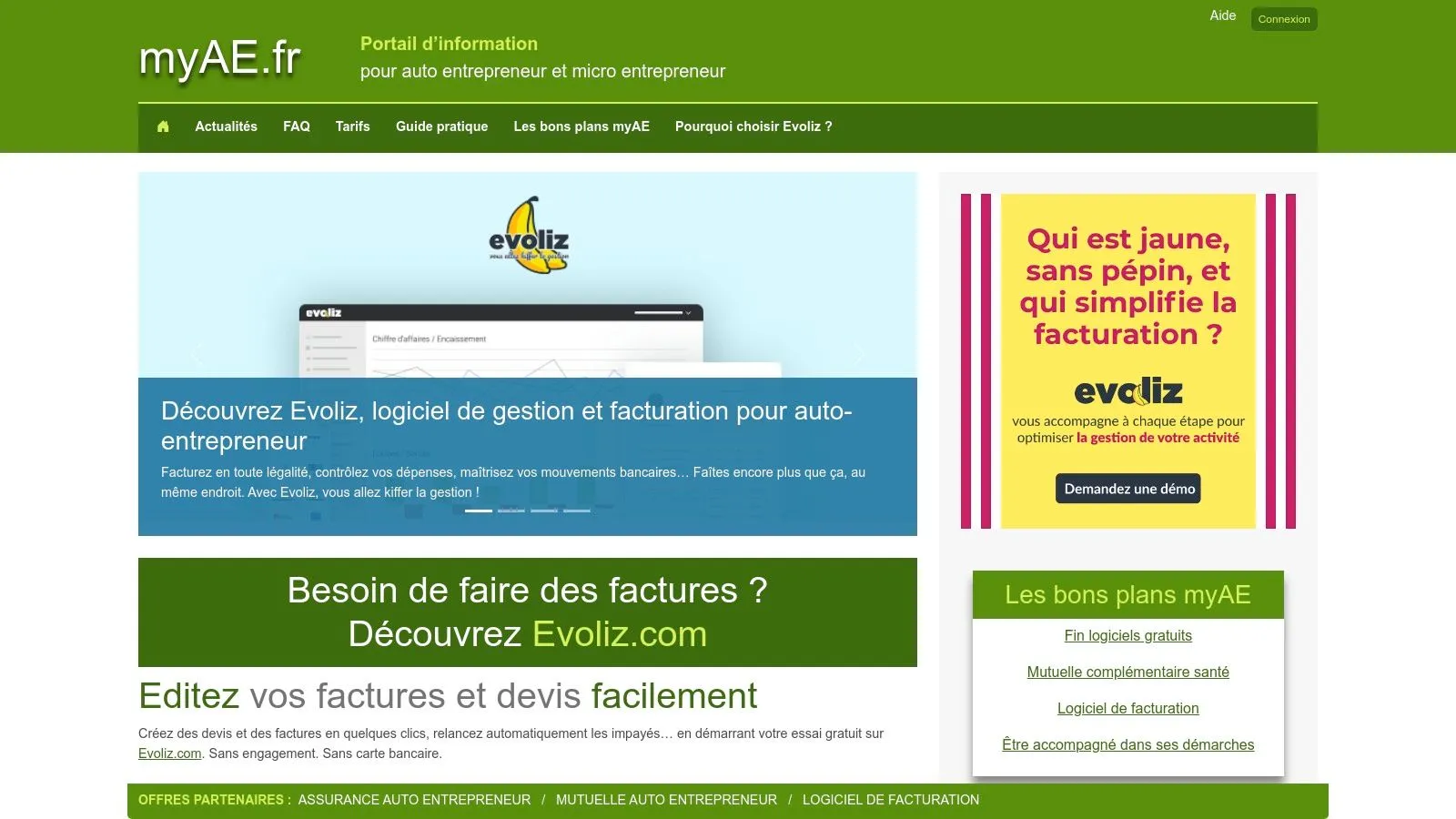
myAE positions itself as a longstanding, reliable tool for micro-entrepreneurs, offering an entirely free and accessible online invoicing service. This free accounting software for sole traders is designed to be straightforward and efficient, focusing on the fundamentals: creating compliant quotes and invoices, managing a catalog of products or services, and tracking revenue. Its main strength is its simplicity, making it ideal for those who are just starting out or looking for a no-frills solution.
Feature analysis and use cases
myAE’s free version covers the essentials of day-to-day invoicing. A sole trader tradesperson can, for example, quickly create a quote for a client, convert it into an invoice once accepted, and track payment, all from a clear web interface. The tool also includes revenue tracking that helps anticipate VAT thresholds and URSSAF filings. Managing client records and the product catalog simplifies the recurring creation of business documents.
Practical tip: Use the accounting data export feature at the end of each quarter to easily prepare your revenue declaration. This centralizes all the information you need.
For those who need more advanced features, myAE offers paid versions that remove ads and add options such as automatic reminders for unpaid invoices. You can learn more by reading this guide on accounting for sole traders with free software to assess whether this tool meets your needs.
Pros and cons
| Pros | Cons |
|---|---|
| Entirely free, no commitment | Ads present in the free version |
| Simple, very intuitive interface | Advanced features reserved for paid versions |
| Accessible online, no installation needed | Somewhat dated interface design |
| Ideal for basic invoicing needs | No automatic bank synchronization |
Website: myAE
5. Abby
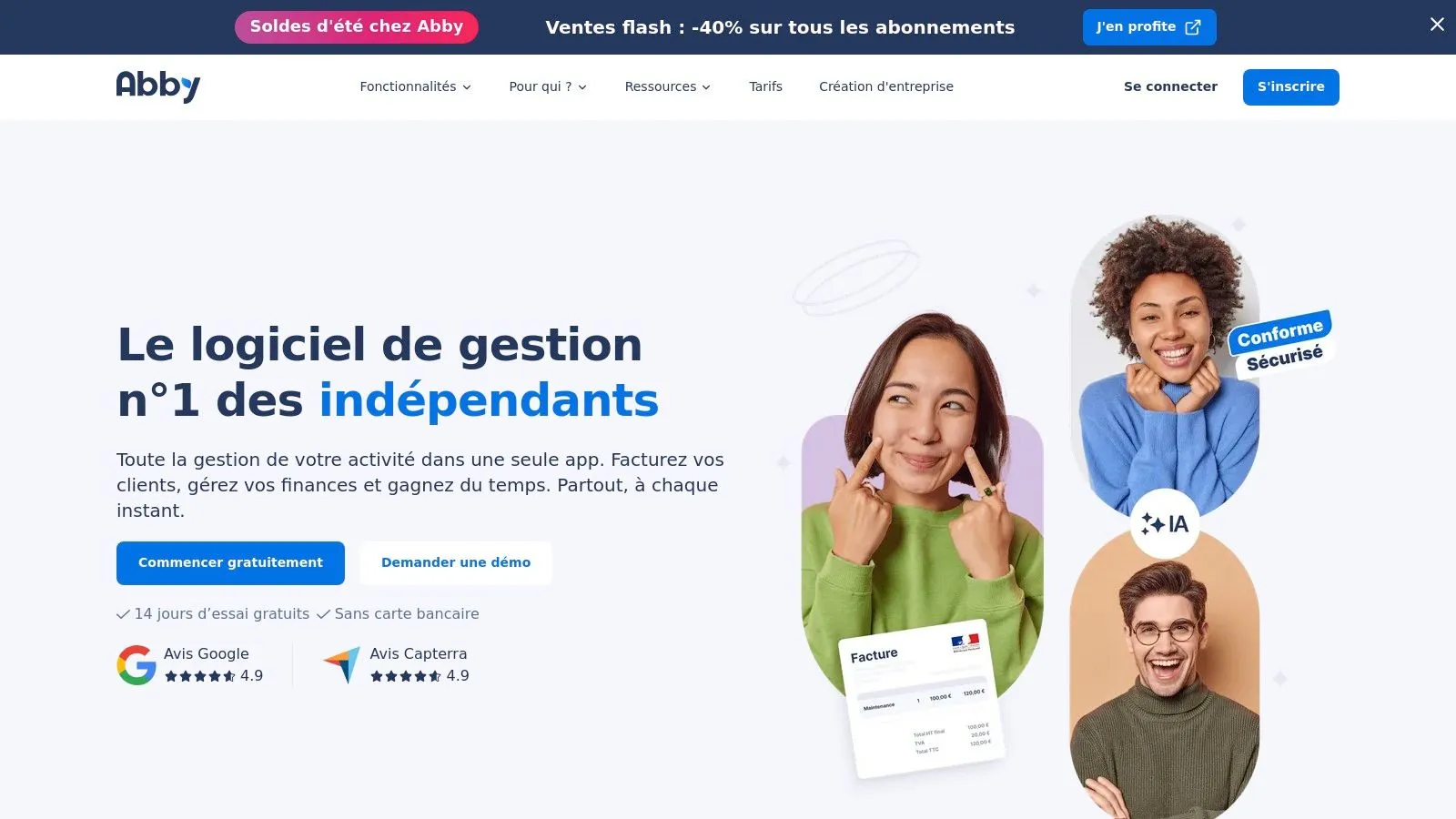
Abby positions itself as a complete management tool dedicated to micro-entrepreneurs, going beyond simple accounting. This free accounting software for sole traders was designed to simplify daily life for independent workers through a modern interface and features tailored to their specific needs. It centralizes business and administrative management, from creating quotes to declaring revenue, including tracking social contributions.
Feature analysis and use cases
Abby’s free version offers unlimited creation of quotes and invoices, as well as precise revenue tracking and client/product management. For a service provider, such as a consultant, this makes it possible to quickly generate professional business proposals and convert them into invoices in one click. The tool also estimates social contributions owed, providing clear visibility into upcoming charges and avoiding unpleasant surprises.
Practical tip: Use the products and services catalog to record your recurring offerings. This will speed up the creation of your quotes and invoices, ensuring consistency in your pricing and descriptions.
Abby’s paid plans unlock more advanced features, notably automatic revenue declaration to URSSAF. This option represents a considerable time saving and secures the filing process for sole traders who want to automate this task.
Pros and cons
| Pros | Cons |
|---|---|
| Very complete, fully functional free plan | No bank synchronization in the free plan |
| Modern, very easy-to-use interface | Some advanced automations are paid |
| Built-in social contributions estimate | Less suited to complex accounting needs |
| Lets you declare revenue directly from the tool | Support may be less responsive than premium solutions |
Website: Abby
6. Tiime
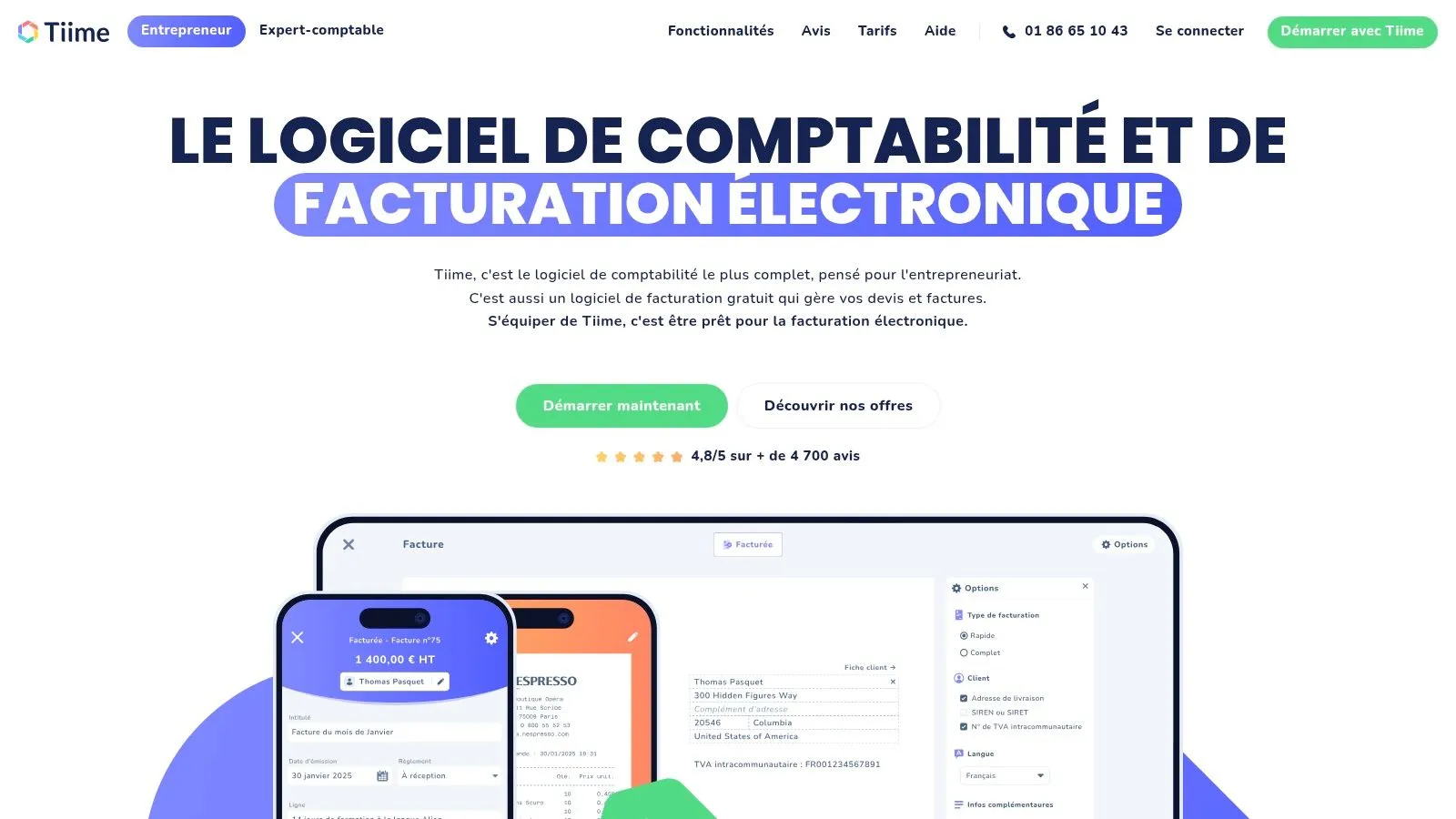
Tiime positions itself as an all-in-one solution, specifically designed for sole traders and freelancers looking for efficiency. This ecosystem of free apps simplifies daily management by centralizing invoicing, expense tracking, and bank connectivity. This free accounting software for sole traders is appreciated for its modern interface and modular approach, letting each user build their own tailor-made management tool, with no hidden fees.
Feature analysis and use cases
Tiime’s strength lies in its suite of interconnected apps. A freelancer might, for example, use the mobile app to scan an expense receipt right after a client lunch, while the web app syncs incoming payments. Editing quotes and invoices is intuitive, with customization options and automatic reminders for unpaid invoices, optimizing cash flow without manual effort. The clear, pleasant interface makes for quick adoption, even without prior accounting knowledge.
Practical tip: Connect your bank account so Tiime automatically retrieves your transactions. The app will suggest categorizations, which greatly speeds up preparing your revenue declaration.
While the suite is free for independent workers, Tiime offers paid solutions for businesses that want to collaborate with an accountant partnered with the platform.
Pros and cons
| Pros | Cons |
|---|---|
| Entirely free solution with no volume limit | Less suited to complex accounting needs |
| Modern, very intuitive interface | Advanced features require a paid subscription |
| High-performing mobile app for expense management | Support may be less personalized than with some competitors |
| Ecosystem of interconnected tools | Mainly focused on pre-accounting management |
Website: Tiime
7. Freebe
Designed specifically for freelancers and micro-entrepreneurs, Freebe presents itself as an all-in-one management tool. While it is not free accounting software for sole traders for life, its 30-day trial lets you test all its premium features. It stands out for its clean interface and extensive automation, aiming to eliminate repetitive administrative tasks so entrepreneurs can focus on their core business.
Feature analysis and use cases
Freebe excels at simplifying daily operations. It lets you create compliant quotes and invoices in a few clicks, track cash flow thanks to bank synchronization, and above all automate your revenue declaration to URSSAF. For a freelance consultant, for example, Freebe can automatically generate the revenue ledger and purchase register, two mandatory documents. The tool also provides a clear dashboard to view business performance in real time.
Practical tip: Take advantage of the 30-day trial to set up your account and sync your bank. This will give you a clear picture of the added value of automation before deciding to subscribe.
Freebe’s major strength lies in its ecosystem, entirely designed around the sole-trader status, which makes it particularly relevant and effective for this audience. Upgrading to the paid version is required to keep access after the trial.
Pros and cons
| Pros | Cons |
|---|---|
| Full automation of administrative tasks | Requires a paid subscription after the trial period |
| Very intuitive, easy-to-use interface | Limited exclusively to the sole-trader status |
| Full 30-day free trial | Less suited if you need complex accounting features |
| Designed specifically for freelancers and sole traders | Not a long-term free solution |
Website: Freebe
8. Sinao
Sinao positions itself as an online accounting management tool designed for entrepreneurs, including sole traders, who want to simplify their invoicing and accounting. While it is not free accounting software for sole traders in the long term, its 15-day trial lets you test all its advanced features with no commitment, making it an interesting option to evaluate. It emphasizes automation to lighten the daily administrative load.
Feature analysis and use cases
Sinao’s main strength lies in its interface, which automates many processes. Creating electronic quotes and invoices is simple, and bank synchronization makes automatic transaction reconciliation easier. For a sole trader managing many small business expenses, the receipt transfer and classification feature is a considerable time saver. Just take a photo of the receipt and the information is extracted and classified automatically.
Practical tip: Make full use of the 15-day free trial to connect your bank account and see how the tool automatically categorizes your cash flow. This will give you a clear picture of its added value before committing.
Automating journal entries and direct transfer to an accountant are powerful features, although generally included only in paid plans. It is a scalable solution that can support the sole trader beyond the micro-entrepreneur regime.
Pros and cons
| Pros | Cons |
|---|---|
| Clear, automated user interface | Becomes paid after the 15-day trial |
| Effective bank synchronization | Some advanced features require a subscription |
| 15-day free trial with no commitment | Less complete for purely declarative tasks (URSSAF) |
| Simplified expense management | May be more complex than necessary for a beginner |
Website: Sinao
9. Gest4U
Gest4U positions itself as an all-in-one management tool for sole traders and self-employed professionals. This free accounting software for sole traders was designed to simplify life for independent workers by centralizing invoicing, cash-flow tracking, and task management. Its approach aims to provide a clear, real-time view of the business, enabling quick, informed decision-making.
Feature analysis and use cases
Gest4U’s free version lets you create compliant quotes and invoices and track your revenue. For an independent consultant, for example, the platform makes it easy to quickly send business proposals and convert them into invoices once a project is accepted. The social contribution simulation tools are a real plus, helping anticipate URSSAF charges and better manage cash flow.
Practical tip: Use the dashboard to keep an eye on important deadlines thanks to notifications and task management. This will help you avoid forgetting any declarations or invoice payments.
Paid plans unlock advanced features such as bank synchronization, which automates transaction reconciliation for even more precise tracking. The interface, designed to be intuitive, makes the software accessible even to those just starting out in business management.
Pros and cons
| Pros | Cons |
|---|---|
| Intuitive interface, easy to get started with | Some advanced features are paid |
| Centralizes accounting needs in a single tool | May take some time to get used to for newcomers |
| Social contribution simulation tools | Less suited to businesses with complex needs |
| Ideal for sole traders and self-employed professionals | Support may be less responsive than that of market leaders |
Website: Gest4U
10. ZenFactu
ZenFactu positions itself as a simple, straightforward invoicing and accounting solution, specifically designed to meet the needs of sole traders in France. This free accounting software for sole traders focuses on the essentials: creating unlimited quotes and invoices, tracking expenses, and automatically calculating social contributions. Its main strength is being entirely free with no conditions, making it an excellent starting point for entrepreneurs launching their business on a limited budget.
Feature analysis and use cases
ZenFactu’s strength lies in its simplicity. A freelance graphic designer, for example, can quickly create and send a professional quote, convert it into an invoice in one click, and then record expenses related to software or subscriptions. The tool also handles VAT, a useful feature for sole traders who have exceeded the VAT exemption thresholds. The interface, while basic, is functional and gets straight to the point, eliminating unnecessary complexity.
Practical tip: Use the social contribution calculation feature before each URSSAF declaration. This lets you anticipate the exact amount to pay and avoid surprises.
While ZenFactu is free, it provides the tools needed for sound administrative management. To learn more about legal obligations, you can check out this guide on invoicing for sole traders, which nicely complements the use of the tool. It is an ideal platform for those who prioritize simplicity and being free above all.
Pros and cons
| Pros | Cons |
|---|---|
| Entirely free, no hidden fees | Very basic accounting reports and statistics |
| Specifically tailored to the sole-trader regime | Limited features compared to paid solutions |
| Very simple, easy-to-use interface | No automatic bank synchronization |
| Unlimited quote and invoice creation | Somewhat dated interface design |
Website: ZenFactu
11. Wave
Wave presents itself as a powerful international solution and, quite rare, entirely free accounting software. Although not specifically designed for the French market, this free accounting software for sole traders attracts many independent workers thanks to its full suite of tools, including unlimited invoicing, expense tracking, and clear financial reports. Its strength lies in its accessibility and lack of hidden costs, making it a viable option for a sole trader willing to make a few adjustments.
Feature analysis and use cases
The platform excels at creating unlimited quotes and invoices with a professional design. For a freelancer working with international clients, Wave is ideal because it natively handles multiple currencies. Expense tracking is simplified by a receipt-scanning feature via the mobile app. However, sole traders will need to manually configure French VAT rates and adapt categories to match the micro-entrepreneur regime, since the presets are North American.
Practical tip: Create custom invoice templates that include the legal information required in France (SIRET number, VAT statement, etc.) to ensure compliance with every invoice you send.
The interface is modern and pleasant, but customer support is limited and mainly in English, which can be a drawback. Wave is therefore perfect for those looking for a robust, free tool and who aren’t intimidated by the need to adjust it to French specifics.
Pros and cons
| Pros | Cons |
|---|---|
| Complete, 100% free accounting solution | Not natively adapted to the French tax system |
| Unlimited invoicing and quotes | Limited customer support, in English only |
| Very intuitive interface with modern design | Requires manual configuration for France |
| Multi-currency management included | No automation for URSSAF declarations |
Website: Wave
12. Odoo
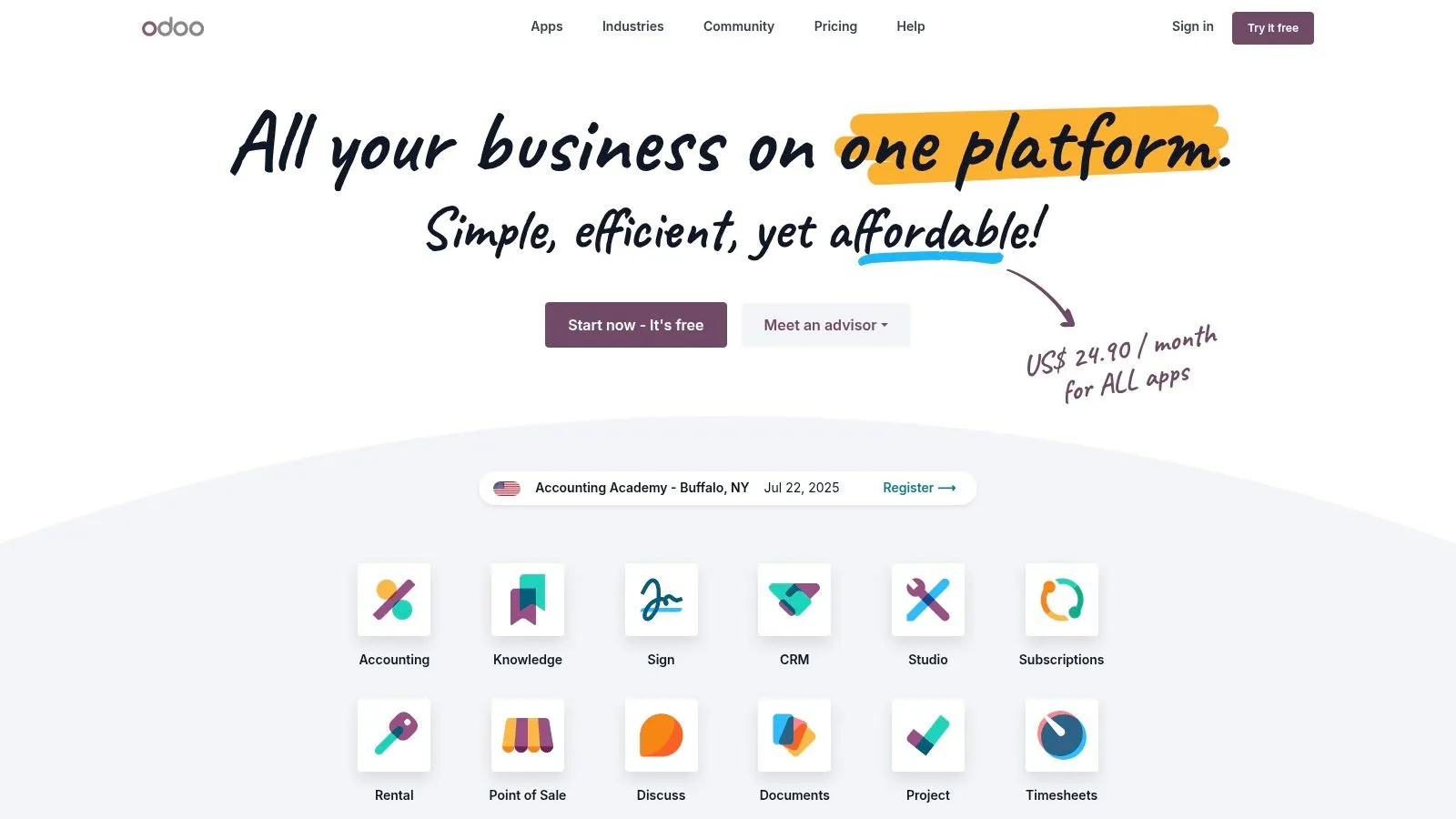
Odoo presents itself as a complete suite of open-source applications designed to meet the various needs of businesses, including those of micro-entrepreneurs. While it is a very powerful tool, its free version offers free accounting software for sole traders with basic invoicing and accounting features. Its modular approach lets users activate only the apps they need, providing a tailor-made solution that can evolve with the business.
Feature analysis and use cases
Odoo’s strength lies in its flexibility. For a sole trader just starting out, the invoicing and accounting modules are enough to create quotes and invoices, track payments, and manage a client and product database. The interface is modern and customizable, making it pleasant to use after a period of adjustment. As you explore Odoo’s features for your accounting, you might also consider its various integrations. For example, you can learn more about Odoo’s WhatsApp integration capabilities.
Practical tip: Start with just the “Invoicing” module. It’s free for life and covers essential invoicing needs. You can add other modules later as your business grows.
Its open-source nature offers great freedom, but more advanced features, such as analytic accounting or automated bank synchronization, are reserved for paid subscriptions.
Pros and cons
| Pros | Cons |
|---|---|
| Free version with essential features | Advanced features require a paid subscription |
| Modern, customizable interface | May require an adjustment period for newcomers |
| Ability to add modules as needed | Initial setup can be more complex than other tools |
| Scalable solution that grows with the business | Customer support is prioritized for paid versions |
Website: Odoo
Key Feature Comparison of the 12 Free Software Options
| Software | Key features ✨ | User experience ★ | Value / Price 💰 | Target audience 👥 | Unique strengths 🏆 |
|---|---|---|---|---|---|
| Bizyness 🏆 | Invoicing, VAT, bank synchronization, e-commerce integration | Intuitive interface, extensive automation (4.9/5) | Free + modular plans | Independent workers, sole traders (beginners & experienced) | Full automation, personalized support |
| Indy | Bank synchronization, custom invoices, tax filings | Intuitive interface, complete free version | Free + paid options | Sole traders | Responsive French support |
| Henrri | Unlimited quotes and invoices, automatic reminders | Simple, legally compliant | Entirely free | Sole traders, small businesses | Free for life, intuitive |
| myAE | Quotes/invoices, client/product management, revenue tracking | Simple and accessible | Free + paid versions | Sole traders | Ease of use, accessible online |
| Abby | Quote/invoice creation, revenue tracking, social contribution management | Modern interface | Free + paid options | Micro-entrepreneurs | Simplified revenue declaration |
| Tiime | Invoices, expense reports, reminders, bank connection | Mobile app, intuitive | Free + subscriptions | Freelancers, micro-businesses | Free mobile app |
| Freebe | Invoices, bank synchronization, URSSAF declarations | Accessible, automated interface | Free trial, subscription | Freelancers, micro-entrepreneurs | Administrative automation |
| Sinao | Electronic quotes/invoices, expense management, bank reconciliation | Automated processes, 15-day free trial | Monthly subscription | Entrepreneurs | Advanced accounting automation |
| Gest4U | Bank synchronization, task management, social contribution simulation | Intuitive interface | Paid subscription | Sole traders, self-employed professionals | Centralized accounting management |
| ZenFactu | Unlimited quotes/invoices, expense management, charge calculation | Simple, tailored to sole traders | Entirely free | Sole traders | Free, no hidden fees |
| Wave | Invoicing, expense management, custom reports | Modern design | Free | Freelancers & small businesses | Complete free software |
| Odoo | Quotes/invoices, accounting management, payment tracking | Customizable, modern | Free + paid modules | Micro-businesses | Open source, modular |
Final Thoughts
Navigating the world of accounting software for sole traders can seem complex, but the right tool is within reach. As we’ve seen, there is no single solution that fits everyone. The ideal choice depends closely on the nature of your business, your transaction volume, your need for automation and, of course, your long-term budget. Being free is a great starting point, but it needs to align with your growth ambitions.
Looking at solutions like Indy, Henrri, or Tiime shows that it is entirely possible to get started with robust, compliant free accounting software for sole traders. These tools cover the fundamentals: creating quotes and invoices, tracking revenue, and keeping the revenue ledger. However, the key is to anticipate how your micro-business will evolve. Free versions can quickly show their limits if you need advanced features such as VAT management, multi-account bank synchronization, or in-depth analytical reports.
How to choose the right software for your situation?
To make an informed choice, ask yourself the right questions:
- What is my invoicing volume? A freelancer with 5 clients a month won’t have the same needs as an e-commerce seller managing hundreds of orders. For low volumes, simple tools like myAE or Gest4U may be enough.
- Which tasks take up the most time? If manually entering expenses wears you out, a solution with bank synchronization and automatic reconciliation, even a paid one eventually, is a smart investment.
- What are my growth ambitions? Do you expect to exceed the VAT exemption thresholds? If so, choose software (like Abby or Freebe) that offers a smooth transition to VAT-liable management to avoid a complex migration later.
Beyond choosing the right software, optimizing your financial efficiency as a sole trader also involves a good understanding of potential tax benefits. To dig deeper into this topic, you can explore the key freelancer tax deductions that might apply to your situation.
Final word
The best free accounting software for sole traders is the one that saves you time, secures your legal compliance, and brings you financial clarity without costing you a cent to get started. Don’t be afraid to test several platforms. Take advantage of trial offers and free versions to try out the interface, evaluate customer support, and see which tool fits best into your daily workflow. Your administrative management is the foundation of your success; dedicating a suitable tool to it is not an expense, but a strategic investment in the peace of mind and longevity of your business.
Ready to take things to the next level with a tool built for the growth of sole traders? Bizyness offers a complete solution that goes beyond simple invoicing to become the true copilot of your business. Discover how Bizyness can automate your management and free up time for you to focus on what you do best.
