

 Français
Down Payment Invoice Template: 7 Free Examples
Download our down payment invoice template with 7 free examples for Excel, PDF and more. Simplify your invoicing today!
Down Payments: Why and How to Invoice Them?
Mastering down payment invoicing is crucial for good cash flow management. This listicle presents 7 free down payment invoice template options suited to different needs: Excel, PDF, WooCommerce, construction, SaaS, Google Docs, and solutions for freelancers. Find the ideal template to simplify your processes and secure upfront payments for your projects. Discover each option and choose the one that best fits your business.
1. Excel Down Payment Invoice Template
The Excel down payment invoice template is a practical and accessible solution for managing down payment invoicing. It’s a pre-built file containing the formulas and fields needed to generate professional down payment invoices. This template automatically calculates amounts, VAT, and the remaining balance, simplifying bookkeeping, particularly for SMEs, independent contractors, and sole traders. Its great flexibility and compatibility with most accounting software make it a tool of choice for many professionals. It’s especially suited to businesses looking for a simple, effective solution to manage their down payments without investing in costly software.
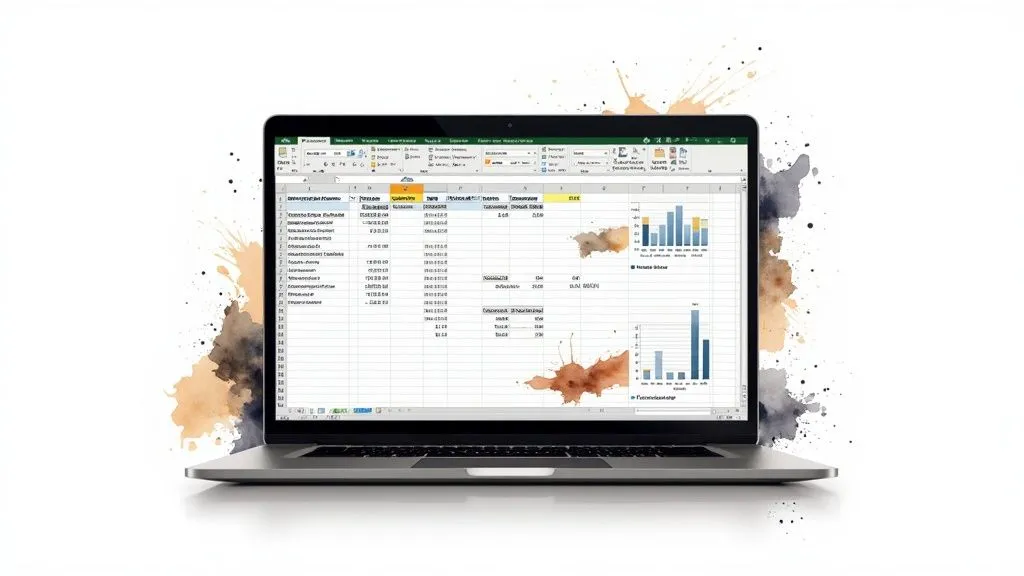
This Excel down payment invoice template stands out for its key features: automatic calculation of amounts and down payment percentages, customizable fields for company and client details, integration of multiple VAT rates, the ability to add a company logo, and protected formulas to avoid calculation errors. The flexibility offered by Excel allows the structure of the template to be modified to fit each business’s specific needs, whether adding description lines, changing the layout, or integrating additional information. Exporting to other formats (PDF, CSV, etc.) is also made easy. A significant advantage is that no internet connection is needed to use it. Finally, its compatibility with all versions of Excel and LibreOffice ensures broad accessibility.
The design agency Graphik Plus uses this type of Excel template to invoice down payments for its website creation projects, ensuring clear payment tracking. Many building trade contractors have also adopted it for their deposit quotes, simplifying their administrative processes. These examples illustrate the versatility and effectiveness of this template for different types of activities.
Practical tips for optimal use:
- Create several versions with different predefined down payment rates (30%, 40%, 50%) to save time.
- Use commented cells to explain how the template works and make it easier for your team to use.
- Add a separate worksheet to track all down payments received and get an overview of your cash flow.
Advantages:
- Great flexibility to adapt the template to your needs.
- Easy to export to different formats.
- Works offline.
- Broad compatibility.
Disadvantages:
- Requires some Excel knowledge for advanced customization.
- May have layout issues when printing.
- Sometimes less polished aesthetically than some online templates.
The Excel down payment invoice template deserves its place on this list because it offers a simple, accessible, and customizable solution for effectively managing down payment invoicing. It’s particularly relevant for sole traders, freelancers, small businesses, and anyone looking for a practical, cost-effective way to automate part of their bookkeeping. While more visually polished online templates exist, the full control offered by Excel and the lack of dependency on an internet connection make it a valuable tool for many professionals.
2. Editable PDF Down Payment Invoice
Creating clear, professional down payment invoices is an essential step for any business. An editable PDF down payment invoice template offers a simple, effective solution for handling this task without needing complex invoicing software. This type of template works through interactive form fields built directly into the PDF. You simply fill in the required information — such as the client’s details, the description of the service, the down payment amount, and the payment terms — directly in the document. Once completed, the document can be saved, printed, or emailed. This method is particularly suited to entrepreneurs and small businesses looking for a fast solution compliant with French standards.
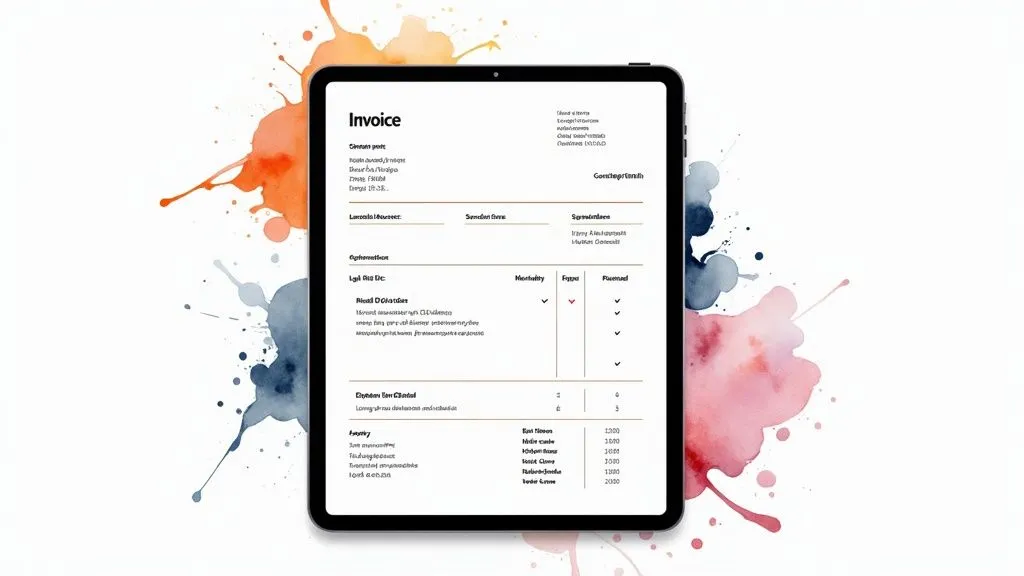
This template deserves its place on this list thanks to its ease of use combined with legal compliance. It’s an excellent alternative to invoicing software, especially for beginner entrepreneurs or those who don’t issue a high volume of invoices. Among its key features are interactive form fields for easy data entry, a structure compliant with French legal requirements (including mandatory notices), dedicated sections for payment terms and banking information, and even bilingual French/English versions to facilitate international transactions. The architecture firm Dupont & Associés, for example, uses this type of template for all its projects, demonstrating its effectiveness even for more established firms. Many independent consultants have also adopted it for its simplicity and professionalism.
Advantages:
- Very simple to use, only requires Adobe Reader or equivalent.
- Professional, uniform look for your invoices.
- Protection against unauthorized changes once the document is finalized.
- Easy to share and archive as a PDF.
Disadvantages:
- Less flexibility for structural changes to the document compared to invoicing software.
- Limited automatic calculation capabilities.
- Requires Adobe Acrobat Pro for advanced changes to the form structure.
Usage tips:
- Pre-fill your bank details and legal notices in a template type to save time.
- Use the “validate form” function (if available) before sending to check that all required fields are correctly filled in.
- Convert the PDF to a non-editable version before sending it to the client for added security and to avoid accidental changes.
Using an editable PDF down payment invoice template is particularly relevant for sole traders, freelancers, small businesses, and anyone looking for a simple, fast way to create compliant down payment invoices. Whether you’re in e-commerce, sell digital products, or offer services, this type of template can save you valuable time in your administrative work. Popularized by institutions such as the Paris Chamber of Commerce and Industry and URSSAF, this template is a recognized and reliable solution for down payment invoicing.
3. Down Payment Invoice Template for Freelancers
This down payment invoice template is specifically designed to simplify life for freelancers and sole traders. It combines down payment invoice creation with project tracking in a single document, integrating features essential to independent workers while remaining compliant with French legislation, particularly for micro-entrepreneurs. What sets it apart from generic solutions is its ability to address the specific needs of this profile, simplifying administrative management and enabling better project organization.
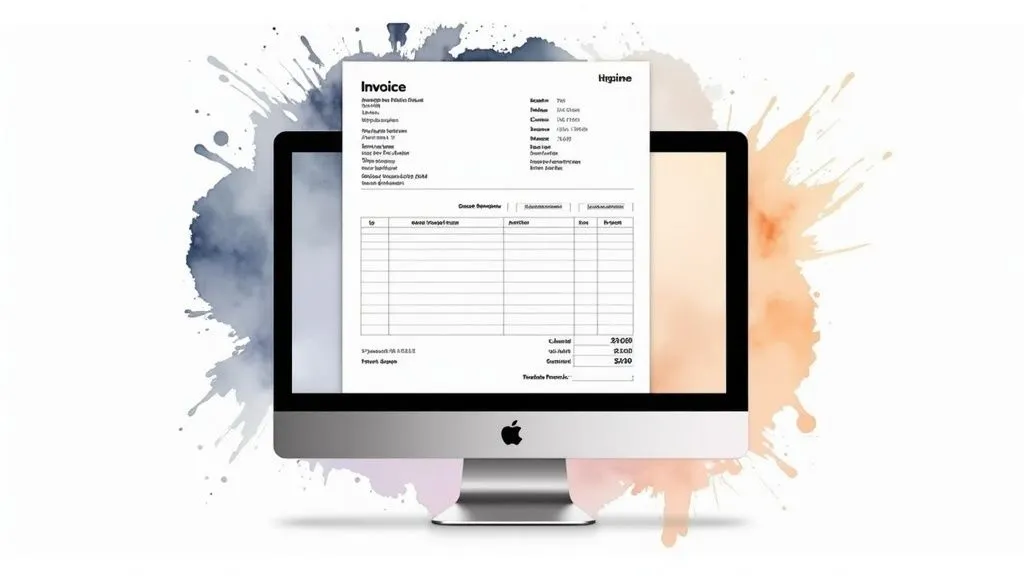
In practice, this type of template offers features such as automatic invoice numbering, a section dedicated to the specifics of the micro-entrepreneur regime (automatic mention of VAT exemption under Article 293B of the French Tax Code), management of payment schedules, and tracking of hours worked or deliverables tied to the down payment. The main advantage lies in centralizing this information, making it easier to track projects and payments. For example, a freelance web developer can easily track hours billed for the initial down payment on a website, then adjust the final invoice based on subsequent changes or additions.
Successful implementation examples: This type of template is favored by many freelancers, including web developers from the Malt community, as well as independent web writers and community managers. Their use demonstrates the effectiveness of this system for handling down payment invoicing simply and professionally.
Advantages:
- Adapted to the legal specifics of sole traders: Simplified legal compliance.
- Integration of project management and invoicing: Time savings and better organization.
- Modern, clean design: Ease of use and professional image.
- Available in a mobile version: Increased accessibility and flexibility.
Disadvantages:
- Limited features for businesses with multiple employees: Less suited to more complex structures.
- Less suited to complex services with multiple deliverables: May require adaptation for certain projects.
- Doesn’t handle complex discounts or tiered pricing: Advanced invoicing features are missing.
Usage tips:
- Customize the terms and conditions based on your field of activity.
- Add your digital signature for a more professional touch.
- Use color codes to visually distinguish down payment invoices from final invoices.
Popularized by: Union des Auto-Entrepreneurs, Freelance Academy.
This template deserves its place on this list because it offers a practical, effective solution for managing down payment invoices, specifically designed for freelancers and sole traders. It simplifies administrative processes, letting independent workers focus on their core business. While it’s not suited to every situation, it’s a valuable tool for a wide range of independent workers.
4. Down Payment Invoice Template for WooCommerce
For online sellers using WordPress and WooCommerce, managing down payments can be complex. Fortunately, dedicated extensions, grouped under the label “Down Payment Invoice Template for WooCommerce,” greatly simplify this process. They turn WordPress’s standard invoicing system into a powerful tool for managing partial payments, offering an ideal solution for creating a down payment invoice template.
How it works:
These extensions integrate directly with WooCommerce and automate the generation of down payment invoices compliant with French legislation. When a customer places an order with a down payment, the extension automatically creates a down payment PDF invoice. The customer receives this invoice and can make the partial payment through integrated payment gateways (Stripe, PayPal, etc.). The system records the down payment received and updates the order status. A complete history of down payments is available in the customer account and the admin interface.
Successful implementation examples:
- The furniture store “Design House” uses this type of extension for custom orders, allowing customers to pay a down payment when ordering and the balance on delivery.
- Online training providers use it to offer installment payments, making it easier for customers to access their courses.
Practical tips:
- Set up personalized emails to accompany down payment invoices, clearly informing the customer about payment terms.
- Use the option to pay the balance directly from the down payment invoice to simplify the process for your customers.
- Enable automatic reminders for unpaid balances to optimize your collections.
Advantages and disadvantages:
Advantages:
- Fully automated down payment invoicing process.
- Seamless integration with the WordPress ecosystem.
- Regular updates for legal compliance.
- Multilingual support.
Disadvantages:
- Requires technical knowledge for installation and configuration.
- Annual license cost (premium version).
- Dependency on WooCommerce and WordPress.
Why choose this solution?
A “Down Payment Invoice Template for WooCommerce” deserves its place on this list because it specifically addresses the needs of online sellers using WordPress. It offers a simple, effective, and legal solution for managing down payments, freeing up time and resources to focus on what matters: growing the business. Automatic invoice generation, payment tracking, and email customization features considerably simplify bookkeeping and improve the customer experience. This type of extension is particularly relevant for sole traders, freelancers, SMEs, and any business looking to automate and optimize down payment management on their online store. Popular extensions such as YITH WooCommerce Deposits and Down Payments or WP Facture offer this kind of functionality. Don’t hesitate to compare the different offers to find the one that best fits your needs.
5. Down Payment Invoice Template for the Construction Sector
The construction sector, with its specific requirements around staged payments and legal obligations, needs a down payment invoice template tailored to it. This template, sometimes called a down payment invoice template specific to construction, is crucial for the financial management of building sites and compliance with French legislation. It allows down payments to be invoiced as work progresses, ensuring steady cash flow for the contractor while giving the client transparency on costs.
How it works:
This invoice template includes sections dedicated to essential information for the construction sector. It allows each phase of the site covered by the down payment to be detailed, professional qualification numbers to be indicated (RGE, Qualibat, etc.), and legal guarantees such as the ten-year warranty (garantie décennale) to be specified. Automatic calculation of the retention/holdback amount, a key element in this sector, is often built in. Managing multiple down payments, reflecting the different stages of project progress, is simplified with this template.
Successful implementation examples:
The French Building Federation (Fédération Française du Bâtiment) recommends using a down payment invoice template specific to the sector. Companies such as Martin Construction have adopted it for all their energy renovation projects, improving their administrative management and transparency with their clients.
Practical tips:
- Detail of the work: Always attach a detailed statement of the work completed to the down payment invoice, justifying the amount billed.
- Clear numbering: Number successive down payments clearly (Down Payment 1/3, 2/3, etc.) for rigorous accounting tracking and transparent communication with the client.
- Client signature: Keep a copy of the down payment invoice signed by the client as proof of agreement on payment and work completed. This helps avoid potential disputes.
Advantages and Disadvantages:
Advantages:
- Compliance: Full compliance with construction sector regulations.
- Suited to large projects: Ideal for complex projects with staged payments.
- Recognition: Format recognized by financing bodies and banks.
- Availability: Exists in a carbonless paper version for simplified management.
Disadvantages:
- Specificity: Too specific for use in other business sectors.
- Complexity: The administrative complexity can put off some tradespeople.
- Updates: Requires regular updating to stay compliant with evolving standards.
When and why to use this template?
This down payment invoice template is essential for every construction professional in France. It’s especially relevant for construction or renovation projects involving staged payments. Its use ensures legal compliance, simplifies payment management, and strengthens trust between the contractor and the client. This template deserves its place on this list because it addresses a critical need for players in the construction sector, giving them an effective tool suited to their specific constraints. It contributes to sound, transparent financial management of building sites, thereby limiting the risk of disputes. Popularized by organizations such as the Fédération Française du Bâtiment, the CAPEB, and Batiactu Groupe, it stands as a reference for down payment invoicing in the sector.
6. Down Payment Invoice Template for SaaS Software
The down payment invoice template for SaaS software is a solution specifically designed for companies offering subscriptions to online software. It differs from classic down payment invoices in its ability to handle the particularities of the SaaS model, such as subscription periods, usage credits, and recurring payments. This template deserves its place on this list because it addresses the specific needs of a fast-growing sector and greatly simplifies bookkeeping for SaaS companies.
How it works:
This type of down payment invoice template allows an initial down payment to be invoiced, often for implementation, setup, or training fees, before the subscription itself begins. It also provides for billing recurring subscriptions, accounting for billing periods (monthly, annual, etc.) and any usage credits. The down payment invoice template for SaaS also handles prorating fees when a subscription starts partway through a period.
Key features:
- Subscription period management and prorating: Precise billing based on subscription start and end dates.
- Distinction between implementation fees (down payment) and recurring subscription: Clarity and transparency for the client.
- Automatic calculation of usage credits: Where applicable, automatic adjustment of the amount billed based on consumption.
- Adaptable for international billing with multiple currencies: Essential for companies targeting an international market.
- Integration of links to terms of sale and terms of use: Legal protection and clear information for the client.
Advantages (Pros):
- Perfectly suited to the SaaS business model: Simplifies management of subscriptions and recurring payments.
- Clear handling of intra-EU VAT: Facilitates international transactions within the EU.
- Compatible with leading automated billing platforms (Stripe, Paddle): Saves time and improves efficiency.
- Multilingual and multi-currency support: Suited to international companies.
Disadvantages (Cons):
- Complexity for users unfamiliar with the SaaS model: A learning curve may be needed.
- Requires adaptation to comply with local legislation outside France: Verification and adjustment required for legal compliance.
- Poorly suited to one-off or non-recurring services: Mainly intended for subscriptions.
Successful implementation examples:
- Implemented by the French startup Sellsy for its own billing.
- Used by business management software vendors for their SaaS offerings.
Practical tips:
- Clearly detail what’s covered by the down payment (setup, training, etc.): Transparency and clarity to avoid misunderstandings.
- Specify refund terms in case of cancellation before the subscription period: Secure the transaction for both the client and the business.
- Use visible promo codes or discounts for long-term commitments: Encourage clients to commit for the long haul.
Popularized by: Stripe, Paddle, SaaS Factory
When and why use this template?
If you’re a company offering SaaS software, this down payment invoice template is essential. It will let you effectively manage your subscriptions, recurring payments, and implementation fees, while offering full transparency to your clients. The automation offered by platforms like Stripe and Paddle will also save you valuable time and let you focus on growing your business. This template is particularly relevant for sole traders, freelancers, and small businesses looking to automate their bookkeeping and comply with the specifics of the SaaS model.
7. Google Docs Down Payment Invoice Template
The Google Docs down payment invoice template is an accessible, practical solution for managing your down payment requests, particularly attractive to small businesses, startups, and freelancers. It’s a pre-built template accessible via Google Docs, allowing you to create professional down payment invoices without needing costly software. Its integration with the Google Workspace ecosystem makes real-time collaboration and sharing easy.
This system works on the principle of a collaborative online document. You access the template, duplicate it, then customize it with your information and your client’s. The built-in calculation formulas, similar to those in Excel, automate calculation of the down payment amount and the remaining balance. Once completed, the invoice can be easily exported to PDF or another format, then sent to your client.
Key features:
- Built-in calculation formulas to automate totals.
- Real-time sharing and collaboration with other team members.
- Version history to track changes and revert to a previous version if needed.
- Easy export to PDF, .docx, and other formats.
- Secure cloud storage via Google Drive.
Successful use examples:
- Many French startups adopt this template for its ease of use and its cost — free.
- Associations and small organizations use it to manage their down payment requests without a software investment.
- Sole traders and freelancers appreciate being able to access it from any connected device.
Advantages (Pros):
- Free: Accessible to anyone with a Google account.
- Accessible: Usable from any device connected to the internet (computer, tablet, smartphone).
- Collaborative: Real-time updates, ideal for teamwork.
- Secure: Automatic backup and version history.
Disadvantages (Cons):
- Internet connection required: Needs a stable internet connection for access and editing.
- Limited features: The calculation formulas, while present, are less advanced than those offered by Excel.
- Data privacy: Questions may arise about the privacy of data stored on Google’s servers.
- Dependency on Google: Using this template implies a dependency on the Google ecosystem.
Practical tips:
- Use the “Make a copy” option to create a new document from the template and avoid modifying the original.
- Carefully configure access rights to the document to protect your financial data.
- Create a dedicated folder in Google Drive to organize your down payment invoices by client or by year.
Why this template deserves its place on this list: The Google Docs down payment invoice template offers a simple, free, and effective solution for creating and managing down payment invoices. Its ease of access, collaborative features, and integration with Google Workspace make it a valuable tool for sole traders, freelancers, small businesses, and anyone looking for a quick, accessible solution for managing down payments. It’s particularly well suited to beginner entrepreneurs or those wanting to lighten their administrative load without investing in invoicing software. While it depends on an internet connection and offers less advanced calculation features than some paid software, its free price and ease of use largely make up for these limitations for everyday use. Popularized by Google Workspace and recommended by certain digital entrepreneur associations, it stands as a viable alternative to paid solutions, particularly for small organizations.
(Link to the template - to be added if available)
Comparison of the 7 Down Payment Invoice Templates
| Template | 🔄 Complexity | ⚡ Resources | 📊 Results | ⭐ Advantages | 💡 Tips |
|---|---|---|---|---|---|
| Excel Down Payment Invoice Template | Moderate (basic Excel knowledge required) | Excel/LibreOffice offline | Automatic calculations and multi-format exports | Great flexibility, works without internet | Create several versions and use commented cells |
| Editable PDF Down Payment Invoice | Very low (intuitive filling) | Adobe Reader; Acrobat Pro for advanced edits | Professional invoicing compliant with standards | Professional look, protection against unwanted edits | Pre-fill the fields and validate the form before sending |
| Down Payment Invoice Template for Freelancers | Moderate (suited to independent workers) | Accessible on mobile, cross-platform compatible | Integrated invoicing and project management | Modern design, legal compliance for freelancers | Customize the terms and add a digital signature |
| Down Payment Invoice Template for WooCommerce | High (technical setup) | WooCommerce, WordPress, possible premium license | Fully automated partial payments | Native WordPress integration, automated process | Set up personalized emails and enable automatic reminders |
| Down Payment Invoice Template for the Construction Sector | High (specific and regulated) | Regular updates per construction standards | Full compliance for staged site payments | Recognized by construction industry players, suited to large projects | Number down payments clearly and keep a signed copy |
| Down Payment Invoice Template for SaaS Software | High (SaaS model complexity) | Multi-currency, legal adaptation required | Clear handling of down payment vs. recurring subscription | Perfectly suited to the SaaS business, intra-EU VAT | Detail the services covered and specify refund terms |
| Google Docs Down Payment Invoice Template | Low (collaborative and intuitive) | Google account, internet connection | Real-time collaboration and version history | Completely free, universal accessibility | Use “Make a copy” and configure access rights in Drive |
Choose the Template Suited to Your Business
In short, choosing the right down payment invoice template is crucial for sound, effective financial management. Whether you use an Excel down payment invoice template, an editable PDF file, a sector-specific template like WooCommerce or construction, or a Google Docs template, what matters is choosing a solution that fits your needs. Mastering these aspects lets you not only ensure precise tracking of your revenue, but also strengthen your professional image with clients and simplify your tax filings. A clear, organized invoicing system is a major asset for the growth and sustainability of your business, whatever its size.
To further simplify creating and managing your down payment invoices, discover Bizyness. This all-in-one solution offers you professional, customizable down payment invoice templates, along with automated features to save you time. Visit Bizyness today and streamline your invoicing so you can focus on what matters: growing your business.
