

 Français
Top Free Online Invoicing Software 2025
Choose the right free online invoicing tools and simplify your business management starting 2025.

Managing Your Invoices Without Breaking the Bank: The 2025 Guide
Creating invoices efficiently is crucial for any business. This guide presents 8 free online invoicing software solutions to simplify your management in 2025. Sole traders, freelancers, SMEs: find the ideal tool to automate your accounting, manage your currencies and lighten your administrative tasks. Discover these powerful and easy-to-use solutions now.
1. Bizyness
Bizyness presents itself as an all-in-one solution to simplify business management for freelancers and small businesses in France, whether they sell online or offline. This powerful tool automates invoicing, VAT and financial transactions while ensuring you stay compliant with tax obligations. Imagine being able to focus on growing your business rather than getting lost in administrative tasks: that’s the promise of Bizyness. From beginner entrepreneurs to multi-platform sellers, digital product creators and service providers, Bizyness offers a range of tools to make everyday business easier. Whether you’re a sole trader in e-commerce or a small business looking to automate its accounting, Bizyness deserves your attention.
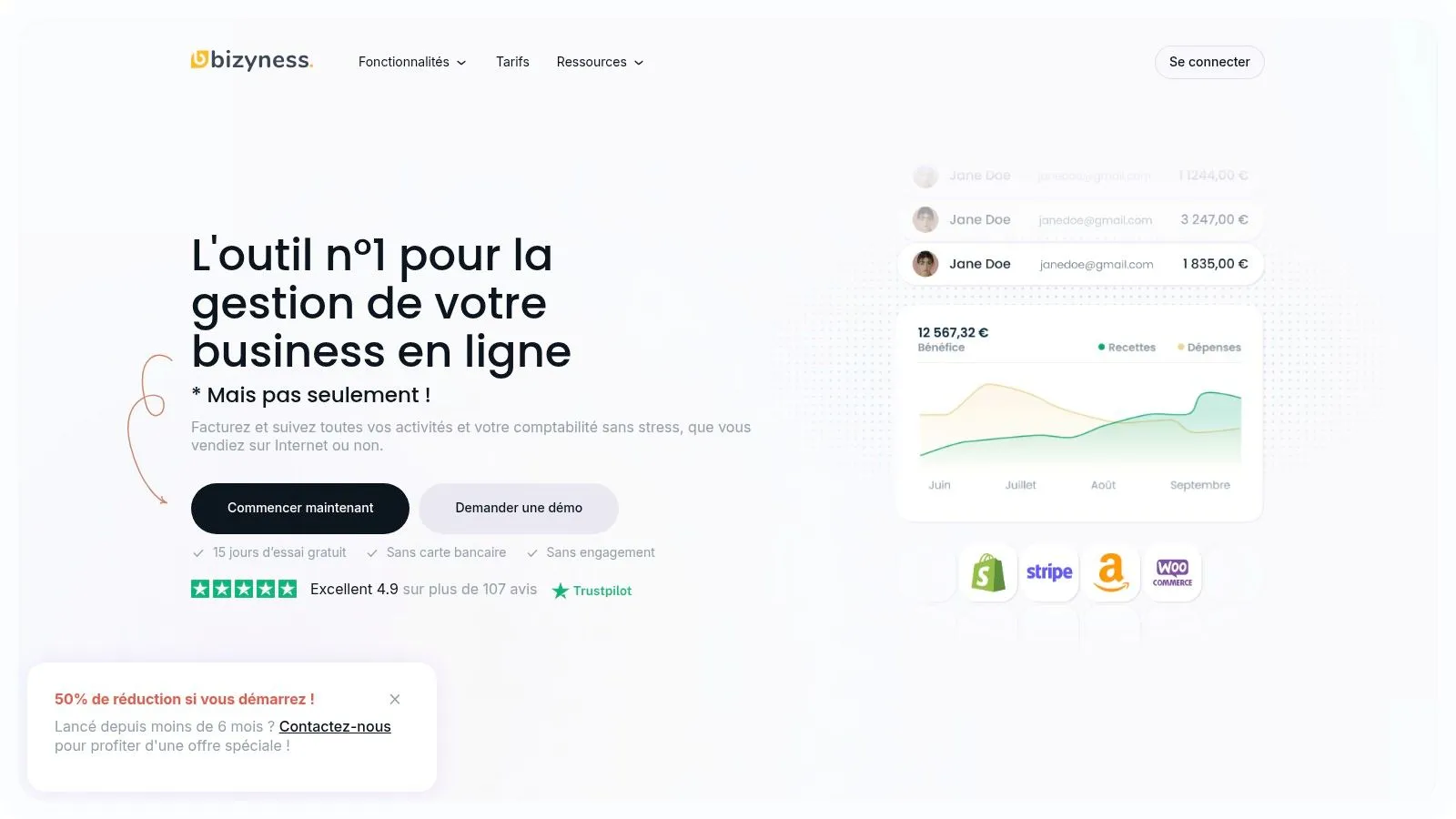
Bizyness’s intuitive interface allows for simplified document creation (quotes, invoices) and clear financial reporting. Automatic bank synchronization gives you a real-time overview of your finances. In addition, automated report generation saves you valuable time. For online sellers, integration with e-commerce platforms is a major asset. Users also appreciate the quality of the responsive, attentive customer support. Bizyness offers a free plan, ideal for getting started and testing the tool with no commitment. The paid plans (Pro, Business and Elite) offer additional features, such as multi-currency and multi-language management, adapting to the needs of growing and international businesses. For example, an independent consultant can use the free version to manage a handful of clients, while a business selling online courses internationally will need the more advanced features of a higher-tier plan.
Pros:
- Automates invoicing, VAT and bank integration, reducing the administrative burden.
- Intuitive interface for simplified document creation and financial reports.
- Flexible, scalable subscription plans, starting with a free option with no commitment.
- Integration with e-commerce platforms and multi-currency/multi-language support on higher plans.
- Excellent user reputation and responsive customer service.
Cons:
- May lack advanced features for large companies.
- Entry-level plans offer less support and fewer integrations than premium options.
Pricing: Free plan available, then paid plans (Pro, Business, Elite). Check the website for pricing details.
Setup and implementation: Bizyness’s intuitive interface makes it easy to get started. Bank synchronization is quick and simple. Tutorials and complete documentation are available online to guide you.
Comparison with similar tools: Bizyness positions itself as an interesting alternative to tools like QuickBooks or Sage, offering a more accessible solution specifically tailored to the needs of French freelancers and small businesses.
Website: https://www.bizyness.fr
Bizyness earns its place on this list thanks to its unique combination of powerful features, an intuitive interface and flexible pricing. Whether you’re a sole trader, a freelancer or a small business, Bizyness gives you the tools you need to manage your finances effectively and focus on growing your business.
2. Invoice Ninja
Invoice Ninja is a free, open-source online invoicing solution that’s particularly interesting for sole traders, freelancers and small businesses. It lets you create professional invoices, track payments and manage your clients efficiently, all without breaking the bank. Its free version, ideal for getting started, offers a robust set of tools to manage up to 20 clients. It’s an excellent option for those looking for a free alternative to paid software who want to keep full control over their data.
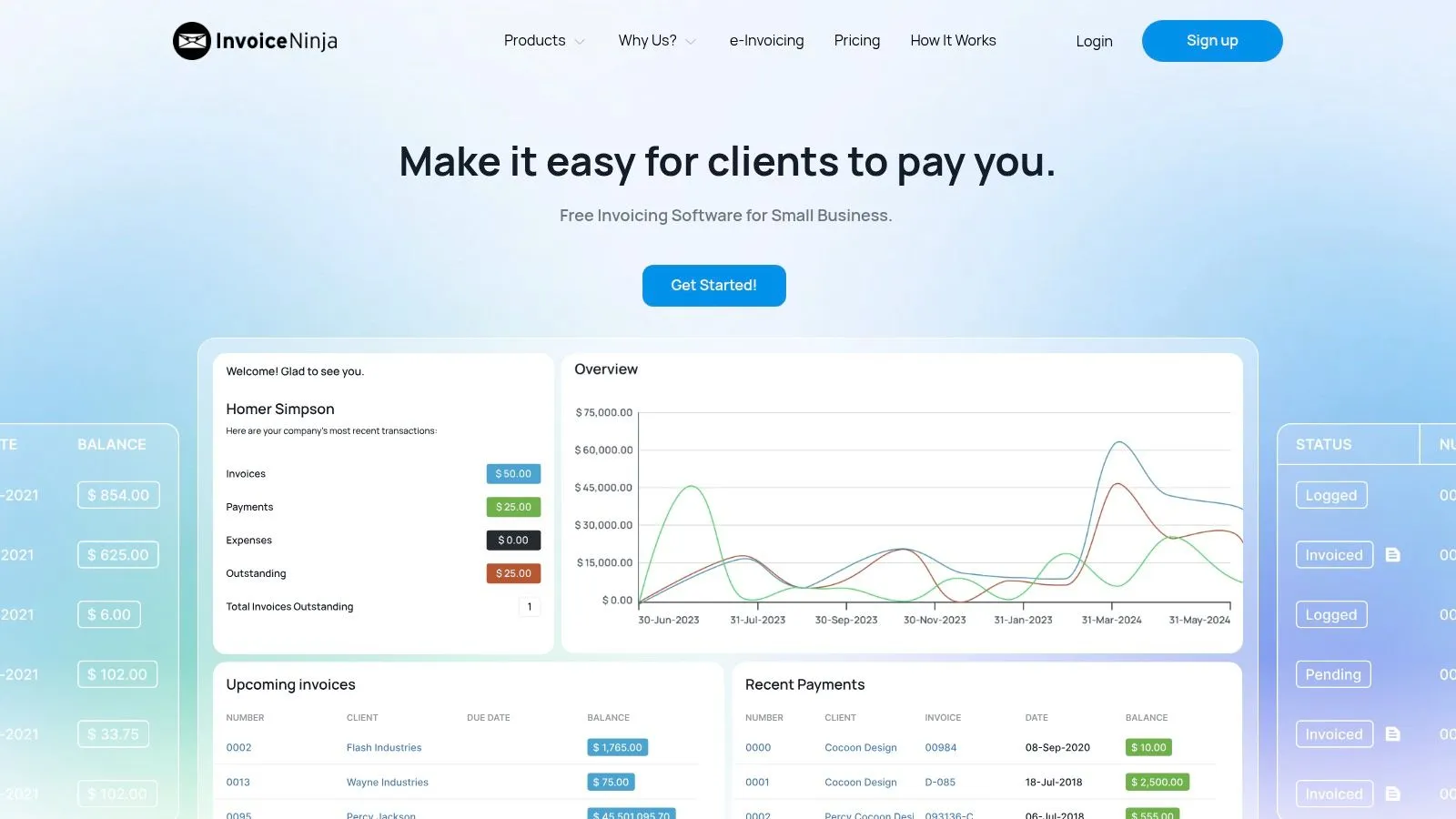
Whether you’re an e-merchant, a consultant, a coach, a digital content creator or a service provider, Invoice Ninja can simplify your administrative management. Imagine: you sell online courses and need to invoice international clients. With Invoice Ninja, you can create invoices in different currencies and languages, track payments and chase late-paying clients, all from an intuitive interface. In addition, expense tracking gives you an overview of your finances.
Invoice Ninja’s strength lies in its flexibility. Being open-source means you can even self-host it if you have the technical skills. This option offers full control over your data and enhanced privacy. In addition, the ability to customize invoice templates to your brand reinforces your professionalism. The mobile app, available on iOS and Android, lets you manage your invoicing wherever you are, an undeniable asset for nomadic entrepreneurs.
Key features:
- Unlimited invoice creation
- Management of up to 20 clients (free version)
- Payment and expense tracking
- Invoice template customization
- Mobile app available (iOS and Android)
- Multi-currency and multi-language
Pros:
- 100% free and fully functional version
- Intuitive, user-friendly interface
- Open-source solution, self-hostable
- Ideal for sole traders and small businesses
Cons:
- Limited advanced features in the free version (particularly the number of clients)
- Limited customer support for free users
Pricing: Free (limited version), paid plans available for advanced features and a larger number of clients.
Setup and implementation: Registration is simple and fast. The intuitive interface makes it easy to get started, even for those new to online invoicing. Tutorials and documentation are available on the website to guide you.
Comparison with similar tools: While Invoice Ninja stands out for its open-source nature and free pricing, other tools such as Facture.net or Zervant also offer online invoicing solutions. However, Invoice Ninja offers an excellent balance between features and price, particularly for users with basic needs.
Website: https://www.invoiceninja.com/
In conclusion, Invoice Ninja earns its place on this list thanks to its comprehensive free version, its user-friendly interface and its flexibility. It’s an ideal solution for entrepreneurs and small businesses looking for a powerful, accessible invoicing tool. If you exceed the 20-client limit, the paid versions offer more advanced features and dedicated customer support.
3. Wave
Wave stands out as a resolutely free online invoicing solution, specifically targeting small businesses, independents and sole traders. Unlike many other free tools that limit the number of invoices or clients, Wave offers unlimited invoicing, making it a particularly attractive option for growing businesses or those handling a large volume of transactions. In addition, Wave doesn’t limit itself to simple invoicing and offers a genuine integrated accounting tool, allowing you to track income and expenses, generate financial reports and even scan receipts. It’s therefore an ideal all-in-one solution to simplify the financial management of a small business.
For sole traders in e-commerce, invoice management is often a time-consuming task. Wave automates a large part of this process, freeing up time to focus on growing the business. Freelancers, whether they sell online or offline, will appreciate the simplicity of the interface and the ability to manage their finances wherever they are. Creators and sellers of digital products, as well as service providers, will find Wave a powerful tool for invoicing their clients and tracking their revenue.
Integration with banking services makes it easy to track transactions and reconcile accounts. Financial report generation, meanwhile, offers a clear view of the business’s financial health, a valuable asset for beginner and experienced entrepreneurs alike. Even though Wave is mainly oriented toward the North American market, its interface is available in several languages, and multi-currency management is possible, opening the door to international use.
Key features:
- Unlimited invoicing with no client restrictions
- Integrated accounting tools (income and expense tracking, balance sheet, income statement)
- Customizable financial reports
- Receipt scanning
- Integration with banking services
Pros:
- Free and unlimited use for invoicing and accounting
- All-in-one solution, simplifying financial management
- Modern, intuitive interface, easy to learn
- Good integration with financial institutions
Cons:
- No built-in time tracking, which can be a drawback for some freelancers
- Customer service sometimes slow and mainly in English
- More limited features for the complex needs of large companies
Implementation tips:
Getting started with Wave is quick and intuitive. Simply create a free account and customize the invoicing settings, such as adding your logo and business information. Integration with bank accounts is simple and lets you automate transaction tracking.
Pricing: Free for invoicing and accounting. Fees apply for online payment processing.
Technical requirements: Internet access and a web browser.
Website: https://www.waveapps.com/
Wave earns its place on this list thanks to its total free pricing and its comprehensive invoicing and accounting features. It’s a solution particularly well suited to small businesses, sole traders, freelancers and creators looking for a simple, effective, no-cost tool to manage their finances. If you’re looking for a free, comprehensive solution for your invoicing and accounting, Wave is an excellent option to consider.
4. Facture.net
Facture.net is presented as an online invoicing solution specifically designed for the French market. It offers a free version that’s particularly interesting for sole traders, freelancers and micro-businesses starting out or with a relatively low invoicing volume. The main goal of this tool is to simplify administrative management by allowing you to create and track invoices in full compliance with French legislation. This represents a valuable time saving for entrepreneurs, who can thus focus on their core business.
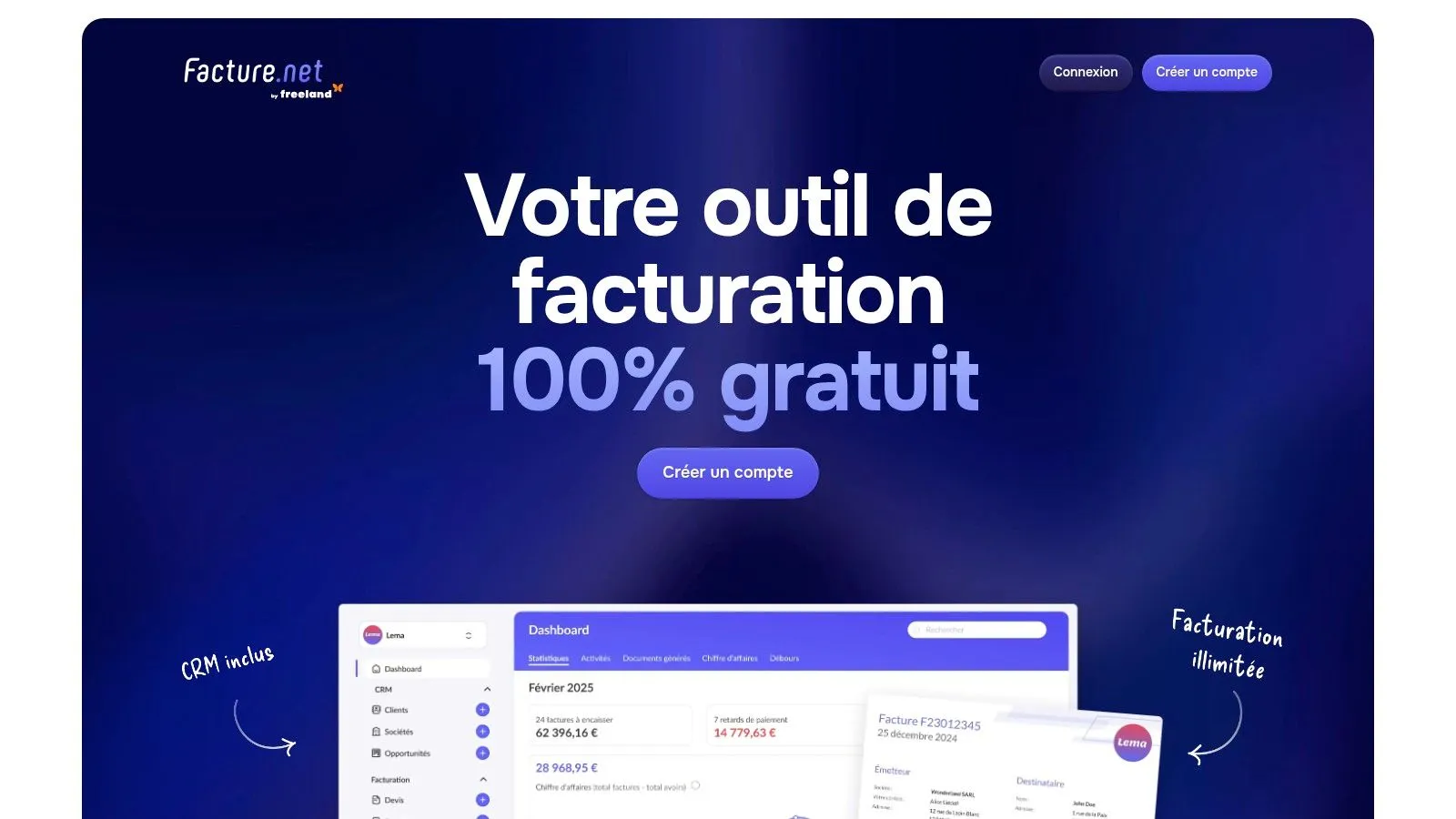
For e-merchants, invoice management can quickly become complex. Facture.net simplifies this process by offering professional invoice templates that comply with legal requirements. Independents selling online and offline will appreciate the centralized management of their clients and payment tracking. Even digital product creators, consultants, or agencies can use this tool to manage their revenue and expenses.
The free version allows the creation of a limited number of quotes and invoices, which is ideal for testing the tool and getting familiar with its interface. Features such as payment tracking and export to accounting software are also included, which makes accounting management easier, particularly for businesses looking to reduce their costs in this area. The fully French interface and French-language customer support are considerable assets for French-speaking users.
Strengths:
- Legal compliance: Facture.net guarantees invoices compliant with French legislation, a crucial point to avoid problems.
- Ease of use: The intuitive interface allows for a quick learning curve, even for those new to invoicing.
- Tailored to the French market: Facture.net meets the specific needs of French businesses.
- Customer support in French: An undeniable asset for fast, effective assistance.
Weaknesses:
- Limited features in the free version: Some advanced features, such as extensive template customization, require a paid subscription.
- Limit on the number of documents: The free version imposes restrictions on the number of invoices and quotes.
- Limited template customization: If you need very specific templates, the free version may prove insufficient.
Implementation tips:
- Start with the free version to get familiar with the interface and features.
- Import your client list to save time.
- Explore the different invoice templates on offer to choose the one that best fits your business.
Comparison with similar tools: While other invoicing tools exist, Facture.net stands out for its specific adaptation to the French market and its fully French interface. This tool earns its place on this list for its ease of use, legal compliance and accessibility, particularly thanks to its free version. It represents an ideal solution for French entrepreneurs looking for a powerful, easy-to-learn invoicing tool.
5. ZohoInvoice
ZohoInvoice stands out as a particularly robust free online invoicing solution, ideal for sole traders, freelancers and small businesses managing a limited number of clients. Its free tier for up to 5 clients makes it a very attractive option for beginner entrepreneurs or those testing their market. Seamless integration with the Zoho ecosystem is a major asset for those who already use other Zoho tools, simplifying overall business management. It offers professional features usually reserved for paid solutions, all wrapped in an intuitive, modern interface.
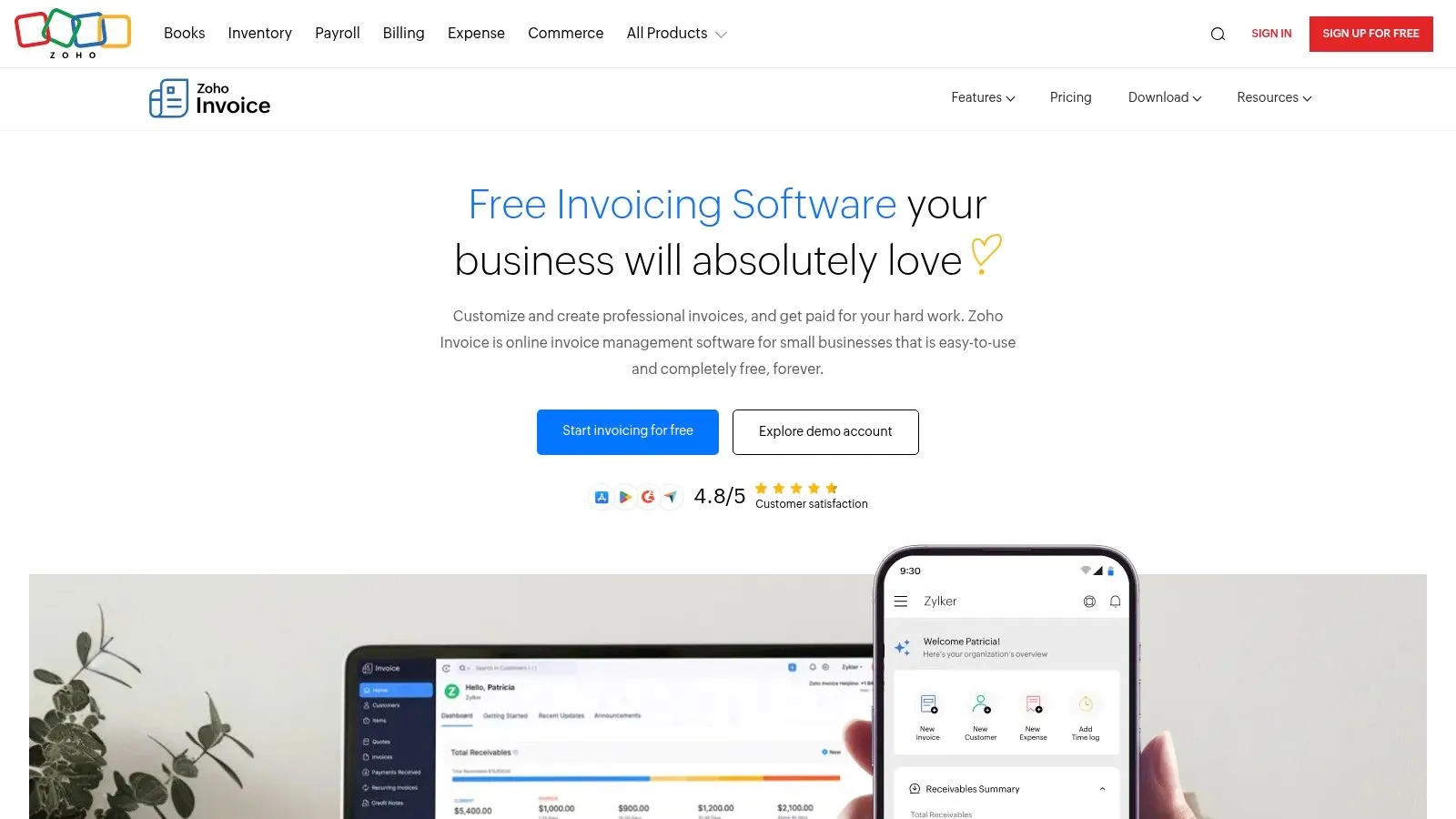
For creators and sellers of digital products (online courses, e-books, software) or service providers (consultants, coaches, agencies), ZohoInvoice simplifies recurring invoicing, a valuable asset for subscriptions or regular services. Time and expense tracking allows precise management of each project’s profitability, while the client portal offers a professional, transparent experience. Multi-currency and multi-language compatibility is essential for businesses operating internationally or targeting a diverse clientele. Integration with Zoho CRM, if you already use it, allows perfect synchronization between your invoicing data and your customer relationship management.
Key features:
- Recurring invoicing: Automate your invoices for subscriptions and regular services.
- Client portal: Give your clients secure access to view and download their invoices.
- Multiple currencies and languages: Simplify international invoicing and adapt to your clientele.
- Time and expense tracking: Keep a precise record of your hours worked and expenses for each project.
- Integration with Zoho CRM and other applications: Centralize your data and simplify your management.
Pros:
- Elegant, modern user interface, easy to learn.
- Numerous customization options to tailor invoices to your brand.
- Powerful mobile apps to manage your invoices wherever you are.
- Excellent integrations with the Zoho ecosystem for simplified business management.
Cons:
- Limited to 5 clients in the free version. For a larger client base, an upgrade to a paid plan is necessary.
- Some advanced features, such as automated payment reminders, require an upgrade.
- The learning curve can be slightly steeper than for more basic solutions, due to the richness of the features on offer.
Implementation tips:
- Start by customizing your invoice templates with your logo and contact information.
- Configure the currency and language settings according to your needs.
- Explore integrations with other Zoho applications to optimize your workflow.
- Take advantage of the resources and tutorials available on the Zoho website to master all the features.
Comparison with similar tools: While ZohoInvoice is limited to 5 clients in its free version, other tools such as Facture.net offer more extensive free tiers but with potentially more limited features. The choice will depend on your specific needs and how important integration with other tools is to you.
Website: https://www.zoho.com/invoice/
In conclusion, ZohoInvoice earns its place on this list thanks to its robustness, its advanced features and its integration with the Zoho ecosystem. While the 5-client limit is a drawback for fast-growing businesses, it represents an ideal solution for sole traders, freelancers and small businesses looking for a free, powerful invoicing tool.
6. VFD
VFD (Votre Facture Digitale) positions itself as an online invoicing solution specifically designed for the French market. Its free version makes it particularly attractive for micro-entrepreneurs and small businesses starting out or looking for a simple solution compliant with French legislation without investing in costly software. VFD emphasizes ease of use and compliance, allowing you to generate legal invoices with complete peace of mind. It’s an ideal tool for those looking for a quick, effective solution to manage their invoices without getting lost in complex features.
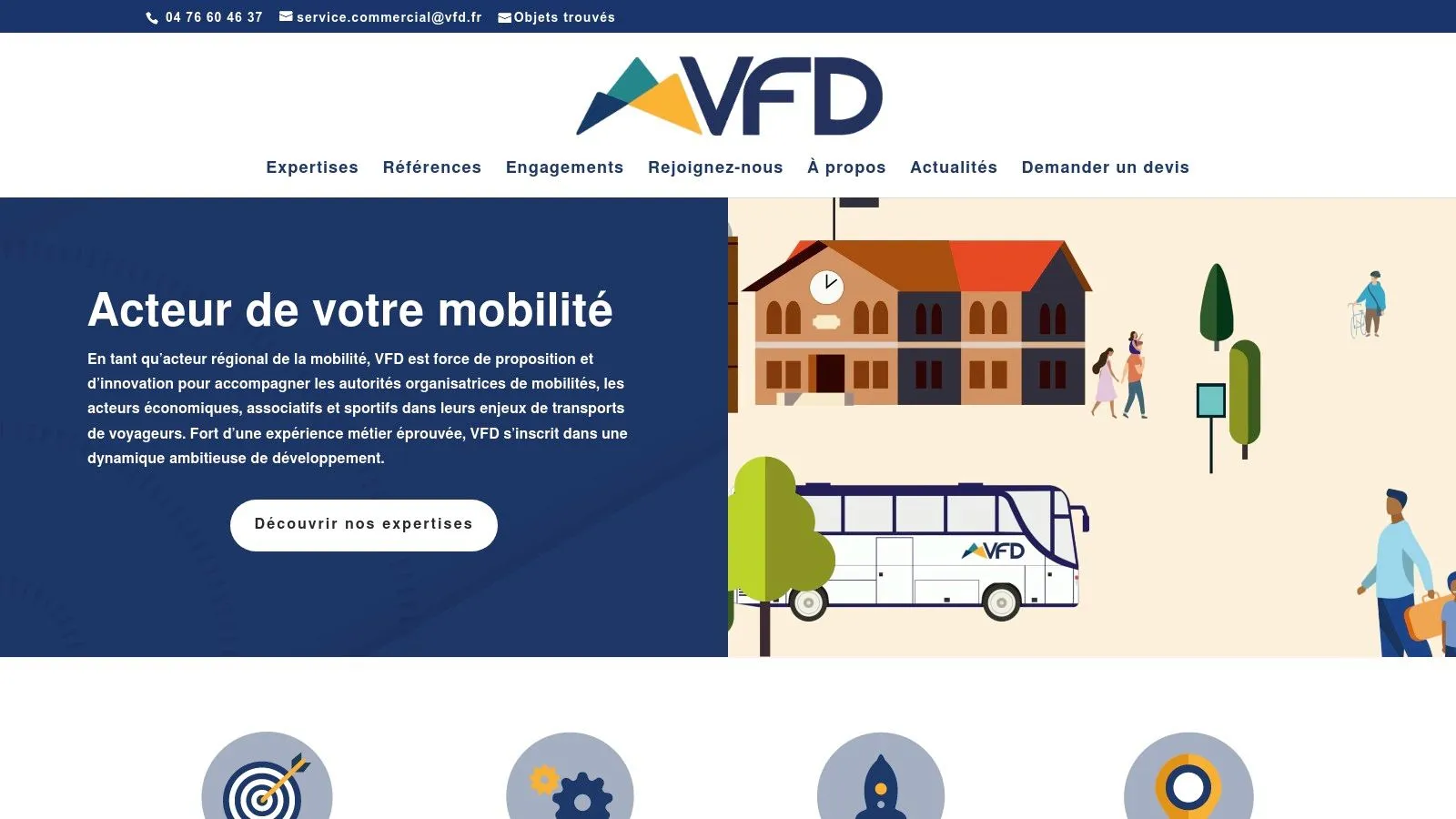
For sole traders in e-commerce, VFD allows you to quickly create invoices for online sales, simplifying accounting management. Freelancers, consultants and other service providers will also appreciate the ease of creating invoices for their clients, whether they sell online or offline. Even digital product creators, such as online courses or ebooks, can use VFD to invoice their sales. The intuitive interface makes the tool accessible even to beginner entrepreneurs, while compliance with French legal requirements will reassure the more experienced ones.
With VFD, you can create invoices compliant with French regulations, manage your clients and products, and track your payments. Predefined templates are available to save time, and PDF export is standard. The absence of a time limit on the free version is a considerable advantage, allowing users to test the platform without pressure. However, it’s important to note that the number of monthly invoices is limited in the free version, and customization options are reduced compared to the premium offer. Features are also more basic than those offered by more complete paid solutions.
Strengths:
- Specifically designed for the French market and compliant with its legal requirements.
- Simple, intuitive interface, easy to learn.
- Free with no time limit.
Weaknesses:
- Limited number of monthly invoices in the free version.
- Reduced customization options.
- Limited features compared to paid versions.
Implementation tips:
Getting started with VFD is quick thanks to its intuitive interface. Start by creating your account and entering your information. Then, add your clients and products so you can generate your first invoices. Feel free to explore the predefined templates to save time.
Comparison with other tools: If you need more advanced features such as multi-currency management, inventory management, or more in-depth financial reports, other paid solutions might be better suited to your needs. However, for simple, effective invoicing management, VFD, in its free version, represents an excellent option for French micro-businesses and freelancers.
Website: https://www.vfd.fr/
VFD earns its place on this list because it offers a free invoicing solution that’s simple and compliant with French legislation, perfectly suited to the needs of sole traders and small businesses. It’s an excellent option for getting started and getting familiar with online invoicing.
7. And CO
And CO (now integrated into Fiverr) is a free invoicing solution that’s particularly interesting for freelancers and independents. It offers a complete suite of tools to effectively manage the administrative side of your business, from creating professional invoices to time tracking, to contract and expense management. Its integration with Fiverr gives it a definite advantage, especially for those who already use this platform to find clients.
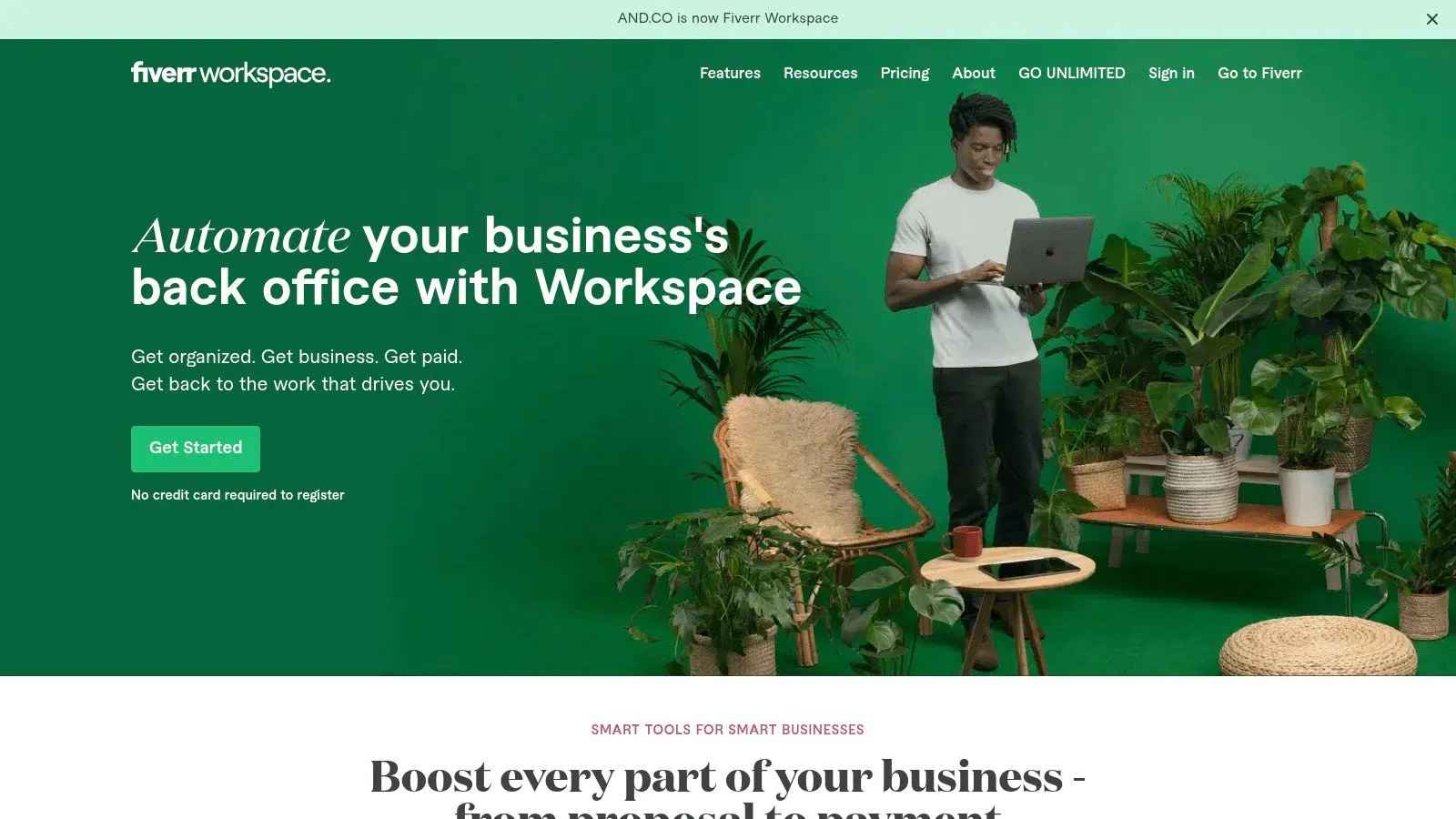
And CO stands out for being completely free since its acquisition by Fiverr. Imagine: creating and sending customized invoices, generating legal contracts, precise tracking of your hours worked, expense management and access to financial reports, all without spending a cent. This is a major asset for sole traders, e-commerce freelancers, or small businesses looking to automate their accounting management without investing in costly software. Whether you sell online, offline, or are a service provider (consultant, coach, agency), And CO greatly simplifies administrative management.
For creators and sellers of digital products (courses, e-books, software), time management and invoicing are essential. And CO meets this need with an intuitive interface and suitable features. Even if you’re a multi-platform seller, And CO centralizes your data for a clear overview of your business. Finally, for growing businesses, the precise financial reports provided by And CO allow effective performance tracking.
Key features:
- Creating and sending professional invoices: Customize your invoices with your logo and choose from different templates.
- Legal contract generation: Create tailored contracts to protect your interests and those of your clients.
- Time tracking: Accurately record your hours worked for each project and invoice accordingly.
- Expense management: Track your business expenses and integrate them into your financial reports.
- Financial reports: Get an overview of your revenue, expenses and profits.
Pros:
- Free: All features are accessible for free.
- Intuitive user experience: The platform is easy to learn, even for beginners.
- Integrated project management features: Manage your projects and track their progress directly from the platform.
- Ideal for freelancers: Tailored to the specific needs of independent workers.
Cons:
- Less suited to large companies: Some features are more oriented toward small structures and freelancers.
- US market orientation: Some features may be less relevant for the French market.
- English-only interface: A potential drawback for non-English-speaking users.
Website: https://www.and.co/
Despite a few drawbacks, notably the English-only interface and the US market orientation, And CO’s free pricing and feature richness make it a valuable tool for French freelancers and small businesses. If you’re looking for a complete, free solution to manage your invoicing and your business, And CO undoubtedly deserves its place on this list. Feel free to try it and integrate it into your workflow.
8. Invoiceberry
Invoiceberry is an online invoicing solution particularly suited to sole traders, freelancers and small businesses starting out or looking for a simple, quick solution to manage a limited number of clients. Its ease of use and intuitive interface allow you to create professional invoices in just a few clicks, without requiring in-depth accounting knowledge. It’s an excellent choice for those looking to automate their invoicing without getting lost in complex features. It’s perfectly suited for e-merchants, independents selling online or offline, digital content creators and service providers.
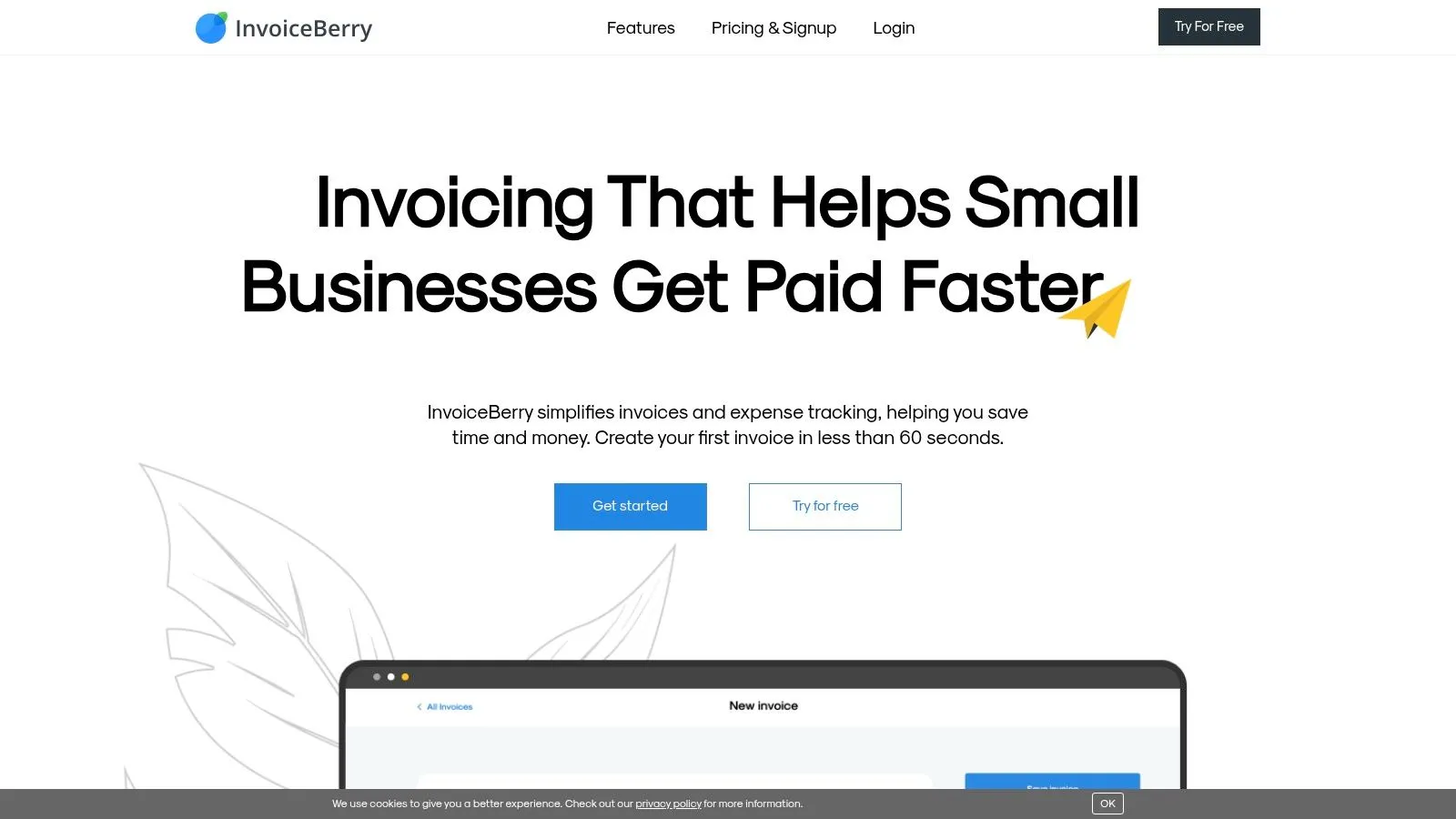
With its free plan, Invoiceberry lets you manage up to 3 clients and issue a maximum of 15 invoices and quotes per month. This free plan is ideal for testing the platform and getting familiar with its features before moving to a paid subscription. Its key features include creating customized invoices and quotes using elegant templates, automatic email sending, payment tracking and access to simplified financial dashboards. The interface is available in several languages, an asset for entrepreneurs working with an international clientele. In addition, getting started is extremely fast, saving valuable time.
For growing businesses or those needing more advanced features (managing a larger number of clients, detailed financial reports, etc.), a paid subscription will be needed. The limit of 3 clients and 15 documents per month in the free version can be restrictive for some businesses. It’s therefore important to carefully assess your needs before choosing this solution. For example, if you run an online store with a large volume of transactions, Invoiceberry’s free version is likely to become limiting quickly. On the other hand, for an independent consultant working with a small number of clients, it’s a perfectly suitable solution.
Strengths:
- Very intuitive, easy-to-use interface
- Quick learning curve, ideal for beginners
- Professional, customizable invoice templates
- Multilingual support
- Free plan available to test the platform
Weaknesses:
- Limited to 3 clients in the free version
- Maximum of 15 invoices/quotes per month in the free version
- Advanced features are paid
Implementation tips:
- Start by using the free plan to get familiar with the interface.
- Customize invoice templates with your logo and information.
- Set up automatic invoice sending options to save time.
- Use the dashboards to track your payments and revenue.
Link to website: https://www.invoiceberry.com/
Invoiceberry earns its place on this list because it offers a simple, effective, accessible invoicing solution, particularly suited to the needs of small structures and individual entrepreneurs. If you’re looking for a solution that’s easy to learn and you manage a limited number of clients, Invoiceberry is an option worth serious consideration.
Comparison: 8 Free Online Invoicing Platforms
| Product | Key Features | Experience / Quality ★ | Value Proposition 💰 | Target Audience 👥 | Strengths ✨ |
|---|---|---|---|---|---|
| 🏆Bizyness | Invoicing, VAT automation and bank sync | ★4.9, intuitive interface & responsive support | Modular offer: free and scalable | Sole traders, freelancers, e-merchants | Smooth integrations, flexibility |
| Invoice Ninja | Unlimited invoices, management of 20 clients (free) | User-friendly interface, open-source solution | Fully free with self-hosting option | Entrepreneurs, small businesses | Template customization |
| Wave | Integrated invoicing and accounting | Modern interface, easy to use | Free with no invoice limit | SMEs, independents | Complete accounting tools, bank integration |
| Facture.net | French legal compliance, unlimited quotes & invoices | 100% French interface, local support | Free version with paid options | French businesses, micro-businesses | Suited to the local market, regulatory compliance |
| ZohoInvoice | Recurring invoicing, integration with Zoho CRM | Modern, customizable interface | Free for up to 5 clients | SMEs, Zoho users | Excellent integrations with the Zoho ecosystem |
| VFD | Invoices compliant with French regulations | Simple, intuitive interface | Free version with no time limit | French sole traders | Legal compliance, ease of use |
| And CO | Invoicing, contracts, time and expense tracking | Complete, smooth user experience | Fully free | Freelancers | Integrated project management |
| Invoiceberry | Invoice and quote creation, email tracking | Very intuitive interface, quick to learn | Limited free plan (3 clients, 15 documents) | SMEs, freelancers | Elegant templates, multilingual support |
Choosing the Ideal Free Invoicing Software
This article presented eight free online invoicing solutions: Bizyness, Invoice Ninja, Wave, Facture.net, Zoho Invoice, VFD, And Co and Invoiceberry. Each tool has its own strengths and weaknesses, ranging from ease of use to more advanced features like multi-currency management or expense tracking. One key takeaway is that there’s no one-size-fits-all solution: the best software will entirely depend on your needs and the nature of your business.
For sole traders and freelancers, simplicity and speed of execution are often paramount. Small businesses, on the other hand, might prioritize more robust accounting and reporting features. If you work with an international clientele, multi-currency and multi-language management will be a decisive criterion. Whatever your profile, consider the number of clients you manage, the features essential to your business (quotes, invoices, payment tracking, etc.), and the ease of use of the platform.
When setting up your software, think about integration with your other management tools, such as your CRM or accounting software. For invoicing software developers, listening to users is essential. To optimize development and ensure that your software meets your users’ needs, consider using feature voting tools. These tools let you gather user feedback and prioritize the features to develop. Don’t hesitate to test several solutions using free trials before making your final decision.
By automating your invoicing, you’ll free up valuable time to focus on what really matters: growing your business and satisfying your customers. Ready to simplify your invoicing? Discover Bizyness, a complete and intuitive solution for managing your free online invoices, ideal for entrepreneurs looking for a powerful, accessible solution. Bizyness offers you simplified management of your invoices, quotes and expenses, letting you focus on growing your business.
