

 Français
Top Free Online Invoicing Tools 2025
Discover 8 free online invoicing tools for 2025. Simplify your invoicing and save time.

Finding the ideal invoicing solution
Invoicing is essential to your business’s financial health. It reflects your professionalism and ensures accurate tracking of your revenue, which is essential for effective VAT management and the long-term viability of your business.
The evolution of business practices, driven by the rise of e-commerce and the digitalization of trade, has transformed invoicing methods. Online invoicing software has become essential for simplifying administrative processes.
A high-performing invoicing solution must be intuitive and adaptable to your needs. Task automation is a major asset, letting you fully focus on growing your business.
Exploring online invoicing solutions
This article presents eight free online invoicing solutions suited to sole traders, freelancers, and small and medium-sized businesses. Whether you’re a multi-platform seller, a service provider, or a business founder, finding the right tool is essential.
Choosing the solution suited to your business
We’ll explore the pros and cons of each option, detailing the key features and important selection criteria. Whether you sell physical products, services, or digital content, you’ll find valuable information to help you make the right choice.
Optimizing your invoicing process is within reach. Get ready to gain efficiency and simplify your administrative management!
Bizyness: Simplify your accounting
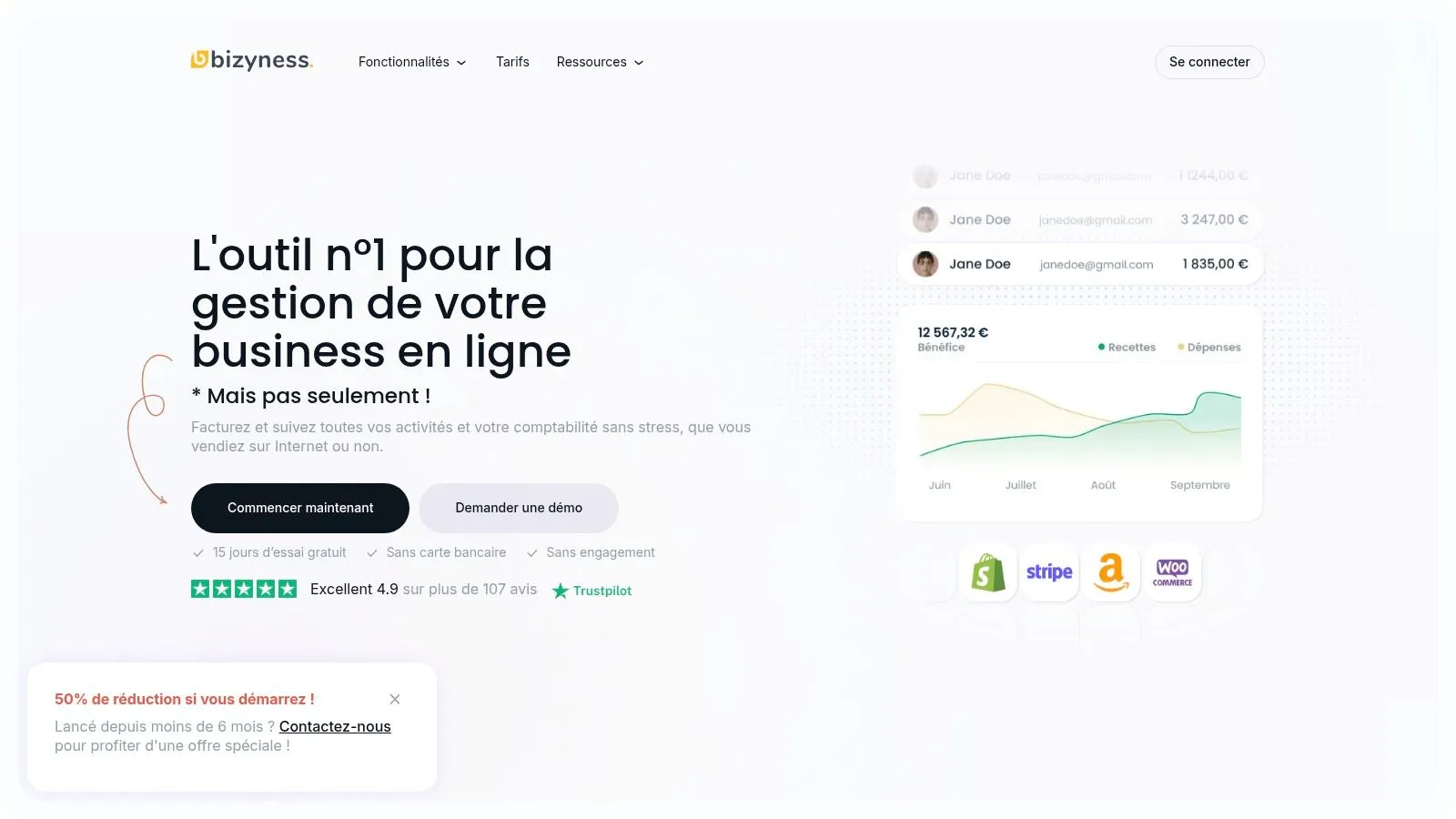
Bizyness stands out as a valuable tool for simplifying accounting management, particularly for sole traders, freelancers, and small businesses. Whether you sell online across different platforms, work as an independent consultant, or create digital content, Bizyness adapts to your needs.
Imagine finishing a job. With Bizyness, there’s no need to manually create an invoice. The tool automates the process, calculates VAT, and lets you send the document in just a few clicks. A considerable time saver so you can focus on what matters: growing your business.
Features and benefits
Bizyness offers several key features for optimized accounting management:
- Automation: Invoice creation, VAT management, bank synchronization. Bizyness automates time-consuming tasks.
- Intuitive interface: Accessible to both beginners and experts, the Bizyness interface is designed for smooth navigation and quick onboarding.
- E-commerce integrations: Bizyness integrates with major e-commerce platforms to centralize your sales and automate invoicing.
- Automated reports: Generate accurate, compliant financial reports in just a few clicks for efficient tracking and tax compliance.
- Customer support: Bizyness offers responsive, efficient customer support, with a rating of 4.9/5 across more than 107 reviews.
Pricing and plans
Bizyness offers different plans, including a free version with no commitment, perfect for sole traders and small businesses. Free 15-day trials are also available for paid plans. Check out the Bizyness website for more pricing details.
Getting started
Setting up Bizyness is quick and simple. After signing up, connect your bank accounts and customize your invoicing settings. The intuitive interface guides users step by step.
Pros and cons
Pros:
- Complete automation of accounting management.
- Intuitive interface and high-performing e-commerce integrations.
- Modular plans with a free version.
- Responsive customer support.
Cons:
- Advanced features reserved for paid subscriptions.
- The free version has limited support and potential restrictions for fast-growing businesses.
Comparison with competitors
Compared to other invoicing tools on the market, Bizyness stands out for its balance of automation, e-commerce integration, and ease of use, at a competitive price.
In conclusion, Bizyness is a high-performing tool for entrepreneurs looking to optimize their accounting management and focus on their core business. Its flexibility, intuitive interface, and automation features make it a solution suited to businesses of all sizes.
Facture.net: a free and efficient invoicing solution
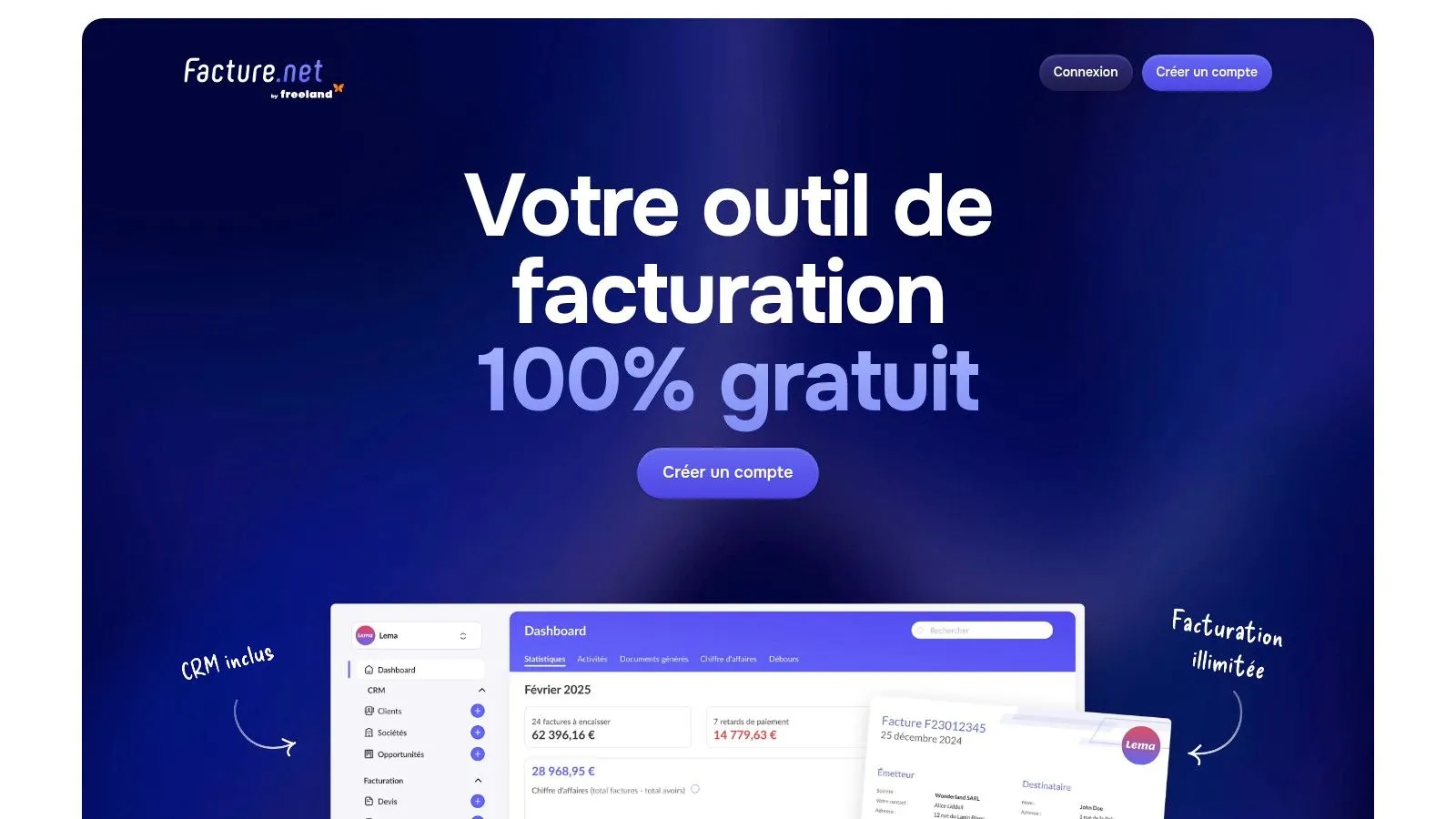
Facture.net positions itself as a fully free online invoicing tool. It’s a particularly attractive solution for sole traders, freelancers, and small businesses looking for simplified management with no hidden costs. Whether you’re an online seller, consultant, or service provider, Facture.net supports you in creating and tracking your documents, in compliance with French legislation.
Facture.net makes it easy to create and manage quotes, invoices, and customer information. Its intuitive interface is a considerable asset, especially for new entrepreneurs less familiar with accounting software.
Main features
Here’s an overview of Facture.net’s features:
- Unlimited invoice and quote creation: Comply with French standards and generate as many documents as needed.
- Customer and product/service catalog management: Centralize your data for fast, efficient invoicing. A real advantage for managing a large number of products or customers.
- Payment tracking and automated reminders: Oversee your cash flow and optimize collections with automatic reminders. A welcome time saver for independent workers.
- Accounting export and dashboards: Simplify collaboration with your accountant and analyze your business’s performance with built-in dashboards.
- Integration API: Connect Facture.net to your other tools for centralized business management.
- Mobile app: Access your data and manage your invoicing wherever you are.
Pros
- Completely free with no limitations: A strong argument for small businesses and entrepreneurs just starting out.
- Intuitive, easy-to-use interface: No need to be an accounting expert to use Facture.net.
- Compliance with French legislation: Ensures the validity of your accounting documents.
- Mobile app available: Manage your invoicing anytime, from your smartphone.
Cons
- Fewer advanced features than some paid solutions: Limitations may appear if you’re looking for very specific options.
- Limited customer support: Support access can be limited in the free version.
- Limited template customization: Invoice customization options are fewer than in paid versions.
Pricing and setup
Facture.net is entirely free. Sign-up is quick and simple, and the intuitive interface makes it easy to get started, even for beginners.
Comparison with other tools
Facture.net stands out for being free. Other paid solutions like QuickBooks or Zervant offer more features, but come with a monthly cost. Facture.net is therefore an ideal alternative for entrepreneurs keen to control their budget.
In conclusion, Facture.net is a free, high-performing online invoicing solution, perfectly suited to the needs of sole traders, freelancers, and small businesses. Its ease of use, legal compliance, and accessibility make it a valuable tool for efficient invoice management.
VosFactures: a simple and efficient online invoicing solution
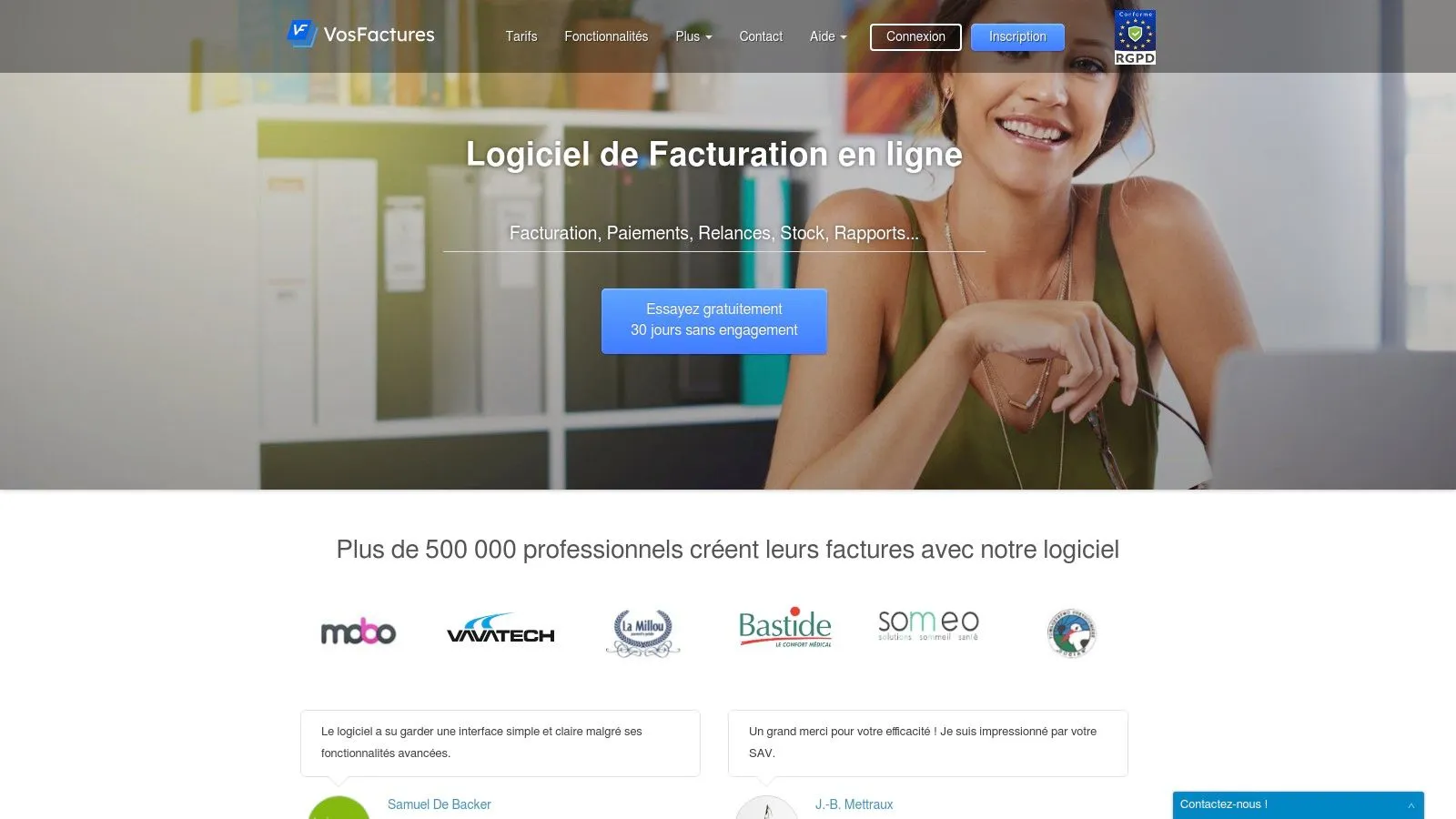
VosFactures is an appealing online invoicing solution for small businesses, independent workers, and sole traders. Its free version is particularly generous and offers a good balance between features and simplicity. Whether you’re an online seller, consultant, or content creator, VosFactures can simplify your administrative management.
VosFactures handles the entire invoicing cycle: creating quotes, converting them into invoices, and chasing unpaid amounts. The interface is modern and intuitive. Imagine finishing a job: in just a few clicks, you create a professional quote, convert it into an invoice once approved, and send it by email.
Payment tracking is automated. Alerts notify you of late payments, and you have indicators for your cash flow.
Main features
- Creating and sending quotes and invoices by email
- Customizable templates (logo and colors)
- Payment tracking and late-payment alerts
- Customer and product/service management
- Financial reports
Pros
- High-performing free version: ideal for sole traders and small businesses.
- Intuitive interface: easy to use, even without accounting experience.
- Legal compliance: meets French invoicing standards.
- Accounting integration: easy data export for your accountant or accounting software.
Cons
- Invoice limit (free version): a paid subscription is required for a high volume.
- Paid advanced options: multi-currency management and certain collaborative features are paid.
- Limited customization: other solutions offer more flexibility for document customization.
Usage tips
Getting started with VosFactures is quick. Customize your templates with your logo and information. Import your customer and product list to save time. Explore the financial reports for better tracking of your business.
Pricing and technical requirements
VosFactures offers a free version with limitations. Paid plans exist for larger needs. Check the website for more details. An internet connection and a web browser are all you need.
VosFactures is an efficient, compliant solution for entrepreneurs looking for a simple and accessible invoicing tool. The free version lets you test the platform and evaluate its features before choosing a paid plan.
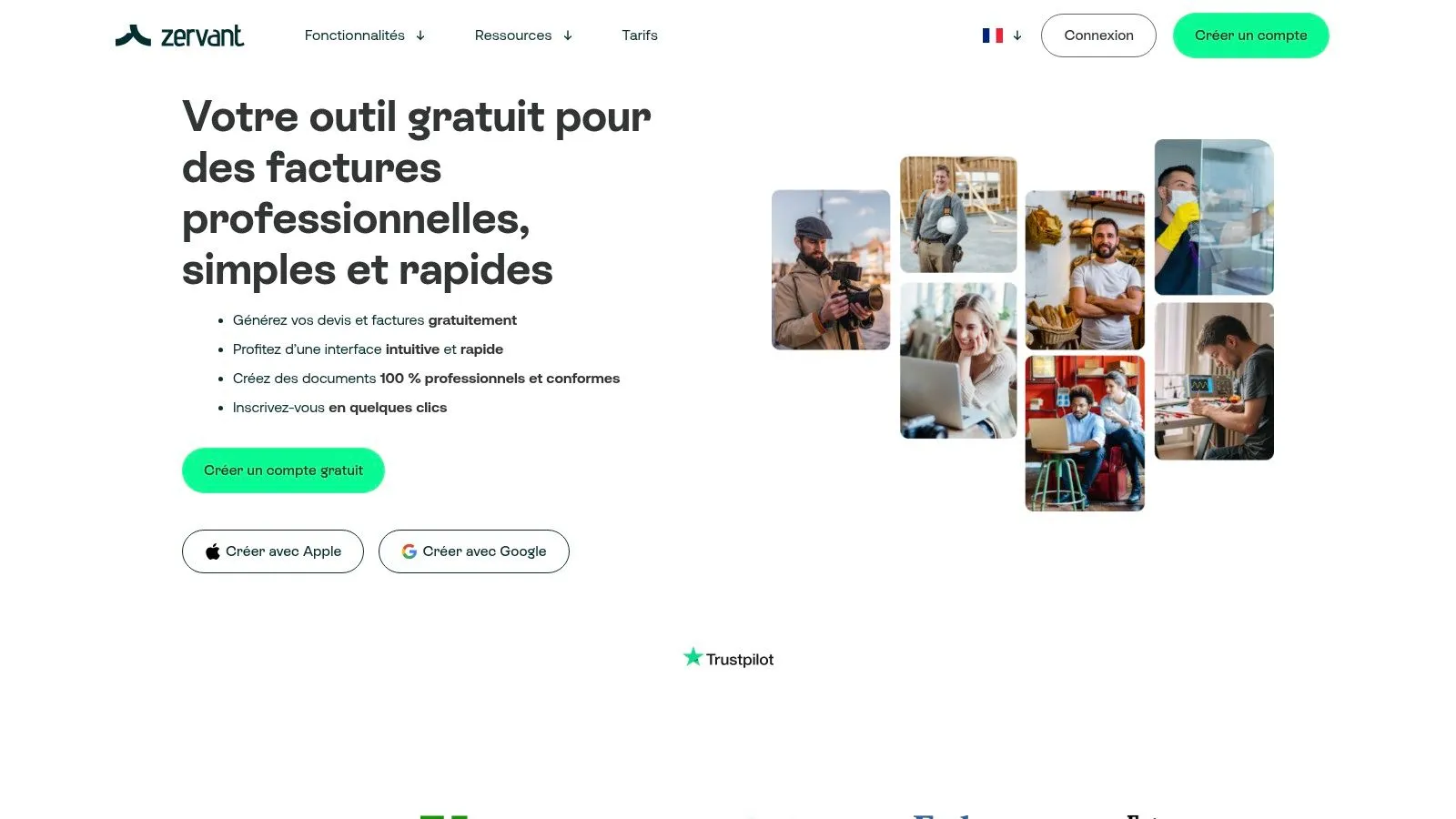
Zervant is a free online invoicing solution particularly well suited to sole traders, freelancers, and small businesses. Its intuitive interface makes it accessible, whether you sell products through e-commerce, offer services online or offline, or create digital content. Its French-language availability and compliance with European tax regulations make it particularly relevant for the French market.
Key features of Zervant
Even in its free version, Zervant offers robust features for simplified invoice management:
- Unlimited invoice creation: Use pre-designed, customizable professional templates to create flawless invoices in the blink of an eye.
- Customer and product/service management: Centralize all your customer data and product/service catalog for time savings and greater accuracy.
- Unpaid invoice tracking: Easily monitor the status of your invoices and quickly identify unpaid ones for better cash flow management.
- Mobile app: Invoice from anywhere with the mobile app, ideal for professionals on the go.
- Basic financial reports: Access simplified reports for a clear view of your revenue and expenses.
Pros and cons of Zervant
Before choosing Zervant, it’s important to weigh the pros and cons.
-
Pros: The interface is simple and intuitive. The software is available in French and suited to the French market. Invoicing is possible in multiple currencies, and exporting data to PDF and Excel formats is easy. These features make Zervant a practical tool for multi-currency, multi-language management.
-
Cons: The free version offers limited customization options. Automated reminders aren’t included in the free plan, and customer support is reduced for users of this version. If your customization or automation needs are significant, a paid plan or another solution might be more appropriate.
Getting started with Zervant
Signing up for Zervant is quick and easy. Simply create an account on their website (https://www.zervant.com/fr/) and start invoicing. Explore the different invoice templates and set up your customer information for optimal use.
Comparison with other tools
Zervant positions itself as an accessible, easy-to-use solution, ideal for small businesses. For more advanced automation or accounting features, paid solutions like QuickBooks or Xero might be more suitable.
Conclusion
Zervant is a free, high-performing online invoicing tool for sole traders, freelancers, and small businesses. Its ease of use, French-language availability, and compliance with French legislation make it a sound choice. If you’re looking for a simple, efficient, and free invoicing solution, Zervant deserves your attention.
Invoice Ninja: A powerful open-source invoicing solution
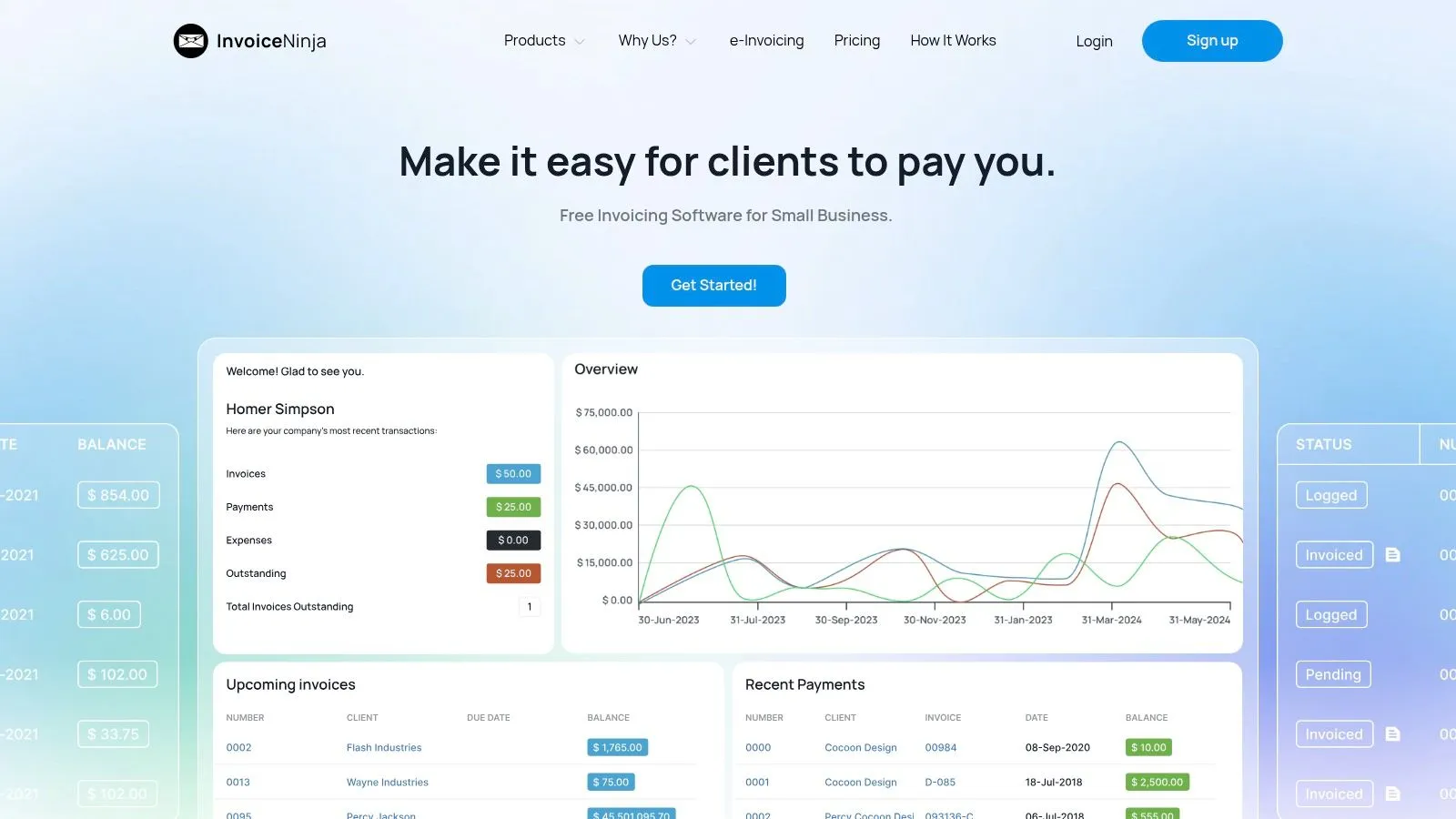
Invoice Ninja stands out for being open source and free. A solid alternative to paid software, this tool is particularly appealing to sole traders, freelancers, and small businesses with a technical profile. These users will appreciate having full control over their data and invoicing system.
Invoice Ninja offers two versions: a cloud-hosted version (free) and a self-hosted version. The free online version lets you generate an unlimited number of invoices, quotes, and credit notes. It also integrates payment gateways and time and expense tracking, a major asset for consultants and service providers.
Main features
- Unlimited invoices, quotes, and credit notes
- Online payments (several gateways)
- Time and expense tracking
- Self-hosting available
- Full API for custom integrations
- Multi-currency and multi-language
Pros
- Free and open source: Perfect for limited budgets and transparency.
- Customizable and extensible: The API and self-hosting enable adaptation to specific needs.
- Data privacy and control: Self-hosting ensures data security in-house.
- Active community: Effective support thanks to a community of users and developers.
Cons
- Complex interface for non-experts: Getting started can be difficult for less technical users.
- Technical skills required for self-hosting: Installation and maintenance require system administration knowledge.
- Room for improvement on French tax specifics: Manual adjustments may be necessary.
Usage tips
- Beginners should start with the hosted version to get familiar with the interface.
- Check the tutorials and online documentation for optimal setup.
- For self-hosting, make sure you have the necessary skills or bring in a professional.
Comparison with other tools
If Invoice Ninja’s interface seems too complex, alternatives like Facture.net or Henrri offer a simpler experience. However, they provide fewer customization and integration options.
Pricing
The hosted version with basic features is free. Paid plans exist for advanced features (multi-company management). Self-hosting is free but incurs infrastructure costs.
Website
Conclusion
Invoice Ninja is a comprehensive online invoicing solution. It’s particularly well suited to technical users who want to control their data. If you’re ready to invest time in learning it, Invoice Ninja is a powerful, free tool for managing your invoicing efficiently.
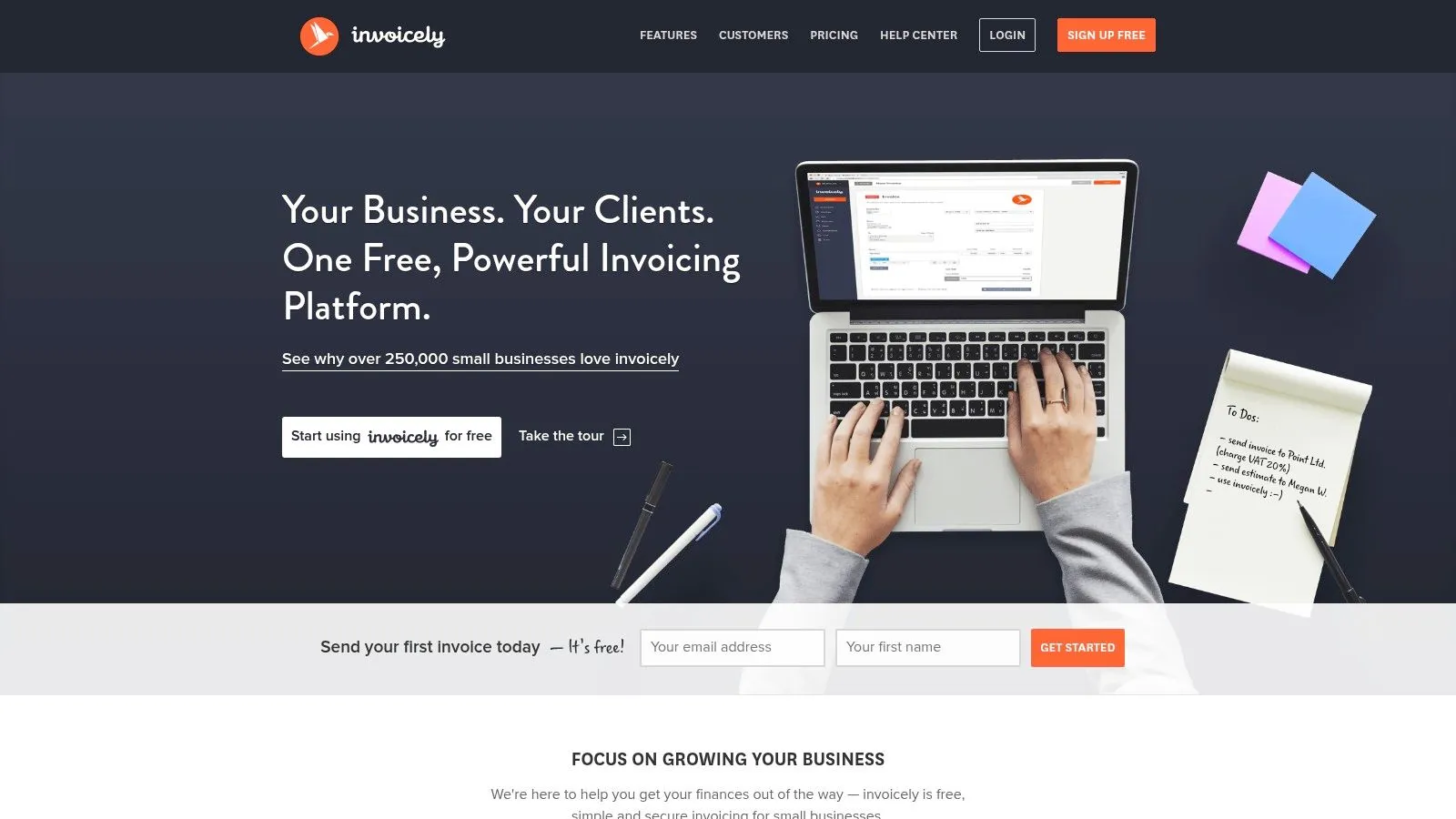
Invoicely (formerly Invoiceable) stands out for its free plan, particularly well designed for the essential invoicing needs of sole traders, freelancers, and small businesses. Its intuitive interface and ease of use make it accessible, even for those just starting out in accounting management.
Invoicely presents itself as a comprehensive online invoicing solution suited to international transactions. Whether you’re an online seller, consultant, digital content creator, or service provider, managing recurring invoices and online payments greatly simplifies tracking your revenue. Take the example of a coach offering monthly subscriptions: with Invoicely, they can automate invoice sending and payment tracking, allowing them to focus on their core business. A seller using multiple sales platforms will also appreciate centralized invoicing, regardless of the channel used.
Main features
- Recurring, automated invoice creation: Perfect for subscriptions and regular services.
- Online payments via PayPal and other gateways: Simplifies and speeds up payment collection.
- Expense and invoice tracking: Provides an overall view of your financial situation.
- Multi-currency invoicing: Essential for businesses working internationally.
- Dashboard with performance indicators: Offers clear tracking of your business.
Pros
- Modern, responsive user interface, accessible from any type of device (computer, tablet, smartphone).
- Easy to get started, even for invoicing novices.
- Efficient management of recurring invoices, a considerable time saver.
Cons
- The free version limits the number of clients. A paid subscription will be needed for a larger client base.
- The Invoicely logo appears on invoices in the free version.
- Support for French tax specifics is limited. It’s important to check compliance with French legislation.
Pricing and getting started
Invoicely offers a free plan with limited features. Various paid subscriptions unlock more features and a larger client capacity. Check the Invoicely website for more information. Sign-up and setup are quick and intuitive. The user interface is designed to be accessible, even for users with no prior experience with invoicing software.
Comparison with other tools
Invoicely is an interesting alternative to tools like Wave or Zoho Invoice, notably for its ease of use and management of recurring invoices. It’s still important to compare the features and limits of each tool based on your specific needs.
In conclusion, Invoicely is a practical, easy-to-use online invoicing solution, particularly well suited to sole traders, freelancers, and small businesses with relatively simple invoicing needs. The free version lets you test the tool and get familiar with its features before opting for a paid subscription. However, it’s essential to take into account the limitations of the free version, notably the number of clients and support for French tax specifics.
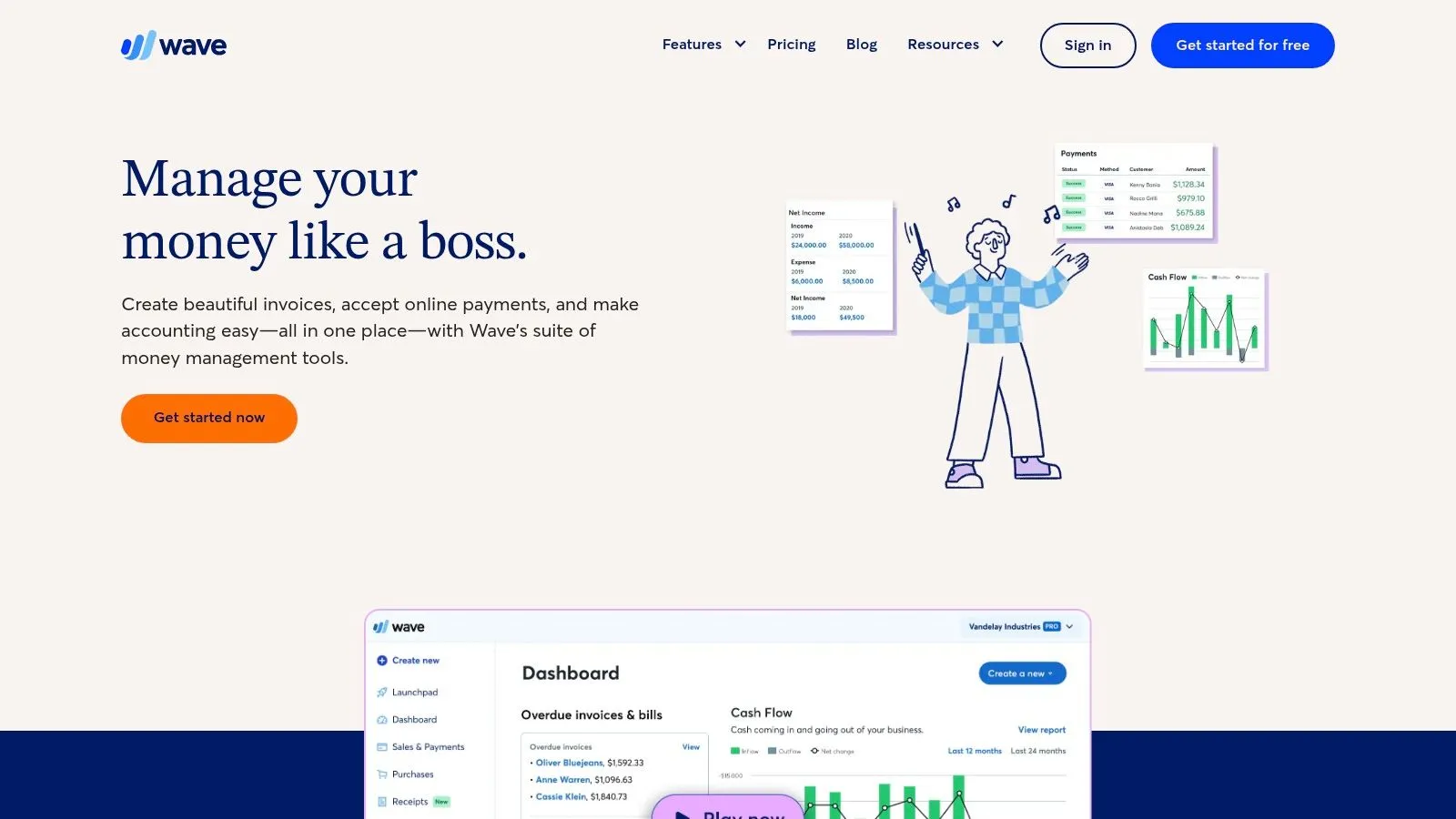
Wave stands out by offering a fully free invoicing and accounting solution. A considerable asset for sole traders, freelancers, and small businesses wanting to control their expenses.
This intuitive platform simplifies day-to-day financial management, letting you focus on growing your business.
Wave offers an integrated ecosystem of financial tools.
Wave features
- Invoicing, accounting, revenue and expense tracking, and receipt scanning.
- Creating and sending customized invoices.
- Bank account management and expense tracking.
- Generating detailed financial reports.
All of this, accessible from a single platform, with no subscription fees.
Key features in detail
- Unlimited, customizable invoicing: Adapt your invoices to your brand image.
- Free integrated accounting: Manage your accounts and track your cash flow in real time.
- Revenue and expense tracking: Analyze your financial performance with accurate reports.
- Receipt scanning: Simplify expense management.
- Detailed financial reports: Get an overview of your financial situation.
Wave enables centralized, efficient financial management.
Pros of Wave
- Free: A major advantage for young businesses and freelancers.
- Comprehensive financial tools: Centralize your financial management on a single platform.
- Intuitive interface: Easy to use, even for accounting novices.
- Unlimited basic features: Make full use of the essential features.
Wave offers a comprehensive, accessible solution.
Cons of Wave
- Fees on online payments: A cost to consider for businesses with a high volume of transactions. Compare these fees with other solutions.
- Adaptation to the French market: Wave isn’t specifically designed for France and may require adjustments for tax compliance. Using French accounting software alongside it can be helpful.
- Customer support: Support may be less responsive than that of paid solutions.
It’s important to weigh the pros and cons before choosing Wave.
Pricing and setup
Invoicing and accounting are free. Fees apply to payment transactions. Sign-up and setup are simple and quick.
Comparison with other tools
Wave is more affordable than paid solutions like QuickBooks or Xero. However, take into account transaction fees and adaptation to the French market. A local solution may be more appropriate for tax needs specific to France.
Wave is an excellent option for sole traders, freelancers, and small businesses looking for a free, simple, and efficient solution. If transaction fees and adaptation to the French market aren’t a concern, Wave will let you manage your finances with peace of mind.
And CO: an all-in-one solution for freelancers
And CO by Fiverr simplifies business management for freelancers. Free invoicing is a major asset. This tool is ideal for sole traders, content creators, consultants, and all independent workers.
Imagine being able to manage your invoices, time, and expenses from a single interface. With And CO, that’s possible. Create customized professional invoices in a few clicks, send them directly to your clients, and schedule automatic payment reminders.
Key features of And CO
And CO offers much more than simple invoicing:
- Customizable professional invoice creation: Add your logo and adapt your invoices to your brand.
- Legal contract generation: Use pre-written templates to save time and ensure compliance.
- Time and project tracking: Track your time precisely for accurate invoicing and better productivity management.
- Expense management: Photograph your receipts for automatic integration into your accounting.
- Financial dashboard: Visualize your financial situation with clear charts and reports.
Pros of And CO
Several advantages make And CO a valuable tool:
- Complete solution: And CO manages your entire freelance business.
- Fiverr integration: An asset for users of the platform.
- High-performing mobile app: Manage your business wherever you are.
- Automatic payment reminders: Optimize your collections.
Cons of And CO
A few points to consider:
- Suited to independent workers: And CO is less suited to SMBs with more complex needs.
- Limited customization: Alternative tools offer more advanced document customization.
- Paid advanced options: Some features, such as multi-currency management, are paid.
Pricing and technical requirements
And CO offers a free version with essential invoicing features. Paid versions unlock advanced options. The tool is accessible via a web app and mobile apps (iOS and Android).
Comparison with other tools
And CO offers more comprehensive management than tools like Facture.net or FreeInvoiceGenerator. If you’re looking for a simple, free solution for invoicing only, these alternatives may suffice. For centralized management of your projects, time, and finances, And CO is a more relevant choice.
Setup tips
Getting started is simple. Create your account, customize your settings, import your customer data, and configure your invoice and contract templates. The mobile app makes on-the-go management easier.
In summary
And CO is an intuitive, high-performing solution for freelancers. It simplifies administrative management and lets you focus on your core business. Visit the And CO website to learn more.
Core Features Comparison: 8 Free Online Invoicing Tools
| Product | Experience & Quality (★) | Value & Pricing (💰) | Target Audience (👥) | Unique Advantage (✨) |
|---|---|---|---|---|
| 🏆 Bizyness | Intuitive interface, 4.9/5 | Modular pricing, free plan and trials | SMBs, sole traders, beginners & experienced users | Complete automation, e-commerce integrations |
| Facture.net | Simple interface, 100% free | Free, no functional limit | Entrepreneurs, freelancers, SMBs | Compliant invoices, built-in API |
| VosFactures | Modern, responsive interface | Generous free version | Small/medium businesses, independent workers | Customizable templates, accounting integration |
| Zervant | Clean, easy-to-learn interface | Free plan with multi-currency invoicing | Freelancers, small businesses | Unlimited invoicing, PDF/Excel export |
| Invoice Ninja | Open source, highly customizable | Free (hosted version) or self-hosted for more control | Developers, technically-oriented SMBs | Self-hosting, full API |
| Invoicely | Intuitive, modern interface | Free version with restrictions (visible logo) | Independent workers, small businesses | Recurring invoices, multi-currency invoicing |
| Wave | Elegant, professional interface | Free for invoicing, fees on online payments | Freelancers, small businesses | Integrated accounting and financial management suite |
| And CO | Unified, high-performing interface (mobile) | Free invoicing, paid options for advanced features | Freelancers, independent workers | Contract management and native Fiverr integration |
Choosing the right tool: free online invoicing
Finding the ideal online invoicing tool can prove complex. Platforms like Bizyness, Facture.net, VosFactures, Zervant, Invoice Ninja, Invoicely, Wave, and And Co offer a variety of features, from simple invoice creation to full accounting management.
To guide your choice, here are a few key points to consider:
- Essential features: Define your needs. Do you simply want to create invoices, or do you need to track payments, manage your clients, and generate reports?
- Invoicing volume: The number of invoices issued monthly is an important criterion. Some free solutions limit this volume.
- Integration and compatibility: Does the tool need to integrate with other platforms, such as your online store, accounting software, or bank accounts?
Make sure it’s compatible with your existing systems.
- Multi-currency and multi-language: If you work internationally, check support for the currencies and languages you need.
- Budget and resources: Many free solutions are available, but advanced features may require a paid subscription. Assess your budget.
- Ease of use: The interface should be intuitive and simple to use, especially if you’re new to online invoicing.
- Customer support: Responsive, effective customer support is essential in case of a problem.
By analyzing each platform against these criteria, you’ll find the tool suited to your needs and budget. A high-performing invoicing solution will let you manage your finances efficiently and focus on growing your business.
Bizyness: a comprehensive invoicing solution
Looking for a simple, intuitive, and high-performing solution to manage your invoicing? Bizyness is a comprehensive tool for sole traders, freelancers, and small businesses in France. Automate your invoices, manage your VAT, and simplify your transactions, whether you sell online or offline.
With free and paid plans, Bizyness adapts to your needs. Focus on what matters: growing your business. Discover Bizyness today: https://www.bizyness.fr
