

 Français
Simple Invoice Template: 8 Examples for 2025
Explore our 8 simple invoice templates for Excel, Word and Google Docs. Download the ideal format for your business today!

Simplify Your Invoicing: Find the Perfect Template
In today’s entrepreneurial world, clear, concise and compliant invoicing is essential for success, whether you’re a sole trader, an e-commerce seller or a freelance consultant. From simple spreadsheets to online platforms, invoice templates have evolved to meet the changing needs of businesses, especially with digitalization and new regulations. But how do you choose the ideal template among so many options? An effective template should not only meet legal obligations but also fit your working method and save you time. This gain in time and efficiency, once a luxury reserved for large companies, is now accessible to everyone thanks to powerful and affordable tools.
In the past, invoicing was manual, time-consuming and error-prone. The arrival of word processors like Microsoft Word and spreadsheets like Microsoft Excel simplified things. Today, digital tools offer even more powerful solutions, ranging from customizable templates to automated invoicing platforms. The goal? Minimize admin work, optimize payment tracking and focus on your core business.
This practical guide explores eight simple and effective invoice templates for modern entrepreneurs, from multi-currency management to VAT-free invoicing.
The Different Types of Invoice Templates
- Simple invoice: Ideal for basic services.
- Invoice with VAT: Essential for most businesses.
- VAT-free invoice (sole trader): Specific to sole traders/micro-entrepreneurs.
- Multi-currency invoice: Essential for international transactions.
- Deposit invoice: Allows you to receive a partial payment before the service.
- Balance invoice: Closes the transaction after a deposit.
- Credit note: Corrects an error or a refund.
- Pro forma invoice: Informational document, not booked to the accounts.
We’ll cover the pros and cons of each option, from classic solutions like Excel and Word to modern alternatives like HTML/CSS templates and online platforms. Whether you’re a beginner entrepreneur or a growing business, you’ll find the keys here to simplify your invoicing and grow your activity.
1. Simple Excel Invoice
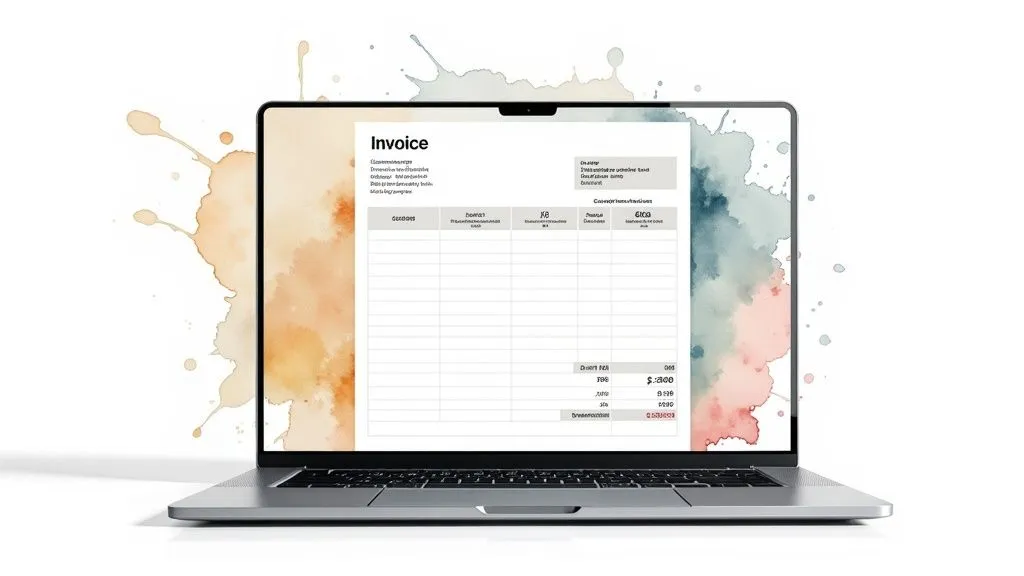
The simple Excel invoice template is an ideal solution for sole traders, freelancers and small businesses. It’s an accessible and customizable invoicing tool, combining the power of Excel formulas with a familiar interface. You can generate professional invoices without needing expensive software. Its ease of use and flexibility explain its popularity, particularly when starting out.
Key Features and Benefits
Here are the main strengths of this template:
- Automatic calculations: Excel automatically calculates totals, taxes (VAT), discounts, etc., thanks to its built-in formulas. This minimizes the risk of manual errors.
- Easy customization: You can change colors, insert your logo and adapt the header to your brand identity.
- Flexibility: Add or remove product/service lines as needed.
- Compatibility and accessibility: The template works with all versions of Excel and is accessible to anyone with the Microsoft Office suite. It also works offline.
- PDF export: Save your invoices as PDF for simple, professional sharing.
- Reusable template: Save your customized invoice as a template (.xltx) to save time and ensure consistency.
Examples of Use
An e-commerce freelancer selling handmade products can use an Excel template to quickly generate customized invoices for each order. They can include product details, shipping costs and VAT. A small consulting firm can also use it to bill for services, detailing hours worked and hourly rate. Free templates are available via Microsoft Office Templates.
Pros and Cons
Pros:
- Accessible and easy to use.
- Cost-effective solution.
- Can be saved as a template.
- Works offline.
Cons:
- Requires Excel or compatible software.
- May seem less professional than dedicated software.
- Limited protection against accidental changes.
- Complex to manage for very large invoices.
Practical Tips
For optimal use:
- Protect cells containing formulas.
- Create a separate sheet for your product/service catalog.
- Use data validation to create drop-down lists.
- Save your file as a template (.xltx).
The simple Excel invoice template is an accessible, flexible and customizable solution. It’s particularly well suited to sole traders, freelancers and small businesses. It’s an excellent compromise between simplicity and efficiency, allowing you to focus on your business without getting lost in complex administrative tasks.
2. Simple Word Invoice
The Simple Word Invoice is an accessible and practical invoicing solution, ideal for sole traders, freelancers and small businesses. It leverages the familiarity of the Microsoft Word interface to create professional invoices without spreadsheet expertise. Its simplicity makes it perfect for quick, efficient invoice management.
This type of invoice uses tables and pre-formatted text fields in Word to structure the information. The header and footer are customizable, allowing you to add a logo, company details and legal notices. Each essential element of an invoice has its own dedicated space. Basic calculated fields are possible, but the strength of this template lies in its simplicity and layout flexibility.
Key Features:
- Table-based Word format
- Pre-formatted text fields
- Customizable header and footer
- Dedicated spaces for logo, contact details and legal notices
- Possible integration of basic calculated fields
Pros:
- Familiar interface: The Word environment is familiar to most users, making it easy to get started.
- Excellent layout and typography: Word offers precise control over layout and typography for professional invoices.
- Easy insertion of images and logos: Integrating visual elements is simple and intuitive.
- Built-in PDF export: Sharing and archiving invoices is simplified thanks to PDF export.
Cons:
- Less automated calculations than Excel: Manual calculations increase the risk of error.
- Risk of errors in manual calculations: The lack of automation can lead to errors, especially on complex invoices.
- Less suited to invoices with many lines: Managing many product or service lines can be tedious.
- Sometimes unstable formatting: Major edits can sometimes disrupt the formatting.
Examples of Use:
Many craftspeople, self-employed professionals and sole traders use this type of invoice. Pre-designed templates are often available in the Microsoft Office template gallery and from sole trader associations.
Practical Tips:
- Use Word styles: Ensure consistent formatting through predefined or custom styles.
- Create sections with section breaks: Better organize the document and control the layout.
- Save as a template (.dotx): Reuse the template to easily create new invoices.
- Check the print preview: Check the final rendering on different paper sizes.
Popularized By:
Microsoft Office and sole trader associations have helped popularize this simple, accessible template.
The Simple Word Invoice is a practical, easy-to-implement solution for small businesses and independents. Less powerful than dedicated software or an Excel solution, it meets basic needs with minimal learning required. It’s an excellent starting point for simple, efficient invoice management.
3. Google Docs Invoice
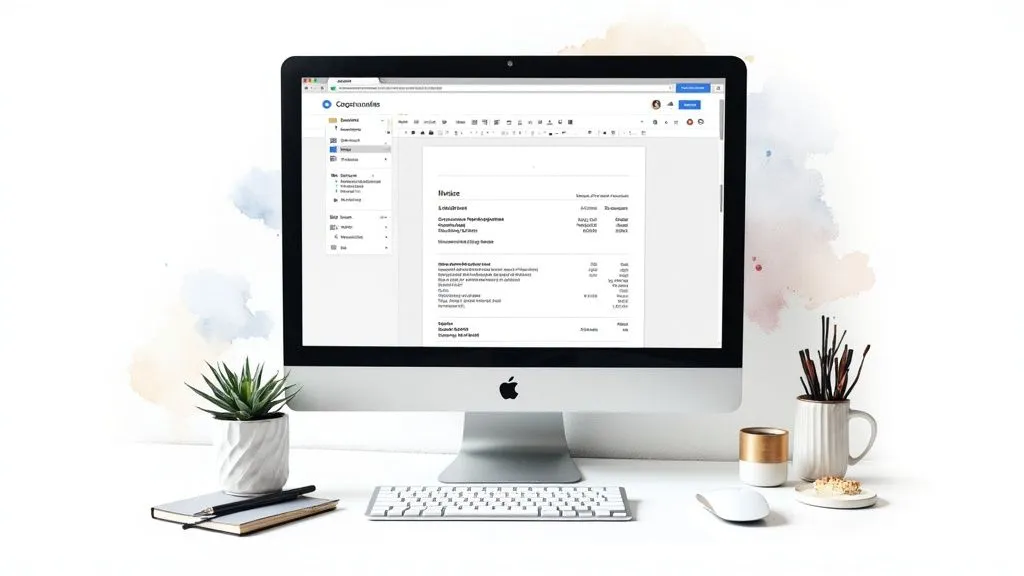
For sole traders, freelancers and small businesses, invoicing can quickly become a complex and time-consuming task. Fortunately, Google Docs offers a simple, free solution for creating, sharing and managing invoices directly online. Its accessibility and ease of use make it a particularly well-suited tool for entrepreneurs who work remotely, in teams, or who travel frequently.
Google Docs lets you create professional invoices from scratch or from pre-existing templates available in the template gallery. Automatic saving and version history ensure the security and traceability of documents. Real-time sharing also simplifies collaboration with colleagues and clients.
Key Features:
- Accessible from any connected device
- Pre-designed templates available in the Google gallery
- Easy sharing with collaborators
- Automatic cloud backup
- Version history to track changes
Pros:
- Free: Using Google Docs is entirely free with a Google account.
- Real-time collaboration: Multiple people can work simultaneously on the same invoice.
- Accessible from anywhere: View and edit your invoices from any internet-connected device.
- No installation required: No software to install, the tool is accessible directly from your web browser.
Cons:
- Internet connection required: A stable internet connection is needed for optimal operation.
- Limited calculation features: For complex calculations, it’s better to use Google Sheets.
- Less extensive customization options: Visual customization of invoices is less advanced than with dedicated invoicing software.
- Dependency on Google: Using Google Docs is tied to your Google account and access to Google services.
Examples of Use:
Many startups, remote teams and nomadic freelancers use Google Docs for their invoicing. Its simplicity and accessibility make it a practical tool for managing invoices from anywhere.
Practical Tips:
- Complex calculations: Prefer Google Sheets for invoices requiring advanced calculation formulas.
- Organization: Structure your documents by creating a dedicated folder for your invoices in Google Drive.
- Internal communication: Use the comments feature to facilitate internal discussions and approvals.
- Notifications: Enable notifications to be informed in real time of changes made to shared invoices.
Popularized By:
Google Workspace (formerly G Suite) has greatly contributed to popularizing Google Docs for invoicing, particularly among businesses and collaborative teams. Digital nomad communities also appreciate this tool for its flexibility and accessibility while traveling.
Google Docs, despite its simplicity, represents an effective invoicing solution, particularly for beginning entrepreneurs or those looking for a free, accessible tool. However, keep its limitations in mind and don’t hesitate to explore other more comprehensive solutions as your needs evolve.
4. Editable PDF Invoice
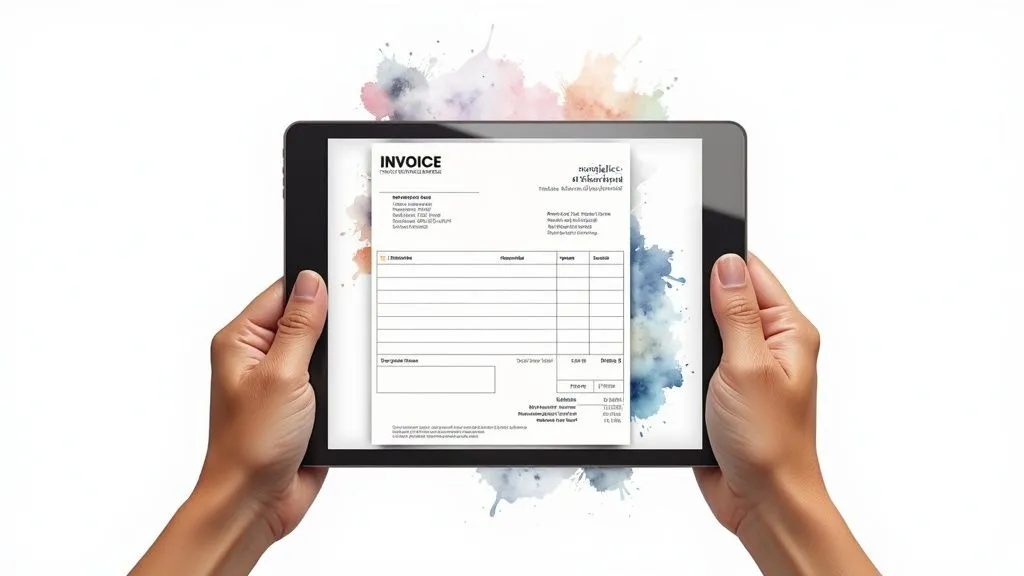
An editable PDF invoice template is a practical and professional invoicing solution. This standard format includes interactive fields, allowing you to fill in the invoice directly on a computer. Its ease of use and polished appearance make it a popular choice for many entrepreneurs.
Combining the benefits of a PDF document with the flexibility of a form, the editable PDF invoice simplifies administrative management.
How It Works and Its Benefits
The principle is simple: interactive form fields are embedded in the PDF document. These fields let you enter the necessary information, such as client data, description of services and amounts. Automatic calculations can even be configured for the total and taxes. The document structure remains unchanged, ensuring a professional and consistent presentation.
Key Features
- Interactive form fields: Direct entry of information into the PDF.
- Fixed structure: Professional and consistent presentation.
- Broad compatibility: Compatible with Adobe Acrobat and most PDF readers.
- Protection against structural changes: Prevents formatting errors.
- Basic automatic calculations: Simplifies calculating the total and taxes.
Pros and Cons
Pros:
- Professionalism: Serious, credible image.
- Universal format: Easy sharing and printing.
- Security: Document integrity preserved.
- Accessibility: Can be used on any computer.
Cons:
- Software required: Requires PDF creation/editing software, such as Adobe Acrobat Pro, which is often paid.
- Limited flexibility: Complex structural changes are difficult.
- Interactive field compatibility: Compatibility testing needed.
- Learning curve: Requires mastering interactive form creation.
Examples of Use and Tips
Editable PDF invoices are particularly popular with self-employed professionals (accountants, lawyers) for their professional appearance. They’re also used by many businesses, particularly in e-commerce, to simplify their accounting management.
Practical Tips:
- Recommended software: Use Adobe Acrobat Pro for creation.
- Compatibility testing: Check that it works across different PDF readers.
- Instructions: Provide clear instructions for filling out the form.
- Internationalization: Offer versions in multiple languages.
Popularization
The popularization of editable PDF invoices can be explained by the widespread adoption of PDF software and the growing need for professional, easy-to-use invoicing solutions. Accounting firms have also played an important role by offering templates to their clients.
This type of invoice is perfectly suited to sole traders, freelancers, small businesses and anyone looking for a balance between simplicity and professionalism for their invoicing. It’s an effective solution for optimizing administrative management while projecting a polished image.
5. Online Invoice with HTML/CSS Template
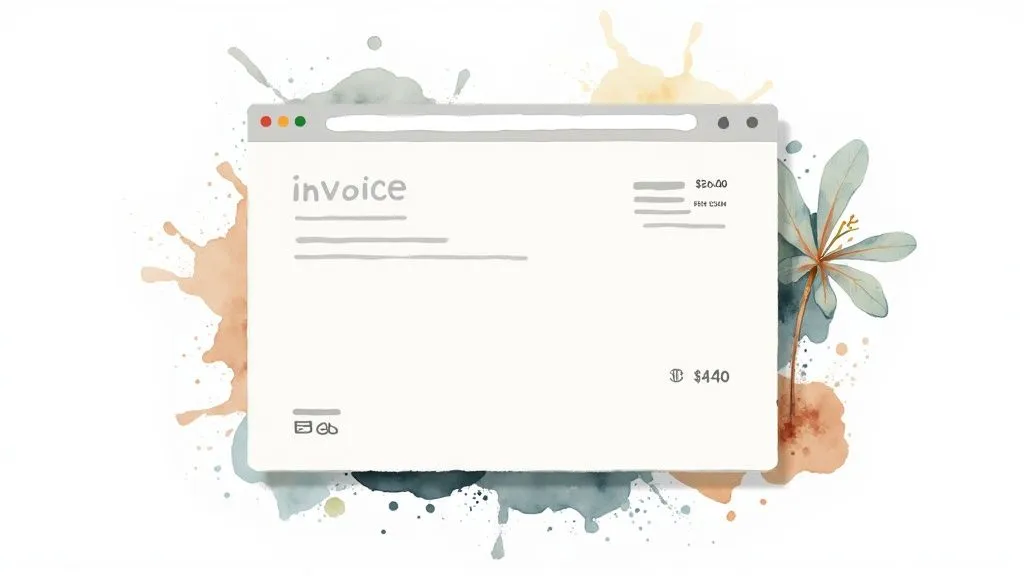
HTML/CSS invoice templates offer a modern and flexible solution for managing your online invoicing. Their place on this list is justified by the full control they offer over design and integration with your systems. Whether you’re a sole trader, freelancer or run a small business, these templates adapt to your specific needs.
Built with HTML and CSS, these templates let you generate invoices online, send them by email or print them. Integration is possible directly on your website, via an HTML hosting service, or even within your application’s dashboard.
Key Features
- Responsive design: Optimal display on all devices (computers, tablets, smartphones).
- Unlimited customization via CSS: Full control over appearance (colors, typography, logo).
- JavaScript integration: Add dynamic features, such as automatic total calculation.
- Easy sharing: Send by email or share via a web link.
- Optimized printing: Professional, readable printed invoices thanks to CSS media queries.
Pros
- Modernity and aesthetics: Create invoices that reflect your brand.
- Simplified integration: Compatibility with websites and applications.
- Multi-device adaptability: Optimal presentation on all screens and print formats.
- Online hosting: Access your invoice templates at any time.
Cons
- HTML/CSS skills required: For advanced modifications and customization.
- Variable rendering across browsers: Compatibility testing is necessary.
- Complexity for beginners: Help from a developer may be needed.
- Web hosting sometimes required: Depending on intended use.
Examples of Use
- Web agencies and freelance developers can create invoicing that’s customized and integrated with their services.
- Integration into SaaS application dashboards enables automated, transparent invoicing.
Practical Tips
- Using CSS frameworks like Bootstrap speeds up development and ensures responsiveness.
- Test your template on different browsers and devices for optimal compatibility.
- Optimize your CSS for printing with media queries and by specifying paper formats (A4, US Letter).
Popularization
Platforms like GitHub (with its many open-source repositories of invoice templates) and CodePen (with its gallery of shared templates) have greatly helped popularize this method.
This type of template is particularly well suited to sole traders, freelancers and small businesses looking for a flexible, customizable invoicing solution that integrates into their workflow. Mastering HTML/CSS, or hiring a developer, allows you to create professional, modern invoices that reflect your brand image and optimize administrative management.
6. Sole Trader Invoice (French Legal Format)
The sole trader legal-format invoice is an essential element for proper accounting management and legal compliance for any sole trader/micro-entrepreneur in France. This invoice template is specifically designed to meet the requirements of the French social security body (URSSAF) and French tax legislation, thus simplifying invoicing for independent workers. Its popularity is explained by its ease of use and guaranteed compliance, which fully justifies its place on this list.
This type of invoice includes all the mandatory notices, thereby preventing administrative errors and potential disputes. It also strengthens the sole trader’s credibility and professionalism with their clients.
Key Features
-
Pre-filled mandatory legal notices: Name and address of the sole trader and the client, business registration number, activity code, issue date, description of the service, unit price, quantity, total excluding and including tax, payment terms, etc.
-
Numbering compliant with tax standards: Enables clear, precise tracking of transactions and simplifies tax filings.
-
VAT exemption notice (if applicable): Clearly indicates VAT exemption if the sole trader benefits from it.
-
Business registration number and activity code clearly indicated: Ensures transparency and compliance with legal obligations.
-
Payment terms compliant with French law: Compliance with legal deadlines and mention of any late payment penalties.
Pros
-
Guaranteed legal compliance: Limits the risk of administrative penalties.
-
Professional image with clients: Inspires trust and credibility.
-
Accepted by tax authorities: Facilitates tax filings and audits.
-
Reduced risk of errors: Simplifies administrative and accounting management.
Cons
-
Often simple, not very customizable presentation: May lack visual appeal.
-
Specific to the French market: Not suitable for international activities outside France.
-
Updates required in case of legislative changes: Requires regular monitoring of regulatory developments.
-
Lack of flexibility for specific needs: May be unsuited to certain complex activities.
Examples of Distribution
- Chambers of Commerce and Industry (CCI)
- URSSAF website (urssaf.fr)
Practical Tips
-
Stay informed about changes to sole trader invoicing legislation.
-
Keep a copy of invoices for 10 years (legal requirement).
-
Adopt sequential, uninterrupted numbering for better tracking.
-
Always mention payment terms in accordance with the LME law.
Contributors to Its Popularization
- URSSAF
- Sole trader associations
- Accountants specializing in small businesses
Using a sole trader legal-format invoice, even if it may seem rigid, is a mark of seriousness and professionalism. It considerably simplifies administrative management and ensures the legal compliance essential to the longevity of the business. Its adoption is therefore strongly recommended for all sole traders in France. For a beginner, this standardized template is ideal for getting familiar with legal invoicing obligations. Even for more experienced entrepreneurs, it represents a significant time saving and a valuable security net.
7. Invoicing with LibreOffice Calc
LibreOffice Calc, the free and open-source alternative to Microsoft Excel, lets you create robust, accessible invoice templates. Available on Windows, macOS and Linux, this software is ideal for entrepreneurs looking to control their costs and support free software. Its flexibility, its free price tag and its cross-platform compatibility make it a tool of choice for sole traders, freelancers and small businesses.
LibreOffice Calc offers automatic calculation features similar to Excel’s, allowing you to create customized, professional invoices. Integrate formulas to calculate the total, VAT, discounts and manage different currencies. Export to PDF, ODS and XLSX ensures optimal compatibility. Advanced customization via Calc functions offers great flexibility to adapt to your specific needs, whether you’re a digital product seller, a service provider or a growing business.
Examples of Use
Adoption by some public administrations, as well as its widespread use in educational and non-profit settings, demonstrates its reliability. Take the example of an association managing memberships and donations: LibreOffice Calc allows it to create invoices for dues and easily generate tax receipts. A sole trader selling online courses can also use Calc to automate their invoicing and track their income.
Pros and Cons of LibreOffice Calc
Here’s an overview of the pros and cons of using LibreOffice Calc for invoicing:
Pros:
- Free: No license cost, a considerable advantage for small businesses.
- Open format: Guaranteed interoperability and long-term data preservation.
- Active community: Access to pre-designed templates and support when needed.
- Independence: Full control over your tools and reduced dependencies.
Cons:
- Interface: An adjustment period may be needed for Excel users.
- Features: Some advanced Excel functions may be missing or different.
- Compatibility: Exchanging files with Excel users can sometimes cause formatting issues.
- Templates: The choice of ready-to-use templates is more limited than for Excel.
Practical Tips
- Use
SUMIFfor conditional calculations (e.g., VAT on certain products). - Create cell styles for a consistent presentation.
- Test the PDF export before sending an invoice.
- Explore the templates available on the LibreOffice community website and adapt them.
Popularized by The Document Foundation, open-source communities and organizations promoting free software, LibreOffice Calc is a powerful alternative to paid invoicing software. Its free price tag, flexibility and accessibility make it a valuable tool for effective, economical accounting management.
8. Simple VAT-Free Invoice
The simple VAT-free invoice is the ideal solution for micro-entrepreneurs and businesses not subject to VAT. It offers simplified administrative management while respecting legal obligations. This type of invoice is appreciated for its clarity and ease of use, particularly by entrepreneurs starting their business.
For businesses benefiting from the VAT exemption scheme (Article 293B of the French Tax Code), this template greatly simplifies invoicing. The VAT calculation and breakdown are removed, which represents a considerable time saving and limits the risk of errors. The simple VAT-free invoice is also often easier for non-VAT-registered clients to understand, thus promoting transparency in transactions.
Key Features
Here are the main elements that characterize a simple VAT-free invoice:
- VAT exemption notice (Article 293B of the French Tax Code): This notice is mandatory to justify the absence of VAT.
- Simplified structure: The absence of dedicated VAT columns makes the invoice more concise and readable.
- Registration exemption notices: Legal information for businesses exempt from registration can be included.
- Adaptability: This format adapts to different exempt trades, whether craftspeople, consultants or intellectual service providers.
- Clear totals: Presenting totals without a tax breakdown simplifies reading the amount due.
Pros and Cons
Like any system, the simple VAT-free invoice has pros and cons.
Pros:
- Administrative simplicity and time savings.
- Clarity for clients not subject to VAT.
- Legal compliance for businesses not subject to VAT.
- Ease of use, ideal for beginners.
Cons:
- Unsuitable if the business becomes subject to VAT.
- Possible perception of a lack of professionalism by some clients.
- Limitations for international transactions.
- Not very flexible for complex pricing structures (discounts, credit notes, etc.).
Examples and Tips
A plumber exempt from VAT or a beginning independent consultant can use this type of invoice.
Practical Tips:
- Systematically mention Article 293B of the French Tax Code.
- Clearly indicate that the amount is net of tax (e.g., “VAT not applicable - Article 293 B of the French Tax Code”).
- Maintain a professional format (logo, polished layout).
- Check the VAT exemption thresholds annually.
Chambers of trade and crafts, as well as Pôle Emploi, often promote this type of invoice for business founders, due to its simplicity and suitability for small businesses.
In conclusion, the simple VAT-free invoice is an effective tool for entrepreneurs not subject to VAT. It simplifies invoice management while respecting the law. However, it’s crucial to understand its limits and to check that it matches the business’s situation.
Comparison of the 8 Simple Invoice Formats
| Format | 🔄 Implementation Complexity | ⚡ Resource Requirements | 📊 Expected Results | 💡 Ideal Use Cases | ⭐ Key Benefits |
|---|---|---|---|---|---|
| Simple Excel Invoice | Low (basic formulas) | Requires Microsoft Excel | Automated calculations and quick customization | Freelancers and small businesses | Accessible, editable and works offline |
| Simple Word Invoice | Easy (tables and preformatted fields) | Requires Microsoft Word | Professional document with good layout | Craftspeople and self-employed professionals | Familiar interface and polished layout |
| Google Docs Invoice | Very easy (online collaborative editing) | Google account and internet connection | Real-time collaboration and universal access | Startups, distributed teams and nomadic freelancers | Free and accessible worldwide |
| Editable PDF Invoice | Medium (interactive form creation) | PDF editing software (Adobe Acrobat or equivalent) | Secure document and professional rendering | Regulated professions and businesses requiring professionalism | Universal format and protection against accidental changes |
| Online HTML/CSS Invoice | Medium (web development skills required) | HTML/CSS knowledge and web hosting (optional) | Modern, responsive and adaptable design | Web agencies and freelance developers | Unlimited customization and easy integration |
| Sole Trader Invoice (French Legal Format) | Easy (predefined legal format) | Compliance with French legal requirements | Legal compliance and legal security | French sole traders | Guaranteed legal compliance, reassuring for clients |
| LibreOffice Calc Invoice | Easy (similar to Excel in a free environment) | Requires LibreOffice (free, open-source software) | Automated calculations with multi-format export | Linux users and free software enthusiasts | Economical, free and non-proprietary alternative |
| Simple VAT-Free Invoice | Very easy (streamlined, VAT-free format) | Minimal resources (no specialized tool) | Clear invoicing without VAT complexity | Micro-entrepreneurs and VAT-exempt businesses | Administrative simplicity and compliance for VAT exemption |
Ready to Invoice?
Choosing the right invoice template is essential for sound financial management. Whether it’s a simple Excel or Word file, or a more sophisticated online solution, the first step is identifying your needs. We’ve reviewed various options, from free templates to full software, taking into account the specifics for sole traders. Whatever your status or industry, a clear, precise template compliant with tax legislation is essential. Automating and centralizing your invoicing data will save you valuable time and limit errors.
Adaptability is a key factor. Your invoice template should be able to evolve with your business. Start with a simple solution and adjust it as your business grows. Don’t hesitate to compare different options and test solutions offering more advanced features, such as multi-currency management, bank synchronization or integration with your e-commerce platforms.
The future of invoicing is undeniably digital. Online solutions are advancing rapidly, offering ever more powerful features for automation, tracking and analysis. Artificial intelligence and machine learning will play a growing role in optimizing invoicing processes and identifying anomalies.
Key Takeaways:
- Compliance: Your invoice must absolutely comply with legal obligations.
- Simplicity: Favor a template that’s easy to use and understand.
- Adaptability: Choose a solution capable of evolving with your business.
- Automation: Save time and reduce errors through automation.
Looking for a solution that combines all these benefits and frees you from the administrative burden of invoicing? Bizyness is the ideal tool to simplify your management and let you focus on what matters: growing your business. From creating flawless invoices to automated VAT management, bank synchronization and financial reporting, Bizyness offers a complete, intuitive and accessible solution, whether you’re a sole trader, freelancer or run a small business. Discover the power of Bizyness now and enjoy calm, high-performing financial management: Bizyness
