

 Français
 Best Accounting Software for Sole Traders 2025
Discover the must-have accounting software for sole traders in 2025 to manage invoices, VAT and automate your bookkeeping. Try it now!

Finding the right accounting software: an asset for sole traders
Simplify your bookkeeping and save time! Choosing the right accounting software as a sole trader (micro-entrepreneur) is crucial to the success of your business. This comparison presents 7 must-have solutions in 2025: Bizyness, Indy, Tiime, Shine, Pennylane, Zervant and QuickBooks Self-Employed. Discover their strengths and weaknesses to pick the ideal tool and focus on what matters most: growing your business.
1. Bizyness
Bizyness positions itself as the all-in-one solution to simplify accounting management for sole traders and small businesses in France. Whether you’re just starting out on Shopify or an experienced consultant, Bizyness aims to automate time-consuming tasks like invoicing, VAT calculation and bank reconciliation. The goal? To let you focus on growing your business instead of admin work. This software suits independents selling online and offline as well as digital product creators or service providers.
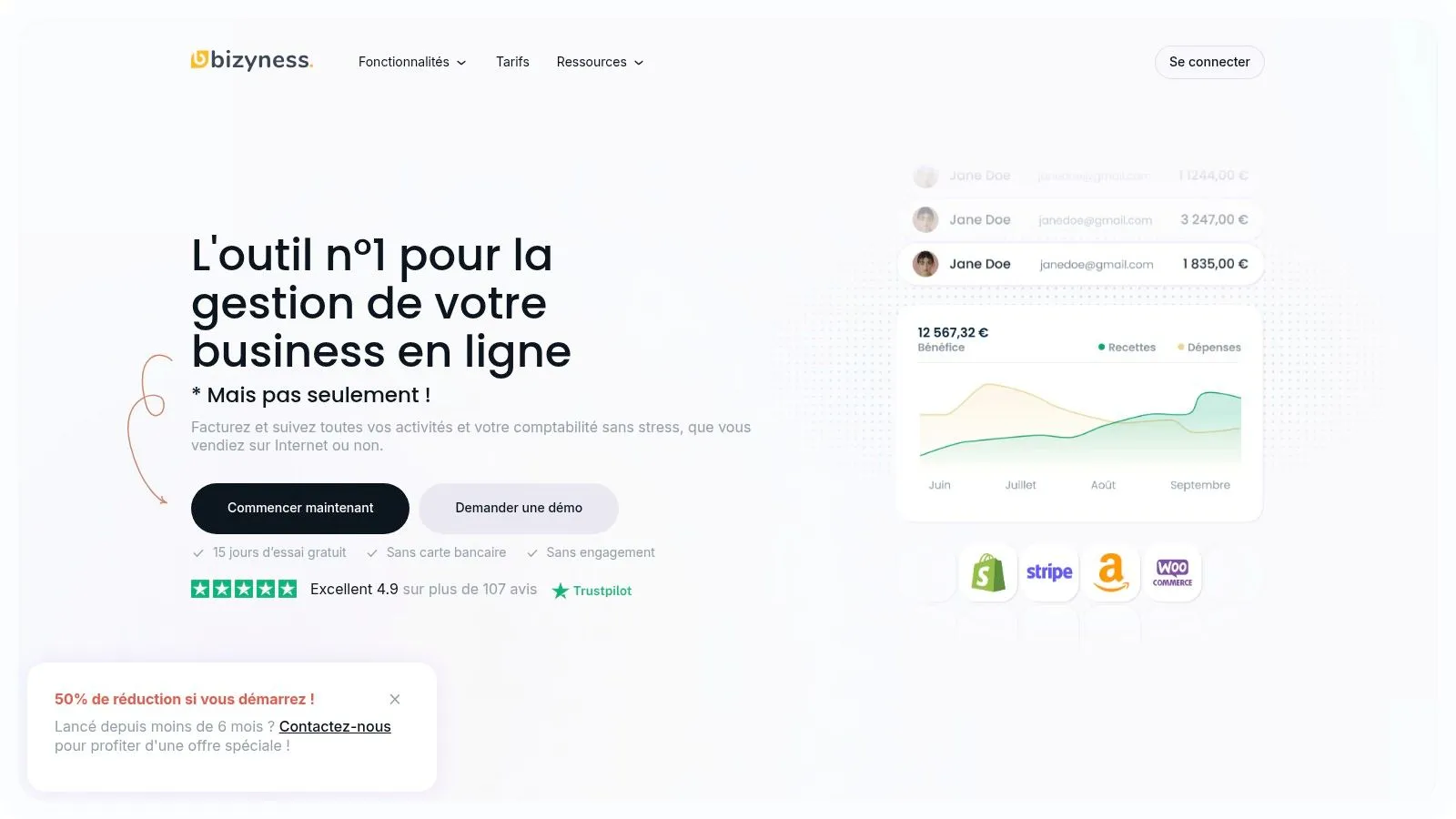
Bizyness earns its place on this list thanks to its comprehensive, accessible approach. Its intuitive interface makes it easy to get started, even for accounting novices. Automating key processes, from creating compliant invoices to managing VAT, significantly reduces the risk of errors and the time spent on these tasks. In addition, integrations with e-commerce platforms like Shopify simplify managing sales across multiple channels. Detailed, automated financial reports give a clear view of your business’s financial health, a valuable asset for making informed decisions. Finally, the flexibility of its pricing plans, with a free version and scalable paid options (including multi-currency and multi-language features for the Elite plans), allows Bizyness to support your business as it grows.
Pros:
- Full automation: Invoicing, VAT, bank sync - everything is automated for stress-free bookkeeping.
- Intuitive interface: Easy to pick up, even without in-depth accounting knowledge.
- Effective integrations: Easy connection with e-commerce platforms like Shopify for centralized management.
- Flexible plans: Free plan available and scalable plans to support your business growth.
- Excellent customer support: Glowing reviews (4.9/5 from over 107 ratings) reflect the responsiveness and quality of customer service.
- Advanced features: Multi-currency, multi-language and automated reports compliant with French standards.
Cons:
- France-focused: Mainly designed for the French market, which can limit international use.
- Paid advanced features: Access to advanced features and priority support requires a paid subscription.
Pricing: Bizyness offers a free plan as well as several paid plans, with prices varying depending on the features offered. Check the website for more details.
Setup: Sign-up and configuration are quick and simple. The intuitive interface guides users through the different steps.
Website: https://www.bizyness.fr
In conclusion, Bizyness is a powerful, accessible accounting software particularly well suited to French sole traders and small businesses looking to simplify their bookkeeping and focus on their core business. If you’re an e-commerce freelancer, a consultant, a digital content creator or a service provider in France, Bizyness could be the ideal tool to streamline your admin and financial management. The free version lets you try the tool with no commitment before choosing a paid plan.
2. Indy
Indy (formerly Georges) positions itself as online accounting software designed specifically for sole traders. Its promise? To simplify day-to-day financial management, from invoicing to tax filings, by offering a clear, real-time overview of your business. Whether you’re an e-commerce freelancer, consultant, coach, or multi-platform seller, Indy aims to lighten the administrative burden of bookkeeping.
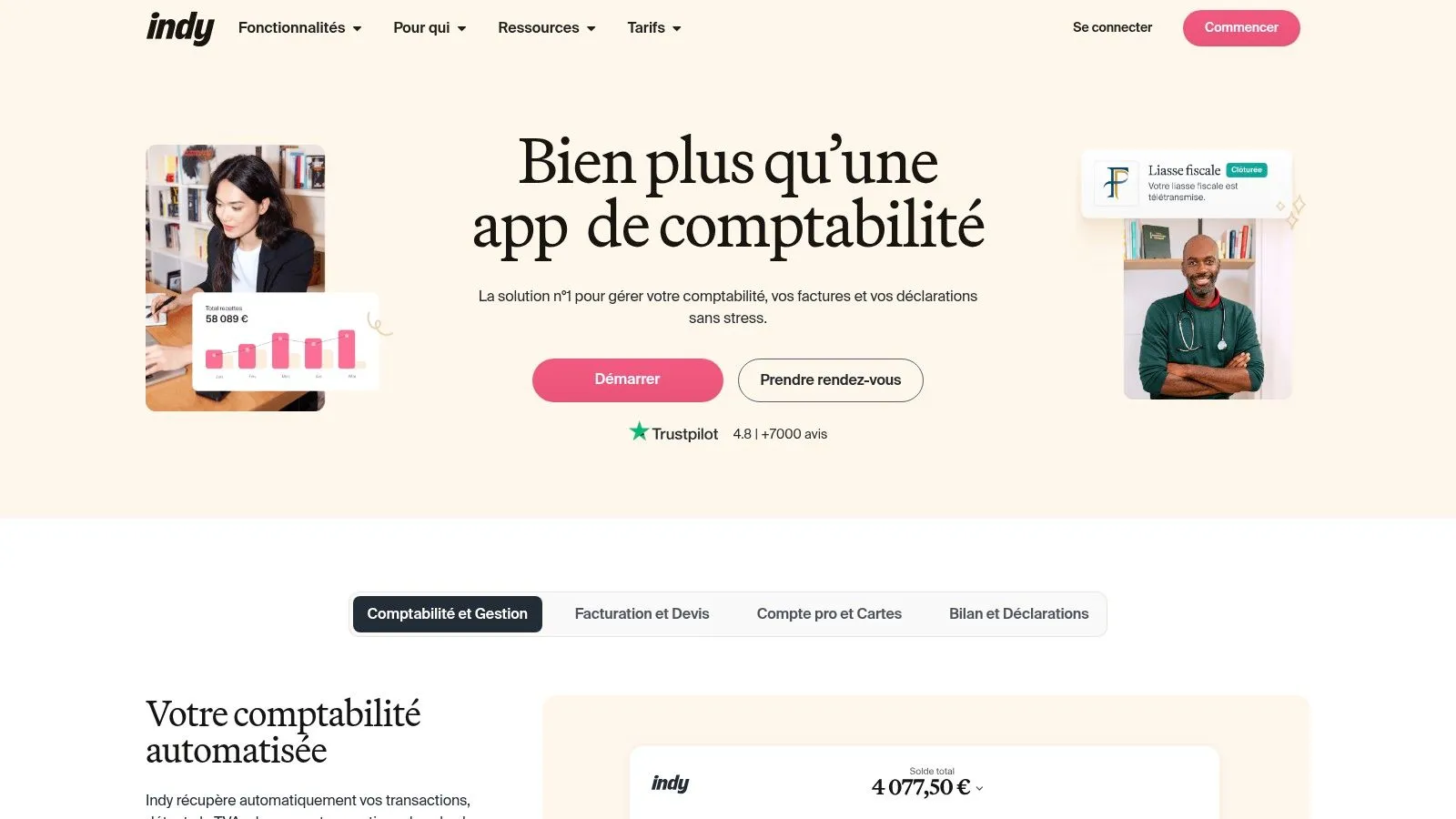
Indy earns its place on this list thanks to its intuitive, modern interface, particularly well suited to users with no accounting expertise. Creating and sending custom quotes and invoices is simplified, as is payment tracking and client reminders. Automation is at the heart of the software: calculating social and tax contributions, categorizing business expenses, bank syncing for real-time transaction tracking. The dashboard with performance indicators lets you keep an eye on your business’s financial health. Personalized chat support with certified accountants is also available to answer questions and guide users. The high-performing mobile app lets you manage your bookkeeping wherever you are.
For sole traders selling both online and offline, Indy makes it easy to centralize financial data. Creators and sellers of digital products, as well as service providers, will appreciate how simple it is to manage invoices and expenses. Even though Indy doesn’t offer built-in inventory management, which can be a drawback for some e-commerce businesses, its ability to automate repetitive accounting tasks represents a valuable time saving for independents.
Pros:
- Intuitive, modern interface, ideal for non-accountants.
- Personalized chat support with certified accountants.
- High-performing mobile app for managing on the go.
- Bank integration for automatic transaction syncing.
Cons:
- Potentially high price for beginner sole traders (pricing available on their website).
- Limited advanced features for fast-growing businesses.
- No built-in inventory management.
Implementation tips:
- Take advantage of the free trial period to test the tool and get familiar with the interface.
- Connect your bank account to automate importing your transactions.
- Explore the tutorials and FAQ available on Indy’s website to make the most of the software.
In conclusion, Indy is powerful, intuitive accounting software for sole traders looking to simplify their bookkeeping. It’s particularly well suited to freelancers, consultants and business founders thanks to its accessible interface and automation features. However, its price and lack of inventory management may be drawbacks for some businesses. Feel free to visit Indy’s website for more information and to compare the different plans: https://www.indy.fr/
3. Tiime
Tiime stands out as a comprehensive suite of apps designed to simplify management for independents and micro-entrepreneurs. Unlike traditional accounting software, Tiime offers an integrated ecosystem covering invoicing, bookkeeping and tax filings, all with the option of being supported by certified accountants. This all-in-one approach is particularly appealing for sole traders looking to centralize their admin work and save time. Whether you’re an e-commerce seller, a consultant, a coach or a digital content creator, Tiime aims to give you the tools you need to run your business with peace of mind.
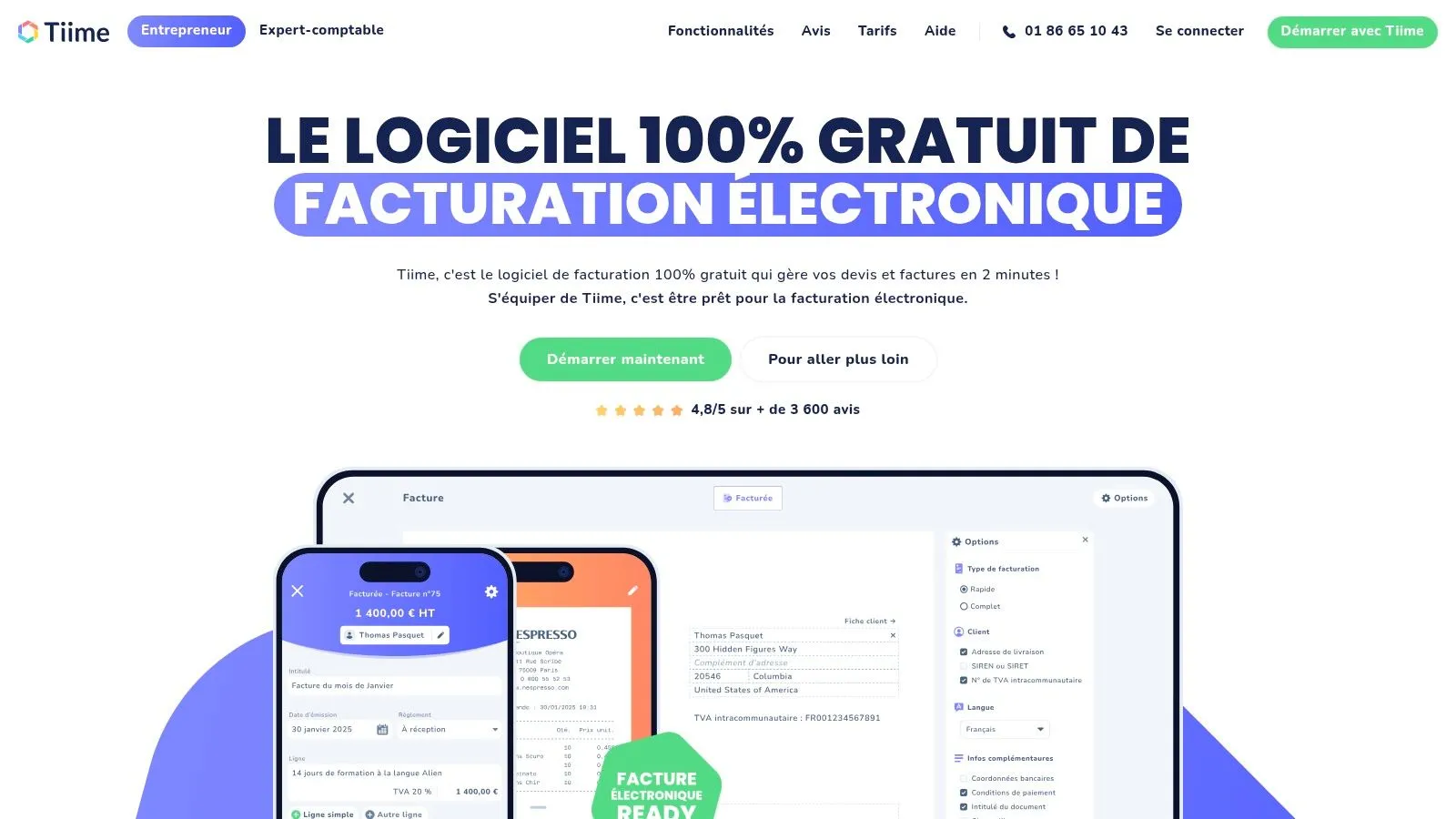
One of Tiime’s strengths lies in its modular offering. You can choose the features that match your specific needs, whether it’s invoice management (quotes, invoices, credit notes), automatic scanning of receipts, cash-flow tracking or preparing tax and social filings. Automatic scanning and recognition of receipts and invoices saves considerable time and limits data-entry errors. The cash-flow tracking dashboard offers a clear, precise overview of your finances, an essential asset for making the right decisions. In addition, support from certified accountants offers extra peace of mind and helps answer questions specific to your business. For multi-platform sellers or those managing multi-currency transactions, Tiime offers valuable centralization.
While Tiime has many advantages for sole traders, it’s important to consider a few aspects. The pricing structure, with its different service tiers, can seem complex at first glance. Some advanced features, such as inventory management or multi-currency invoicing, may require additional subscriptions. Finally, getting to grips with the software, while intuitive, may take slightly longer than with more basic solutions. However, the tutorials and personalized support available help make this easier.
Key takeaways:
- Key features: Invoicing, bookkeeping, tax filings, cash-flow tracking, receipt scanning.
- Pros: Complete ecosystem, modular offering, expert support, legal compliance.
- Cons: Complex pricing structure, paid advanced features, learning curve.
- Best for: Sole traders, freelancers, small businesses, e-commerce sellers, consultants, content creators.
- Website: https://www.tiime.fr/
In conclusion, Tiime is a powerful accounting software for sole traders that earns its place on this list thanks to its integrated approach and the richness of its features. It’s particularly aimed at entrepreneurs looking for a complete, scalable solution to run their business efficiently and focus on their core work. Despite a potentially complex pricing structure, the investment can pay off through the time saved and the peace of mind that comes with simplified, compliant admin management.
4. Shine
Shine positions itself as an all-in-one solution particularly attractive to sole traders and freelancers looking for simplicity in managing their finances. By combining a business account with built-in bookkeeping tools, Shine aims to simplify admin, banking and accounting as much as possible, letting entrepreneurs focus on their core business. This service is ideal for those starting out and looking for an easy-to-use solution, or for more experienced entrepreneurs wanting to lighten their admin load.
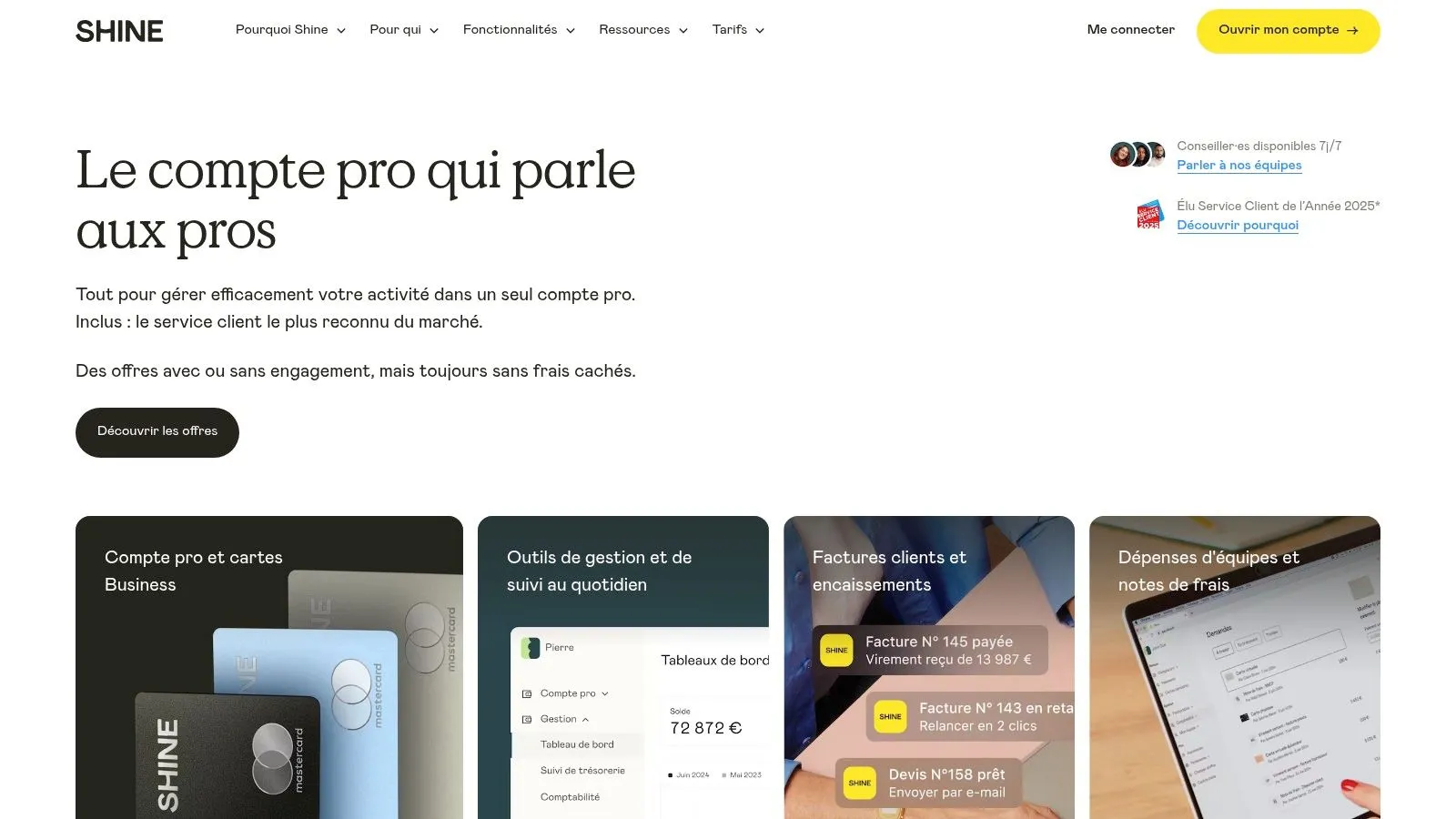
In practice, Shine offers a business account with a French IBAN and a Mastercard, letting you manage expenses and payments related to your business. Creating and tracking invoices is simplified through automated reminders. A major benefit for sole traders is the automatic calculation of social contributions and taxes, avoiding errors and oversights. Categorizing business expenses allows for better tracking and makes it easier to justify accounts. Finally, Shine offers administrative assistance to support entrepreneurs with their legal steps.
For e-commerce sellers, managing transactions and tracking payments is made easier. Whether you sell online or offline, Shine centralizes your financial operations. However, it’s worth noting that the accounting features, while sufficient for a sole trader, may be less comprehensive than those offered by dedicated accounting software. For example, invoice customization options are limited, which can be a drawback for some businesses. In addition, international banking operations are limited, something to consider if you work with clients or suppliers abroad.
Advantages of Shine:
- All-in-one solution: Simplifies admin, banking and accounting management.
- Transparent pricing: No hidden fees, an advantage for small businesses watching their budget closely.
- Intuitive interface: Easy to pick up, even for accounting beginners.
- Responsive customer support: Chat assistance available to answer questions quickly.
Drawbacks of Shine:
- Limited accounting features: Less comprehensive than dedicated accounting software.
- International restrictions: Limitations on international banking operations.
- Restricted invoice customization: Can be a drawback for certain businesses.
Pricing (check Shine’s website): Shine’s pricing is generally based on a monthly subscription plan. It’s important to check their website for the most up-to-date information on prices and the different plans available.
Setup: Opening a Shine account is generally quick and simple. Just follow the instructions on their website and provide the necessary documents.
Conclusion:
Shine earns its place on this list because it offers a simple, effective solution for bookkeeping for sole traders. Its intuitive interface, comprehensive basic features and transparent pricing make it a smart choice for beginner entrepreneurs or those looking for an all-in-one solution. However, if your accounting needs are more complex, or if you carry out a lot of international operations, it’s worth exploring more comprehensive solutions. To learn more and sign up, visit https://www.shine.fr/.
5. Pennylane: comprehensive, scalable accounting software for sole traders
Pennylane stands out from other accounting software for sole traders through its hybrid approach: it combines powerful software with personalized support from certified accountants. This solution is particularly well suited to sole traders looking for a turnkey solution that can grow with their business and simplify their day-to-day financial management. Whether you’re an e-commerce seller, a consultant, a coach, or sell digital products, Pennylane can help you manage your bookkeeping efficiently.
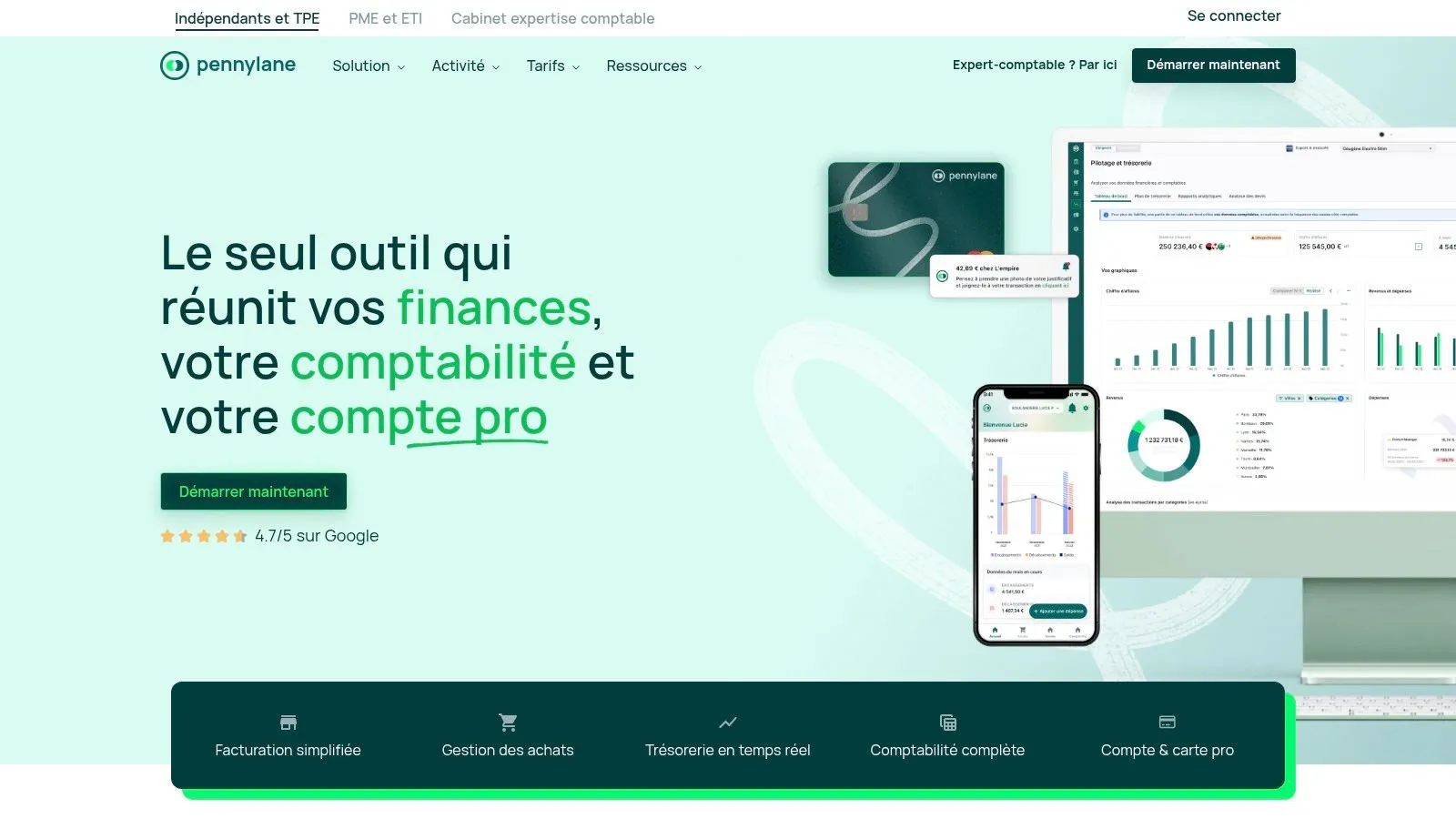
Among its standout features are e-invoicing and payment tracking, a major asset for sole traders in e-commerce or selling digital products. Bank connectivity, which automatically retrieves transactions, greatly simplifies bank reconciliation and reduces the risk of errors. Assisted expense-report entry with OCR (Optical Character Recognition) saves considerable time, especially for independents who travel regularly. Customizable financial dashboards offer a clear, precise view of your business’s financial health. Finally, direct integration with certified accountants provides personalized advice and ensures your bookkeeping stays compliant.
Advantages of Pennylane:
- Modern, ergonomic interface: Easy to pick up, even for accounting beginners.
- Scalable solution: Adapts as your business grows, whether you’re just launching or in full expansion. Particularly relevant for fast-growing businesses needing precise financial reports.
- Strong integration: Connectivity with banks and other software (invoicing software, CRM, etc.) for centralized management, an asset for multi-platform sellers.
- Quality support: Support from certified accountants for personalized advice and assistance when needed. Ideal for users needing multi-currency and multi-language management, or creators and sellers of digital products.
- Task automation: Valuable time saved to focus on your core business, an important advantage for service providers (consultants, coaches, agencies).
Drawbacks of Pennylane:
- Higher price: Compared to more basic solutions, Pennylane represents a bigger investment. However, the expert accountant support and advanced features justify this cost for many entrepreneurs looking to reduce their long-term accounting costs.
- Complexity of some features: Advanced features may require an adjustment period for beginners, even though the interface is intuitive.
- Initial time investment: To make the most of all Pennylane’s features, some initial time investment is required.
Implementation tips:
- Take advantage of the tutorials and online documentation to get familiar with the interface.
- Connect your bank accounts from the start to automate transaction retrieval.
- Customize your dashboards to track your business’s key indicators.
- Don’t hesitate to ask for help from the accountants integrated into the platform.
For more information and to try Pennylane, visit their website: https://www.pennylane.com/
Pennylane earns its place on this list because it offers a complete, scalable solution for bookkeeping for sole traders. Its hybrid approach, combining software and accounting expertise, makes it a smart choice for those looking for a powerful solution with personalized support.
6. Zervant: simplified invoicing for sole traders
Zervant is online invoicing software designed to simplify life for sole traders and freelancers. If you’re looking for an affordable, intuitive solution to manage your invoices and quotes, Zervant deserves your attention. It focuses on the essentials, letting you save time and focus on growing your business, without getting lost in complex features you don’t necessarily need. It’s an excellent option for beginner entrepreneurs or those who prefer a simple, effective invoicing solution.
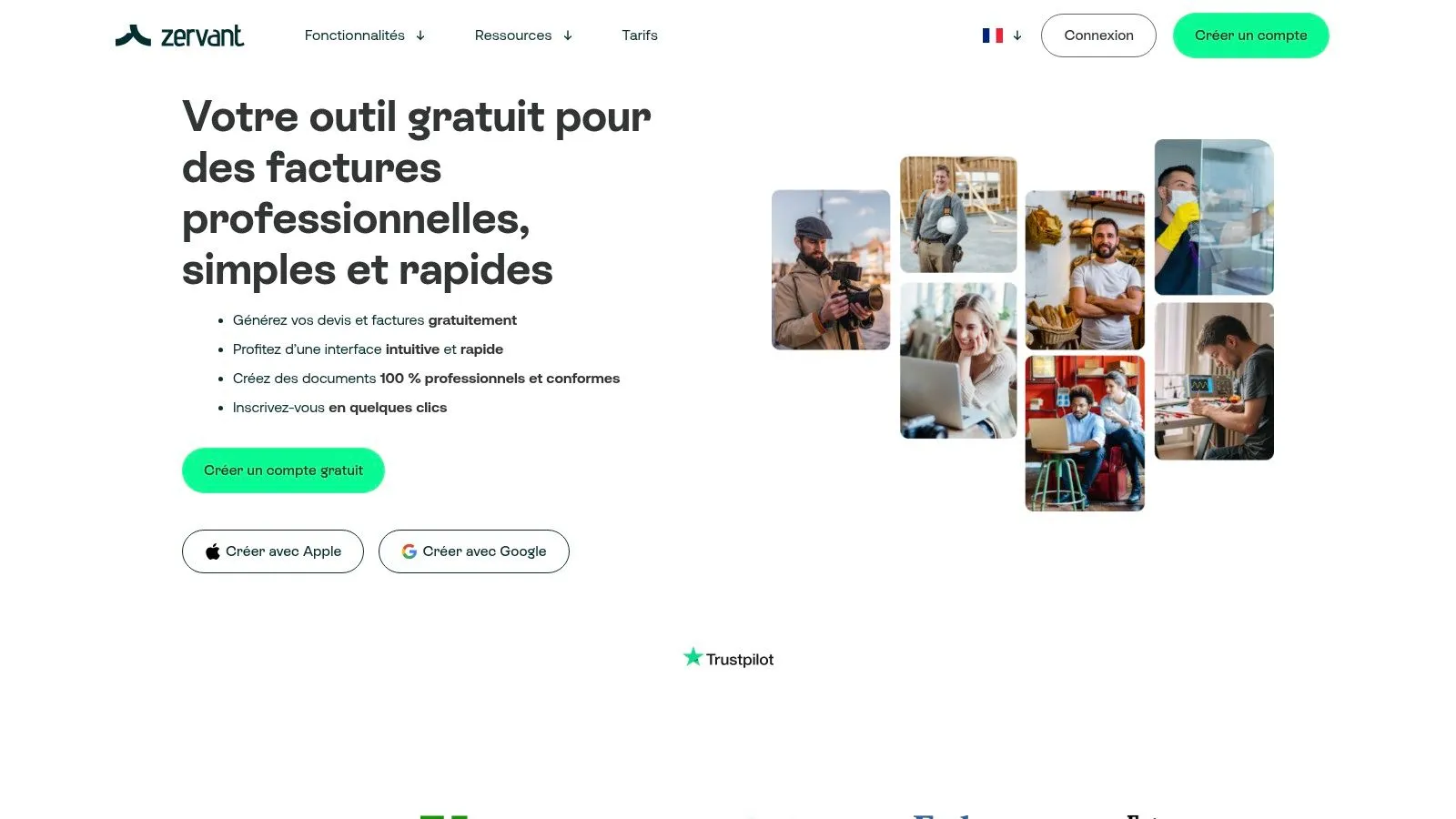
Zervant stands out for its ease of use and attractive pricing. The interface is clear and intuitive, letting even accounting novices create and manage their invoices in a few clicks. The free version, ideal for a limited invoicing volume, is a real asset for sole traders just starting their business. For bigger needs, paid plans with extended features are available.
Key features:
- Creating and managing invoices and quotes compliant with regulations: Zervant ensures your documents comply with current regulations, helping you avoid errors and administrative headaches. Invoice customization is also possible, with the option to add your logo and choose the language. This multilingual feature is particularly useful for entrepreneurs who work with international clients.
- Client payment tracking with automatic reminders: Keep an eye on your finances and follow up with late-paying clients thanks to the automatic reminder feature. This helps optimize your cash flow and reduce unpaid invoices.
- Basic reports on revenue and clients: Track your business’s progress with the simple, clear reports generated by Zervant. Though less advanced than those offered by more complete software, they provide essential information for running your business.
- Data export for accounting: Make it easier to collaborate with your accountant by exporting your data in a format compatible with most accounting software.
- Mobile version for invoicing on the go: Create and send invoices wherever you are with the Zervant mobile app. A valuable asset for nomadic entrepreneurs and those who travel frequently.
Pros:
- Simple, easy-to-use interface
- Very affordable pricing with a free version
- Customizable, multilingual invoices
- Compliant with European regulations
Cons:
- Limited accounting features (more focused on invoicing)
- No direct bank integration
- Less advanced reporting options than competitors
- No automatic calculation of social contributions
Who is Zervant for?
Zervant is particularly well suited to sole traders, freelancers, and small businesses looking for simple, effective, affordable invoicing software. It’s a great fit for creators and sellers of digital products, service providers, and e-commerce sellers who want to automate their invoicing without breaking the bank. If you need multi-currency and multi-language management, Zervant will meet your needs as well. On the other hand, if you’re looking for a complete accounting software with advanced expense-management and reporting features, you’ll want to consider a more robust solution.
Website: https://www.zervant.com/fr/
7. QuickBooks Self-Employed
QuickBooks Self-Employed is an interesting accounting software for sole traders, especially for those familiar with the Intuit ecosystem or running a business with an international dimension. Developed by a world leader in accounting software, it offers a combination of simplicity and robust features to efficiently manage the finances of a small business or freelance activity. Its place on this list is justified by its ability to simplify day-to-day bookkeeping and tax-filing preparation, particularly for sole traders with transactions in foreign currencies.
This software stands out for its automatic tracking of business income and expenses, allowing for simplified categorization and a clear view of your business’s profitability. Creating and sending professional invoices is built in, making it easier to track payments and manage cash flow. A major asset for sole traders is the automatic separation of personal and business expenses, avoiding errors and simplifying income tax filing.
For entrepreneurs concerned about their tax obligations, QuickBooks Self-Employed offers quarterly tax estimation and tracking. It also tracks mileage for business travel, a crucial point for deducting these costs. The high-performing mobile app lets you manage your bookkeeping on the go, offering welcome flexibility for nomadic entrepreneurs. Reliable bank syncing with most French and international institutions simplifies transaction tracking and reduces the risk of manual errors.
Advantages of QuickBooks Self-Employed:
- Robust and reliable: Benefits from the expertise of Intuit, a world leader in accounting software.
- Mobile and accessible: High-performing mobile app to manage your bookkeeping anywhere.
- Reliable bank syncing: Compatible with most banks.
- Good value for money: Offers a solid set of features at a competitive price.
- Multi-currency management: An asset for entrepreneurs with international transactions.
Drawbacks of QuickBooks Self-Employed:
- Adaptation to the French market: The interface and some features may be less suited to French specifics than local solutions.
- Social contribution calculation: Automation of French social contribution calculations is less advanced than some competitors.
- Customer support: Customer support can sometimes be less responsive than local solutions.
- Paid advanced features: Some advanced features are reserved for more expensive plans.
Pricing and technical requirements:
Pricing information is available on the QuickBooks website. The application is accessible via a web browser and mobile apps (iOS and Android).
Implementation tips:
- Connect your bank accounts from the start to make the most of automatic syncing.
- Take the time to properly set up your income and expense categories for accurate tracking of your business.
- Use the mobile app to manage your finances on the go.
Comparison with similar tools:
Compared to solutions like Indy or Tiime, QuickBooks Self-Employed positions itself as a more international solution, ideal for sole traders with activities abroad. If your business is exclusively based in France, local alternatives may offer better integration with French tax and administrative specifics.
Conclusion:
QuickBooks Self-Employed is powerful, accessible accounting software for sole traders, particularly well suited to freelancers and sole traders with an international business or who are already familiar with the Intuit ecosystem. Despite some limitations regarding adaptation to the French market, it offers excellent value for money and great flexibility thanks to its mobile app.
Visit the QuickBooks Self-Employed website
Sole Trader Accounting: 7-Tool Comparison
| Tool Name | Key Features ✨ | Quality & Experience ★ | Value & Pricing 💰 | Target Audience 👥 |
|---|---|---|---|---|
| 🏆 Bizyness | Invoicing automation, VAT, bank sync, reports and e-commerce integrations | Intuitive interface, 4.9/5 ★★★★★ | Modular pricing: free up to Elite plans | Independents and sole traders |
| Indy | Quote/invoice creation, payment tracking, contribution calculation | Modern, mobile interface, chat with experts ★★★★☆ | Relatively high price for beginners | Sole traders |
| Tiime | Complete invoicing, receipt scanning, cash-flow dashboard | Complete ecosystem and expert support ★★★★☆ | Modular offering, complex pricing structure | Independents and micro-entrepreneurs |
| Shine | Business account with IBAN, invoice creation, tax calculation | Modern interface and responsive support ★★★★☆ | Transparent pricing, no hidden fees | Independents and sole traders |
| Pennylane | E-invoicing, bank connectivity, OCR, collaboration with experts | Ergonomic interface, scalable solution ★★★★☆ | Suited to growth, but higher price | Growing sole traders |
| Zervant | Simple invoice and quote management, automatic reminders, accounting export | Simple, easy-to-use interface ★★★☆☆ | Very affordable with free version | Budget-conscious sole traders |
| QuickBooks Self-Employed | Income/expense tracking, invoicing, expense report management, tax tracking | High-performing, robust mobile app ★★★★☆ | Good value for money | Freelancers and self-employed workers |
Simplify your bookkeeping today!
Choosing the right accounting software as a sole trader is crucial to the success of your business. Solutions like Bizyness, Indy, Tiime, Shine, Pennylane, Zervant and QuickBooks Self-Employed offer varied features to simplify your management. Remember the key points of this article: automating invoices and tax filings, expense management, and generating financial reports. These features free up valuable time for you to focus on growing your business.
To choose the ideal software, consider your specific needs: transaction volume, type of business (e-commerce, service provision, digital product sales), need for multi-currency support, etc. Implementing new software takes a bit of time to adjust. Take the time to explore the free trial versions and available tutorials. If you’d like to broaden your options and compare other solutions, you can check out this comparison article on the best accounting software available in 2025: en iyi muhasebe programları (Source: En İyi Muhasebe Programları 2025 from Workon).
Remember that financial management is a pillar of your business. Powerful accounting software for sole traders will not only let you meet your legal obligations, but also run your business efficiently and make informed decisions. Want to get started simply and effectively? Discover Bizyness, accounting software designed specifically for sole traders, which will let you automate your bookkeeping tasks and manage your business with complete peace of mind.