

 Français
 Document management for business, explained simply
Discover how document management can transform your organization. A complete guide to optimizing your processes and securing your data.

When we talk about business document management, we’re not just talking about filing papers. It’s a whole set of methods for organizing, classifying and archiving the information that keeps your company running. The idea is to move from a pile of paper documents and digital files to a smart system where every piece of information is accessible within seconds, simply and securely.
Beyond simple document filing

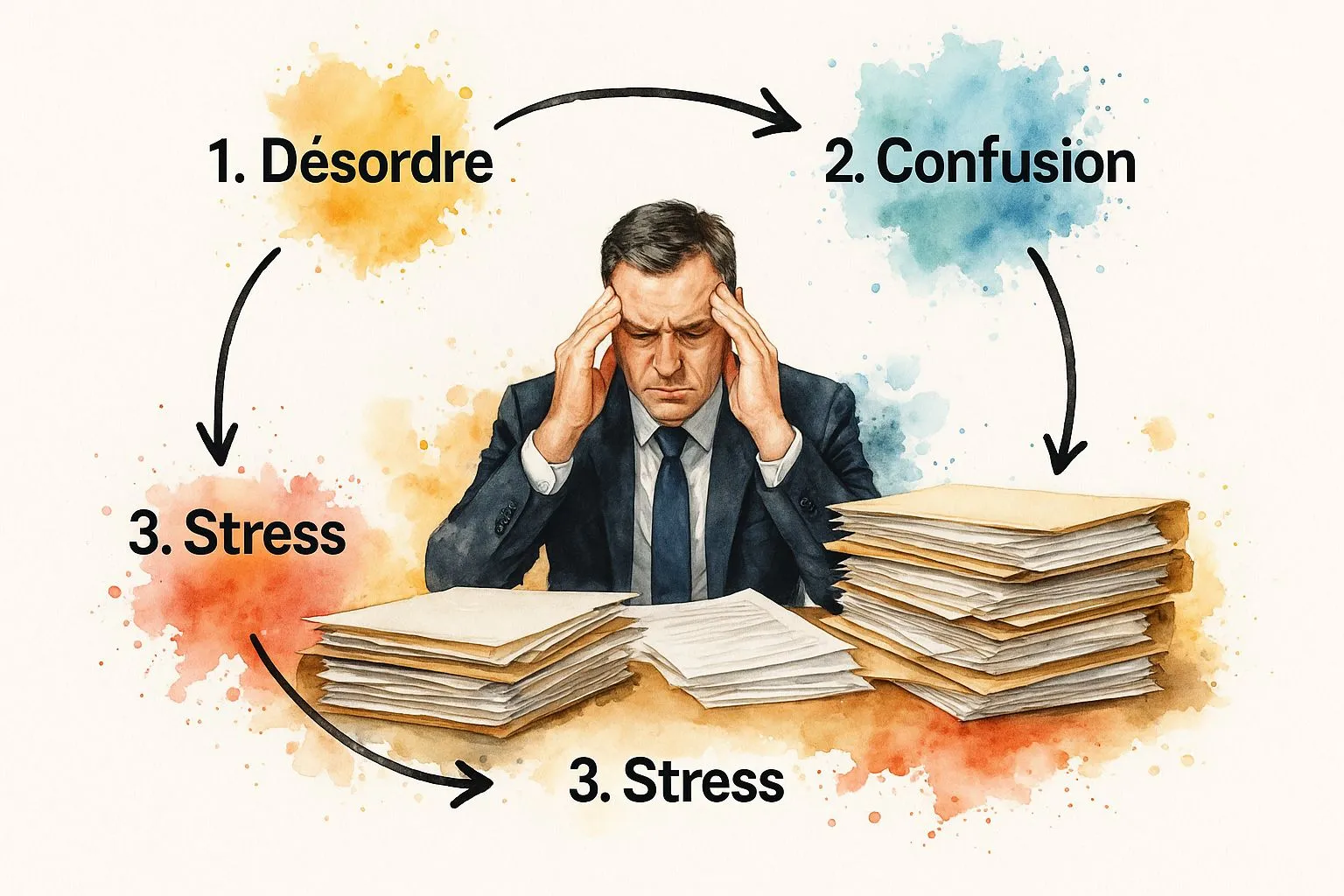
To really understand this, picture your company as a large library. Without clear organization, it’s chaos: books stacked everywhere, with no logic at all. Finding a specific piece of information becomes a real mission, wasting a huge amount of your teams’ time.
With a solid document management strategy, that same library turns into a modern, well thought out space. Every document, whether a contract, an invoice or a report, has its dedicated place, is easy to find and fully secured.
From paper to pixels, a shift that has become essential
The era of overflowing metal filing cabinets, once seen as a sign of prosperity, is well behind us. Today, that mountain of paper mostly means hidden costs, data security risks and a major drag on productivity. Did you know that a French employee still uses between 70 and 85 kg of paper per year?
Going digital is therefore no longer just a question of modernity. It’s a genuine strategic lever, both economically and environmentally. To dig deeper into the topic, analyses on electronic document management on toosmart.io offer a good overview of the issues.
Document management has stopped being a simple administrative task. It’s now a strategic asset that directly influences your company’s performance, collaboration and ability to adapt.
The concrete benefits of a well thought out system
Moving from paper to digital isn’t just a change of habit, it’s a real turning point. To illustrate the difference concretely, here’s a short comparison:
Before-and-after comparison of digital document management
| Aspect | Traditional Paper Management | Digital Document Management |
|---|---|---|
| Search | Long and manual, often frustrating. Risk of not finding it at all. | Near instant with a powerful search engine (keywords, dates, etc.). |
| Access | Limited to the office, one person at a time. | Accessible from anywhere, 24/7, by several team members at once. |
| Sharing | Physical copies, postal mail, scans… Slow and not very secure. | Instant sharing via a secure link, with access rights control. |
| Security | Vulnerable to theft, fire, loss. No traceability. | Controlled access, encrypted data, automatic backups, action history. |
| Costs | Purchase of paper, ink, printers, storage cabinets, external archiving. | Software subscription costs, but savings on supplies and physical space. |
This table clearly shows that investing in a modern digital system quickly pays for itself through the gains achieved at every level.
Rolling out a modern system: everyday gains
Adopting a structured business document management approach brings benefits you’ll feel very quickly. It’s not just about tidiness, it’s a way of creating value.
- An immediate time saving: No more chasing after documents. A good system lets you find what you’re looking for in a few clicks. That recovered time can be spent on far more valuable tasks.
- A visible cost reduction: Fewer printouts, less space needed for physical storage, fewer human errors… The savings are direct and easy to measure.
- Stronger security and compliance: With digital tools, you control who sees what, you track every change and you protect sensitive information. It’s also the best way to comply with regulations in force, such as GDPR.
In short, turning paper chaos into smart digital order is a decisive step. It not only helps manage the growing volume of data, but also builds solid foundations for your company’s future.
The strategic stakes of document management
Poor document management isn’t just a bit of untidiness. It’s a genuine open door to risk for the business, which misses out on many opportunities. When you decide to approach business document management as a strategic project, you turn what’s often seen as an administrative chore into a real performance lever.
It’s not simply about filing well. Each document is a building block of information. When properly managed, this information builds the strength and agility of your entire organization. Today, having a solid document strategy is no longer optional; it’s a necessity to stay in the race.
Boosting productivity and collaboration
The most visible effect of well thought out document management? An immediate productivity gain. Think about every time an employee has to search for a piece of information. Every minute spent digging is a minute lost on tasks that truly matter. The frustration of not finding the latest version of a contract or a project’s technical specifications… sound familiar?
A centralized, smart system puts an end to this treasure hunt that leads nowhere. It ensures that everyone, without exception, works with the right documents, the ones that are up to date. This is absolutely essential for projects involving several teams.
Collaboration becomes natural when information is easy to find, reliable and shared effortlessly. A good document management system is the glue that holds teams together, whether they’re in the office or miles apart working remotely.
This approach is, moreover, one of the pillars of digital transformation. If the topic interests you, you can dig deeper by reading our guide on business digitalization. It’s the best way to build a company culture based on transparency and collective efficiency.
Achieving substantial, measurable savings
The financial argument is often the most convincing. And it goes well beyond simple savings on paper and ink. The real savings, the ones that make a difference, lie in optimizing your teams’ processes and working time.
Here’s where you’ll really save money:
- Reduced search time: The time your employees no longer spend looking for documents is time they can devote to more profitable tasks. Simple, but effective.
- Fewer errors: Working with the correct version of a document avoids mistakes that can be very costly, whether in production, invoicing or client relations.
- Optimized physical space: Less paper archiving means fewer square meters tied up in storage. That space can be repurposed for far more interesting activities.
- Task automation: Approval workflows, signatures, filing… All of this can be automated. Your teams are freed from repetitive tasks and can finally focus on their core business.
The French market hasn’t missed this. In 2018, the Electronic Document Management (EDM) sector was already worth more than €2.4 billion. Forecasts pointed to growth of over 15% per year, exceeding €5 billion by 2024. This trend, driven by SaaS solutions and legal obligations such as electronic invoicing, clearly shows that everyone has grasped the scale of the issue. For more details, feel free to check out these detailed analyses of the document management market.
Ensuring security and regulatory compliance
Between growing cyber threats and increasingly strict regulations such as GDPR, the security of your documents is a major concern. Stacks of paper or a messy file tree on a shared server is like leaving the door wide open. Who has access to what? How do you know who modified a file?
A modern document management solution provides clear answers to these questions. It enables:
- Fine-grained access rights management, so only authorized people can view sensitive information.
- Full traceability of every action (who viewed, modified, shared it?), which is essential in the event of an audit or dispute.
- Automatic backups and data encryption to protect your documents against loss, theft or cyberattacks.
This aspect is crucial for meeting your legal obligations, particularly regarding retention periods for tax or social documents. Ultimately, good business document management is not just a productivity tool. It’s a shield that protects your business, your clients and your employees.
Rolling out your system in 5 clear steps
Starting a business document management project can seem daunting. We often imagine a mountain of technical and organizational complexity. Yet with the right method, this project becomes entirely manageable. The trick? Break it down into logical steps and move forward one at a time.
Here’s a pragmatic roadmap, in five stages, designed to guide you calmly from the initial assessment through to adoption by your teams.
1. Audit what already exists to get off to a good start
Before even dreaming about a new tool, the first thing to do is understand how information circulates (or doesn’t) in your company today. It’s an exploration phase, a bit like a detective looking for clues. Your mission: identify the bottlenecks, the time wasted and the real needs of your employees.
Start by mapping your document flows:
- Who creates documents? Identify the departments and people who generate vital information: quotes, contracts, reports, payslips…
- How are they approved? Follow the journey of an invoice or purchase order. Is it a smooth process, or a series of emails that get lost and phone calls to find out where things stand?
- Where are they stored? Take inventory of every corner where your documents hide. Shared servers, personal computer hard drives, mailboxes, and of course, the famous stacks of paper decorating desks.
- Who has access to them? Lay out current access rights. Are they clear, secure and truly suited to each person’s role?
This analysis will give you an honest, unfiltered picture of your situation. It’s the foundation on which you’ll build everything else.
2. Set clear, measurable objectives
Now that you know where you’re starting from, it’s time to decide where you want to go. Without a clear destination, your project risks going in circles. Forget vague goals like “get more organized”. Be specific.
Here are a few examples of objectives that speak for themselves:
- Reduce by 30% the time teams spend searching for a document.
- Aim for zero loss of contractual documents over a year.
- Automate 100% of the supplier invoice approval workflow.
- Ensure GDPR compliance by centralizing all documents that contain personal data.
These figures aren’t there just to look good. They’ll help you measure the real success of your project and prove its value to management.
A successful document management project isn’t the one that installs the most expensive software. It’s the one that solves the company’s and its employees’ concrete, everyday problems.
3. Design a logical, coherent structure
This is when you play the architect. You’re going to build the foundations of your new system. For everyone to find their way, a good structure must be intuitive. It rests on two essential pillars: the folder hierarchy and naming rules.
The folder hierarchy is simply your filing plan. Think simple and logical. A structure organized by department (Sales, HR, Accounting) then by document type (Contracts, Invoices, Reports) is often an excellent starting point.
Naming rules are just as crucial. They force everyone to speak the same language. No more files named “Final client invoice V2 bis”. By standardizing, you make searching and sorting dramatically more efficient. A good rule might look like this: [Date_YYYYMMDD]_[DocumentType]_[ClientName/Project]_[Version].
For example, an invoice for client Durand dated October 15, 2024 would become 20241015_Invoice_ClientDurand_V1.pdf. Clear, standardized, and leaving no room for doubt.
4. Choose the technology suited to your needs
The document management tools market is a real jungle. Between EDM (Electronic Document Management) solutions and ECM (Enterprise Content Management) platforms, it’s easy to feel lost. Fortunately, your audit and your objectives are your compass.
There’s no need to aim for an overly complex setup if your needs are simple. For a small business, an SME or a freelancer, an all-in-one management software like Bizyness can do the job perfectly well. It centralizes invoices, quotes and client documents in a secure and highly intuitive way. For more advanced needs, with complex approval workflows, a dedicated EDM solution will be more suitable.
To compare tools, base your decision on concrete criteria:
- Ease of use: Is the interface pleasant and easy to get to grips with?
- Integrations: Can the tool connect to your existing software (accounting, CRM…)?
- Security: Where is your data hosted? How is access managed?
- Scalability: Can the solution grow along with your company?
5. Support the change to guarantee adoption
This is the final step, and ironically, it’s often the most neglected. Yet it’s absolutely decisive. You can have the best tool in the world, but if your teams don’t use it, your project is a resounding failure.
Change management isn’t optional, it’s the key to success.
- Communicate: Explain the “why” behind this project, the concrete benefits for each person in their day-to-day work.
- Involve: Bring a few future users into the process as early as the tool selection phase. Their feedback is gold.
- Train: Organize short, practical training sessions tailored to each team.
- Support: Once the tool is launched, set up responsive support to answer questions and reassure the more hesitant users.
It’s this human, gradual approach that will turn a simple software installation into a genuine improvement of your work culture.
Best practices for sustainable document management
Setting up a business document management system is already a great achievement. But the real challenge is keeping it effective and orderly over the long term. Without clear ground rules and good habits firmly in place, even the most sophisticated digital library can quickly turn back into a huge mess.
The idea is to build an organization that lives and grows with your company. Think of it a bit like tending a garden. You’ve planted the right seeds (your EDM system), but if you don’t water and weed regularly, weeds will eventually take over everything. These best practices are precisely the maintenance gestures that ensure you can always find the information you need, today and tomorrow.
Establish solid document governance
For your system to last, the first thing to do is define who does what. Clear governance helps avoid gray areas where documents get lost or filed haphazardly. The goal isn’t to create an administrative maze, but to empower teams.
To achieve this, simply assign a few key roles:
- A document controller: This is somewhat the guardian of the temple. Their role is to ensure everyone follows the rules, that the structure stays coherent, and to train new hires.
- Department contacts: In each area (sales, HR, production…), one employee becomes the go-to person for all filing questions specific to their field.
- Users: Every person in the company shares responsibility. It’s up to them to correctly name and file the documents they create or modify.
With this organization, the system no longer rests on one person’s shoulders alone. Good habits spread far more naturally throughout the company.
Automate workflows to boost efficiency
One of the biggest advantages of a digital system is its ability to handle repetitive, low-value tasks. This is what’s called workflows: circuits you define once and for all, guiding a document from one step to the next without anyone needing to touch it.
Take the simple example of a supplier invoice:
- Receipt: The invoice is scanned and automatically lands in a “To approve” folder.
- Approval: The relevant manager receives a notification and can approve the expense in a single click.
- Payment: Once approved, the invoice is sent directly to the accounting department.
- Archiving: As soon as payment is made, the document is automatically classified as “Paid” and archived.
Automation saves your teams a huge amount of time, considerably reduces the risk of oversights or human error, and guarantees flawless traceability. It’s a real pillar of modern business administration. To dig deeper into the topic, our dedicated article on business administrative management will give you other concrete examples.
Implement a rigorous archiving policy
Not all documents carry the same importance, or the same lifespan. Keeping information indefinitely that no longer serves any purpose only clutters your system. Worse, it can even expose you to legal risks, particularly under GDPR. It’s therefore essential to have a clear archiving policy to manage the lifecycle of each document.
This policy should simply specify, for each type of document:
- The active retention period: For how long should this document remain easily accessible on a daily basis?
- The move to intermediate archiving: From what point can it be moved to a less frequently accessed (and often cheaper) storage space?
- The destruction or permanent archiving date: When can the document be safely deleted, while respecting legal deadlines (for example, 10 years for most accounting documents)?
Conduct regular audits
A document management system is never set in stone. To make sure it still matches your needs and your teams’ habits, it’s essential to take stock from time to time, for example once or twice a year.
These audits are an opportunity to check that:
- File naming and filing rules are properly applied.
- Access rights are still correct (no one sees what they shouldn’t).
- The filing plan still makes sense given how your activities have evolved.
- The tool is being used properly and no one is missing out on a useful feature.
This is the perfect moment to course-correct, listen to user feedback and make the adjustments needed so the system continues to serve you well.
Choosing the right document management tool
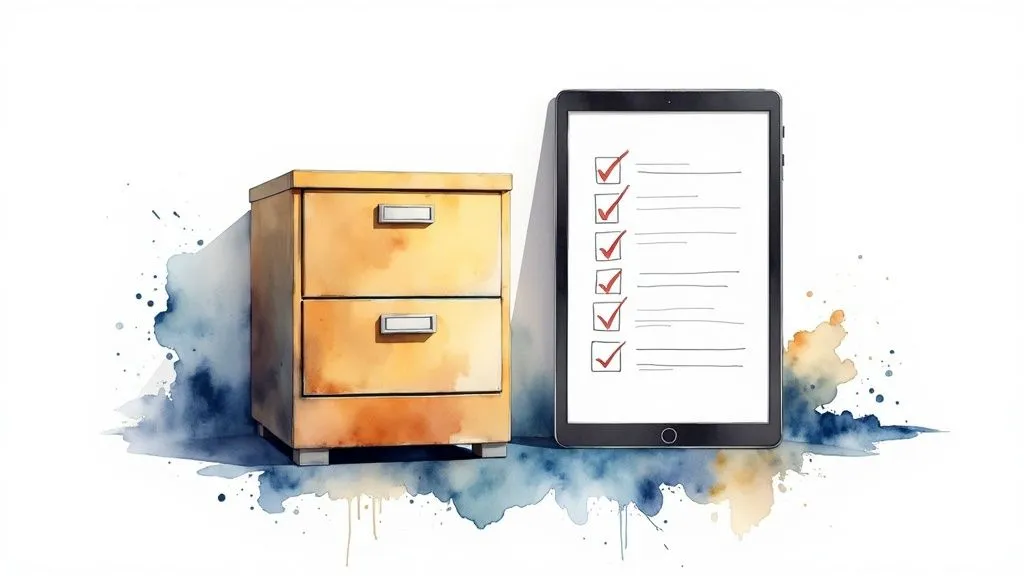
The document management software market can quickly make your head spin. You find yourself facing a jungle of options, each solution claiming to be the best. But how do you know which one is really right for you? Choosing the right tool isn’t a decision to take lightly. It’s a real investment that will directly influence your efficiency, your data security, and even your day-to-day peace of mind.
To find your way, you need a compass. And that compass is your real needs, the ones you identified beforehand. Why pay for an overly complex setup if your processes are simple? The goal is to find the ideal travel companion, one that adapts to the way you work, not the other way around.
The essential criteria for an informed choice
To evaluate the various solutions without being blinded by marketing, it’s essential to rely on concrete criteria. A flashy interface isn’t everything. Focus on what will really make a difference for your day-to-day business document management.
Here are a few key points to scrutinize:
- Ergonomics and ease of use: The tool must be intuitive. If your employees need three days of training just to file a simple document, adoption is doomed to fail. Simplicity is your best ally.
- Integration capabilities: Your future system must be able to talk to the software you already use, whether that’s your CRM, your accounting tool or your ERP. Good integration means fewer duplicate entries and information that flows without friction.
- Level of security: This is the non-negotiable point. Check where your data is hosted (ideally in France or Europe to comply with GDPR), whether it’s properly encrypted, and whether access rights management is fine-grained enough to protect your most sensitive information.
- Scalability: Your company will grow, and your tool must be able to keep up. Make sure the solution can handle an increase in document volume and number of users without slowing down.
- Pricing model: Compare costs. Would you rather buy a one-time license (an increasingly rare model) or opt for a monthly SaaS (Software as a Service) subscription? The latter often offers more flexibility and includes updates and maintenance.
Choosing a tool is far more than a simple comparison of features. It’s about finding a solution that fits your company culture, your size and your ambitions.
To help you structure your thinking, here’s a summary table of points to check.
Selection criteria for EDM software
| Evaluation criterion | Points to check | Importance (Low, Medium, High) |
|---|---|---|
| Ergonomics | Intuitive interface, ease of use, training required | High |
| Features | Search, filing, versioning, workflows, compliance | High |
| Integration | Compatibility with CRM, ERP, email, available API | Medium to High |
| Security | Data hosting (location), encryption, access rights | High |
| Scalability | Ability to handle more users and documents | Medium |
| Customer support | Responsiveness, availability, quality of help (in French) | Medium to High |
| Cost | Pricing model (license vs. subscription), hidden costs | High |
| Mobility | Access via mobile app, responsive interface | Medium |
Use this table as a reading grid to objectively compare offers and make sure you don’t overlook anything essential.
EDM, ECM or all-in-one software?
In the field, you’ll mainly come across two major families of tools. On one side, EDM (Electronic Document Management), a kind of specialized super-library for the lifecycle of your files (creation, filing, archiving). On the other, ECM (Enterprise Content Management), which takes a broader view by managing all the company’s content (emails, web pages, etc.) and integrating more deeply into business processes.
For many small businesses, SMEs and freelancers, these solutions can quickly turn out to be oversized and overly complex. Fortunately, a third path exists: business management software that natively includes a document management module. These offer a centralized and much more pragmatic approach. Good business management software, for example, lets you directly link invoices, quotes and contracts to your client records, which greatly simplifies tracking.
Prepare a specification sheet and test before signing
Once your criteria are clearly defined, put them in writing in a specification sheet, even a simple one. This document will be your guide through demos and let you compare offers factually. List your “must-haves” and your “nice-to-haves” (the appealing but non-essential options).
And above all, the golden rule: never sign without testing! Most vendors offer free trial periods. Take advantage to put the tool in the hands of a few future users. Their feedback from the field is pure gold and will help you avoid a choice you might regret. It’s the only way to verify that the solution isn’t just impressive on paper, but also pleasant and efficient to use day to day.
Ensuring legal and regulatory compliance
Approaching document management while ignoring legal aspects is a bit like sailing a ship through a storm without a compass. The risk of running aground on the reefs of regulation is very real, and the financial consequences can be severe. This section is therefore your navigation chart for crossing these sometimes complex waters safely.
Every document, from a simple client invoice to the most detailed employment contract, is governed by precise rules. Good document management is therefore not just a matter of efficiency; it’s above all your best insurance against penalties. It turns what looks like a legal constraint into a controlled, reassuring process.
The impact of GDPR and electronic invoicing
The General Data Protection Regulation (GDPR) has completely redefined the rules of the game. As soon as a document contains personal information — a client’s name, an employee’s contact details — the law requires you to protect that data, control who accesses it, and ensure it’s properly deleted once its legal retention period expires. A well thought out document management system is simply essential to achieve this.
At the same time, digitalization has become a major issue, particularly with the obligation of electronic invoicing, which is being rolled out progressively in France since 2024. This new regulation has acted as a genuine catalyst, pushing many companies to (finally) take the digital leap to manage, archive and secure their document flows. This isn’t a coincidence: according to a McKinsey study, automating document-related processes can reduce processing times by up to 50%. If you’d like to explore the topic further, find out why document management has become more strategic than ever.
Mastering legal retention periods
Under the law, not all documents are treated the same way. Keeping a document too long can be just as problematic as discarding it too soon. That’s why a clear archiving policy, directly built into your tool, is the key to staying compliant without spending all your days on it.
Here are a few key deadlines to keep in mind:
- Accounting documents: Accounting books and all supporting documents (invoices, purchase orders) must be kept for 10 years after the close of the financial year.
- Tax documents: Keep your tax returns and related documents for at least 6 years.
- HR documents: Payslips must be kept for 5 years. The single staff register, meanwhile, must be kept for 5 years after the departure of the last employee recorded in it.
- Commercial contracts: For contracts and business correspondence, the retention period ranges from 5 to 10 years, depending on their exact nature.
Don’t take these deadlines lightly. Non-compliance can be very costly. Article 1734 of the French General Tax Code, for example, provides for a fine of €10,000 if you cannot produce the required documents during a tax audit.
Turning your tool into a true compliance ally
Good document management software isn’t just storage space. It’s an active partner that helps you apply these rules, almost without thinking about it. It goes well beyond simple filing by securing and guaranteeing the integrity of your information.
To achieve this, focus on configuring three essential features:
- Fine-grained access rights management: Who can see what? Make sure only authorized people can view the most sensitive documents, such as payslips or strategic contracts.
- Flawless traceability: Your tool must be able to tell you who viewed, modified or even shared a document, and when. This history, or “audit trail”, is irrefutable proof in the event of a dispute or audit.
- Legally valid archiving: Favor a solution that guarantees your digital documents have exactly the same legal value as their paper equivalents. This relies on certified processes (timestamping, electronic signature, etc.) that ensure their integrity over time.
By properly configuring these elements, your document management becomes far more than a simple administrative task: it’s a genuine legal shield for your business.
Frequently asked questions about document management
To wrap up, let’s cover a few questions that come up very often. The goal is to give you clear, direct answers to help you see your business document management project more clearly.
EDM or ECM, what’s the actual difference?
It’s a classic point of confusion, but the distinction is fairly simple once you think about it. EDM, or Electronic Document Management, is a bit like an ultra-organized library for your everyday documents. We’re talking about your contracts, invoices, payslips, reports… Its job is to manage their lifecycle, from creation to archiving.
ECM, or Enterprise Content Management, takes a much broader view. Think of it as the control center for all the content flowing through the company. That includes EDM documents, but also emails, training videos, your website pages, conversations on an internal chat, and so on. ECM aims to connect to the entirety of the company’s processes. For an SME, starting with a good EDM system is often the most pragmatic and cost-effective approach.
To put it simply: EDM handles “documents”, while ECM tackles the entirety of “content”. Mastering your documents is the first step, essential before trying to manage all of the company’s content.
How long does a document management project actually take?
It’s hard to give a single answer, since it all depends on your company’s size and the complexity of your working habits. For a small business or SME looking for a simple, effective solution, you can expect a timeframe of 3 to 6 months. This includes analyzing your needs, choosing the right tool, configuring it and training your teams.
For larger companies, with multiple departments and complex approval workflows to automate, a project can easily stretch beyond a year. The best advice I can give you is not to aim too high right away. Launch a pilot project on a well-defined scope, such as managing supplier invoices. You’ll get visible results quickly, which will motivate everyone and let you refine your approach for the following steps.
How can I be sure my employees will actually use the new tool?
This is THE crucial question. Team adoption is the cornerstone of the entire project. You can choose the best-performing software on the market, but if it’s not used, it’s an investment thrown out the window.
Here are three reflexes to adopt to maximize your chances of success:
- Involve before imposing: Bring a few future users into the process from the start, at the moment of choosing the tool. Their perspective is invaluable, and they’ll naturally become the project’s best ambassadors.
- Simplicity above all: Opt for software with a clear, almost obvious interface. No one wants to fight with a tool that looks like a fighter jet’s dashboard just to file a document.
- Highlight the personal benefit: Don’t just talk about benefits for the company. Explain concretely to each person how this tool will simplify their daily life, save them time and spare them from repetitive, low-value tasks.
So, ready to put an end to administrative disorder for good? Bizyness was designed precisely for freelancers and small businesses who want to focus on their craft, not on paperwork. Discover how to centralize your invoices, quotes and client documents in just a few clicks. Try Bizyness for free and transform your document management.
